
Add a cluster and give it capacity
A cluster is a stable name for a changing set of machines. You can add machines to it, make one bigger, or take one away, and the cluster keeps its name, addresses, storage and certificates throughout. The applications on it keep running.
Each of these changes still costs money: a machine is billed from the moment it boots, whether or not anything runs on it. So every change on this page follows the same order: check what you have, check what the change costs, then make the change.
Create a workload cluster
The first cluster of an installation is the control cluster. It runs the dashboard, the API, the login and the database. A workload cluster is a second cluster that runs only applications.
You add one when you want work kept apart: a different region, a different provider, or a customer who should not share machines with anyone else. The control plane is not installed again; the new cluster reports back to the one you already have.
flui cluster create edgeflui cluster create edge --worker-count 2flui cluster create edge --provider hetzner --region hel1flui cluster create edge --no-waitThe new cluster starts on the control cluster’s provider and
region and joins its private network on its own.
--provider places it somewhere else. That works only when
the control cluster can reach that far, and the command checks
before anything is bought. --worker-count builds workers
beside the master; the default, 0, is master-only.
The command waits up to half an hour for the cluster to be
ready. --no-wait returns the operation instead.
flui env create does something else: it creates the control
cluster.
To see all your clusters:
flui cluster listflui cluster list --output jsonThe list shows the control cluster first, then the workload clusters, each with its type, provider, region, node count and status. The control cluster is stored on your own machine, so it is listed even when the API cannot be reached. Workload clusters live only in the control cluster’s database, so they are read over the API. If that read fails, the command says so instead of showing an incomplete list as if it were complete.
Note that flui node connect, flui node list and
flui node remove work on the clusters stored on your
machine, which means the control cluster. The flui scaling
commands reach any cluster in the list above.
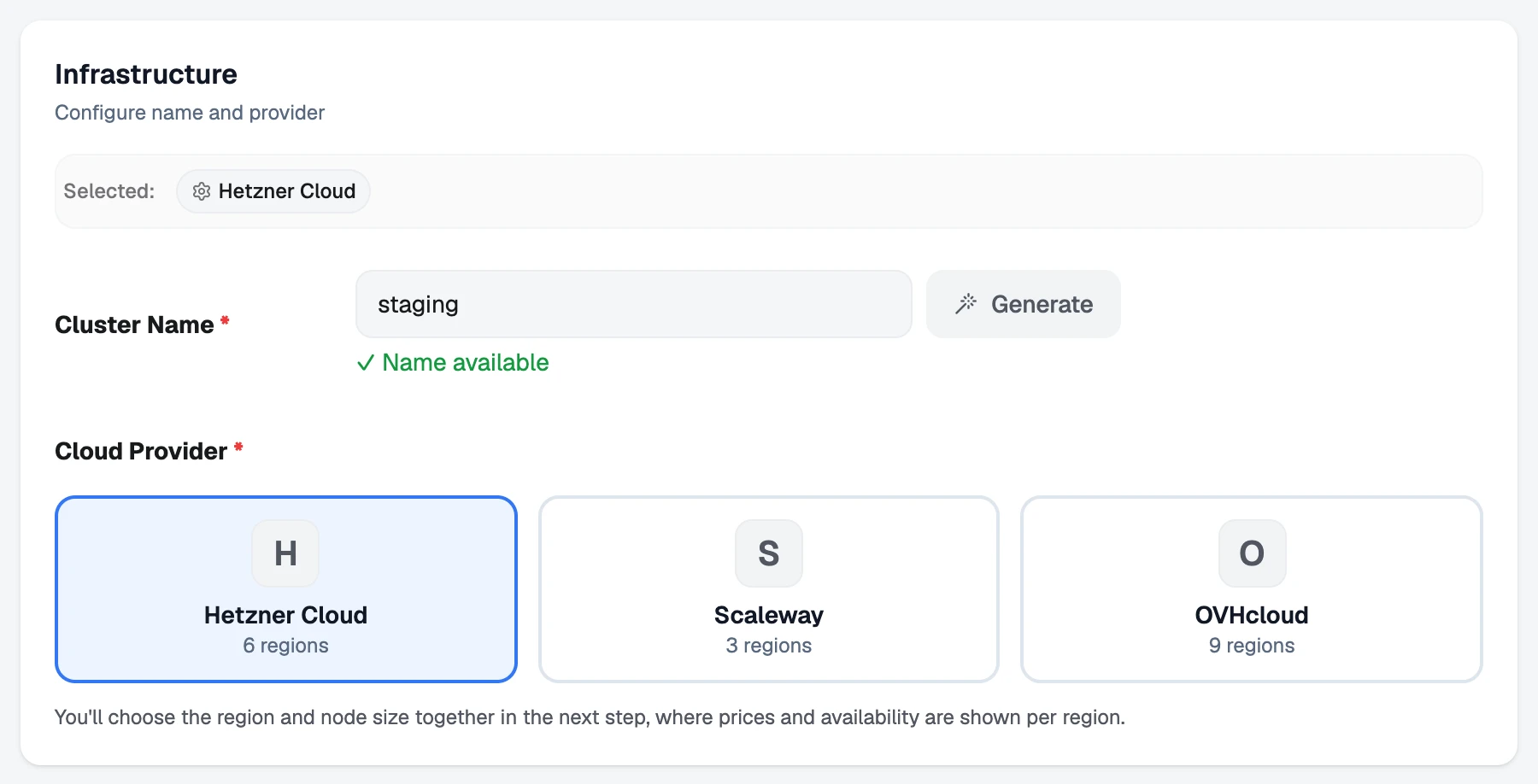
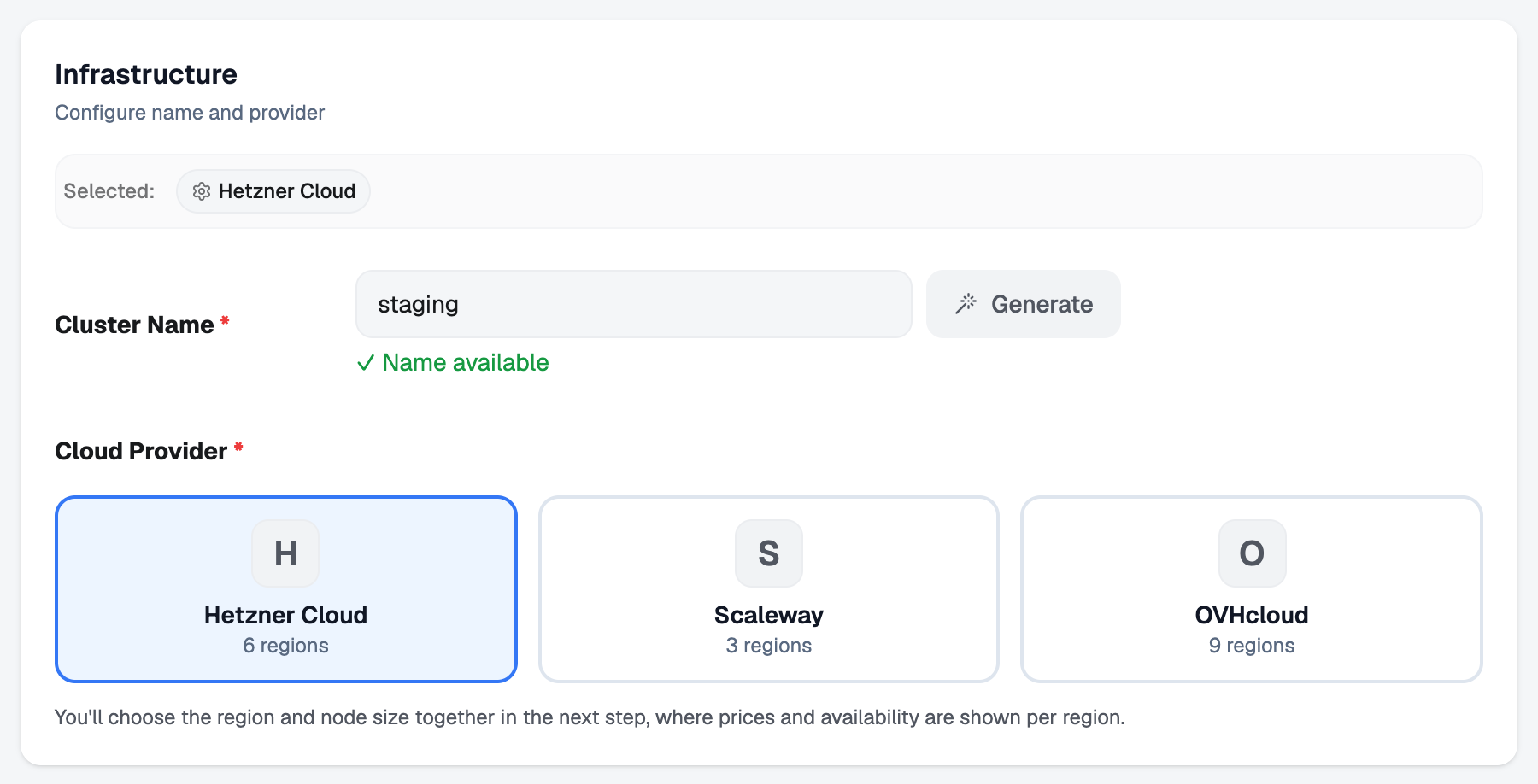
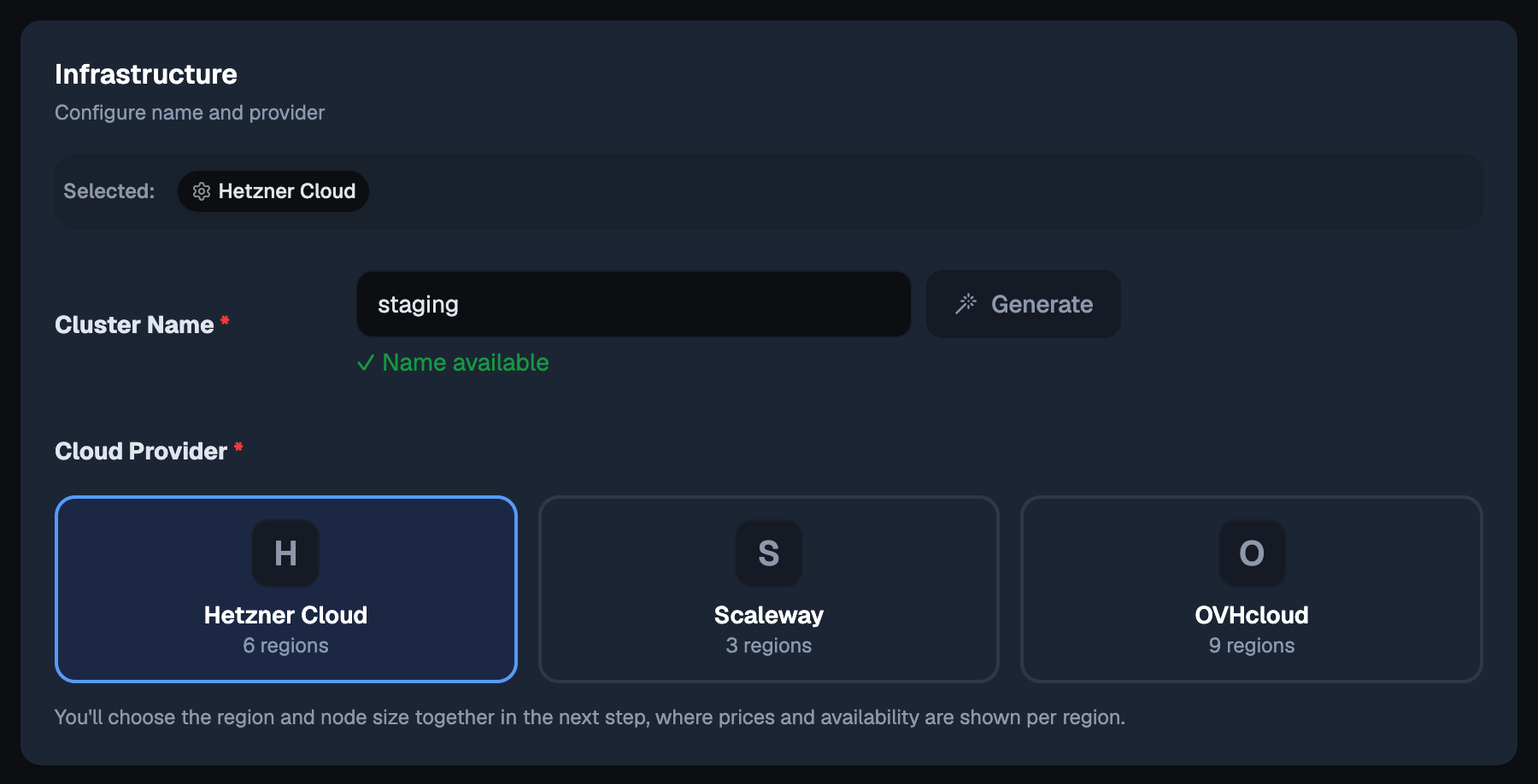
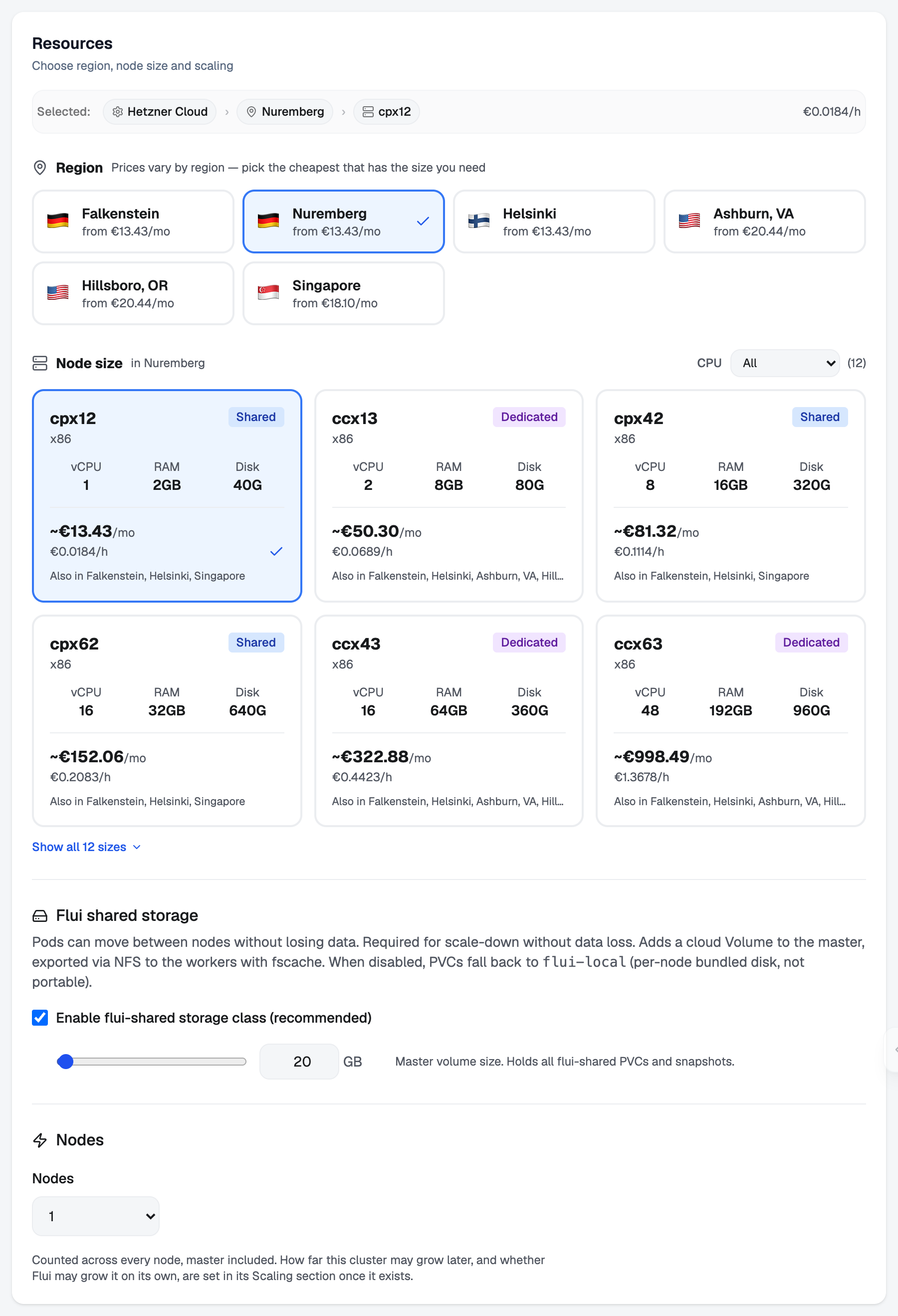
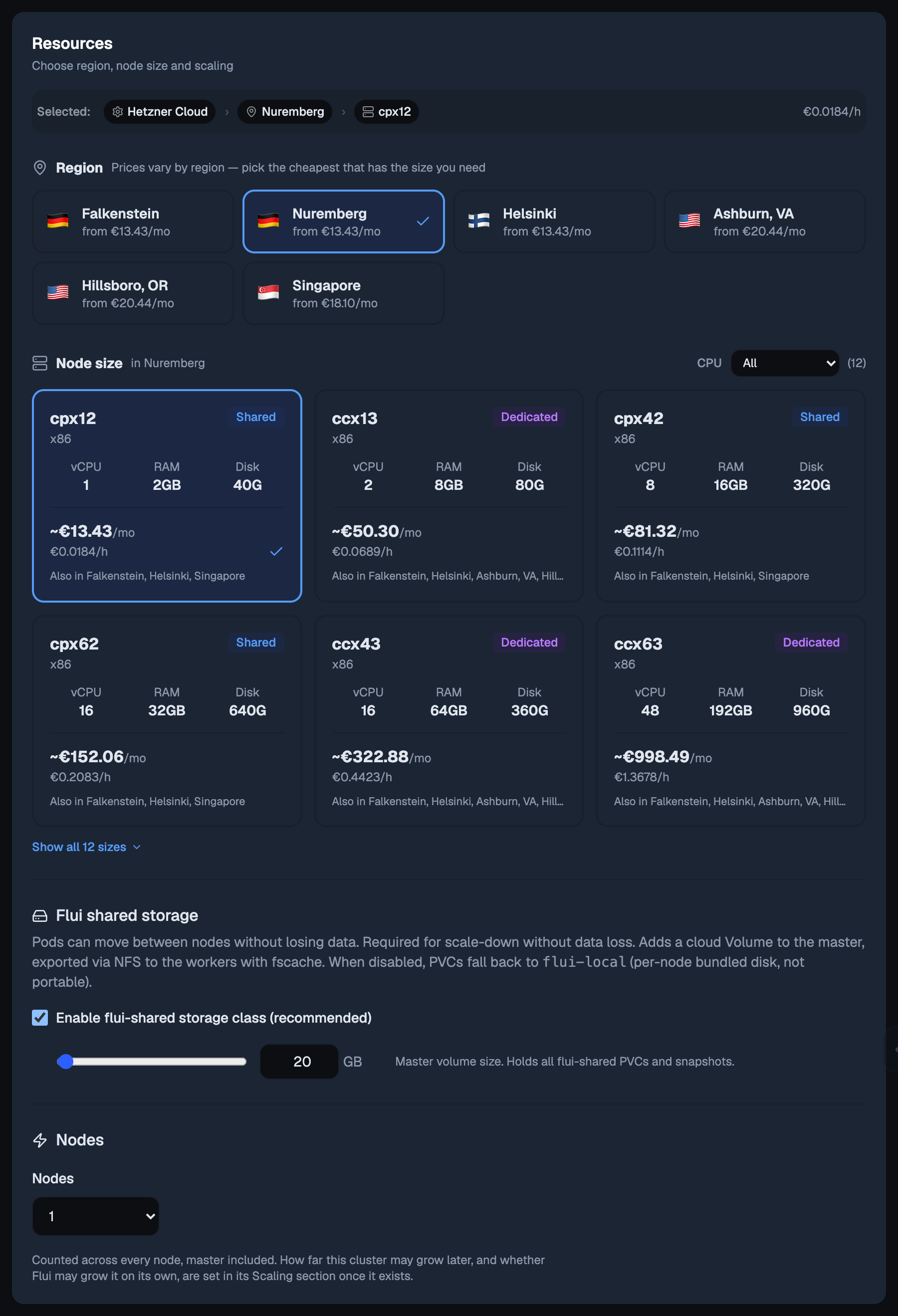
Open Clusters and choose Create Cluster. The wizard asks seven things, in this order:
-
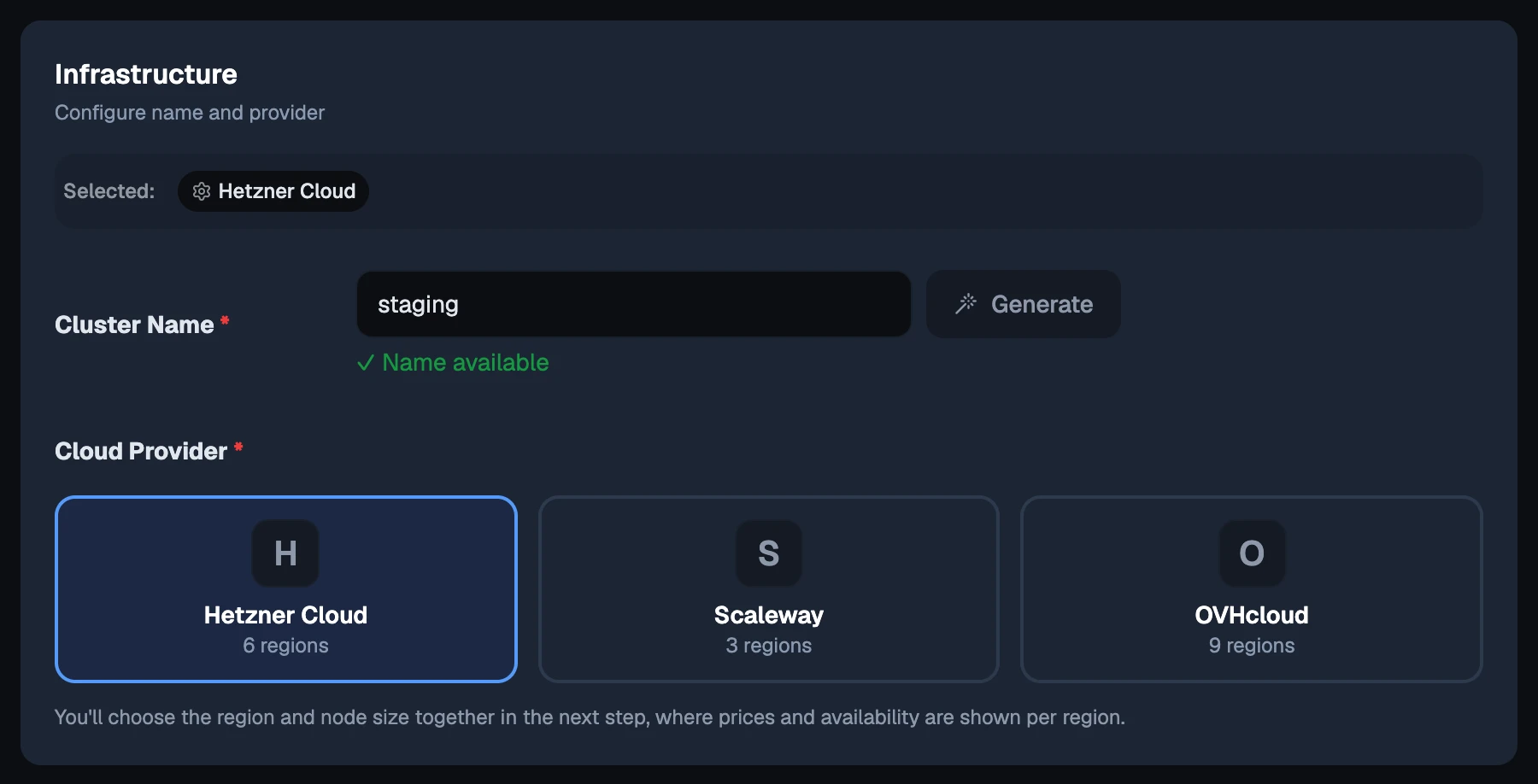
Infrastructure: a name and a provider.
-
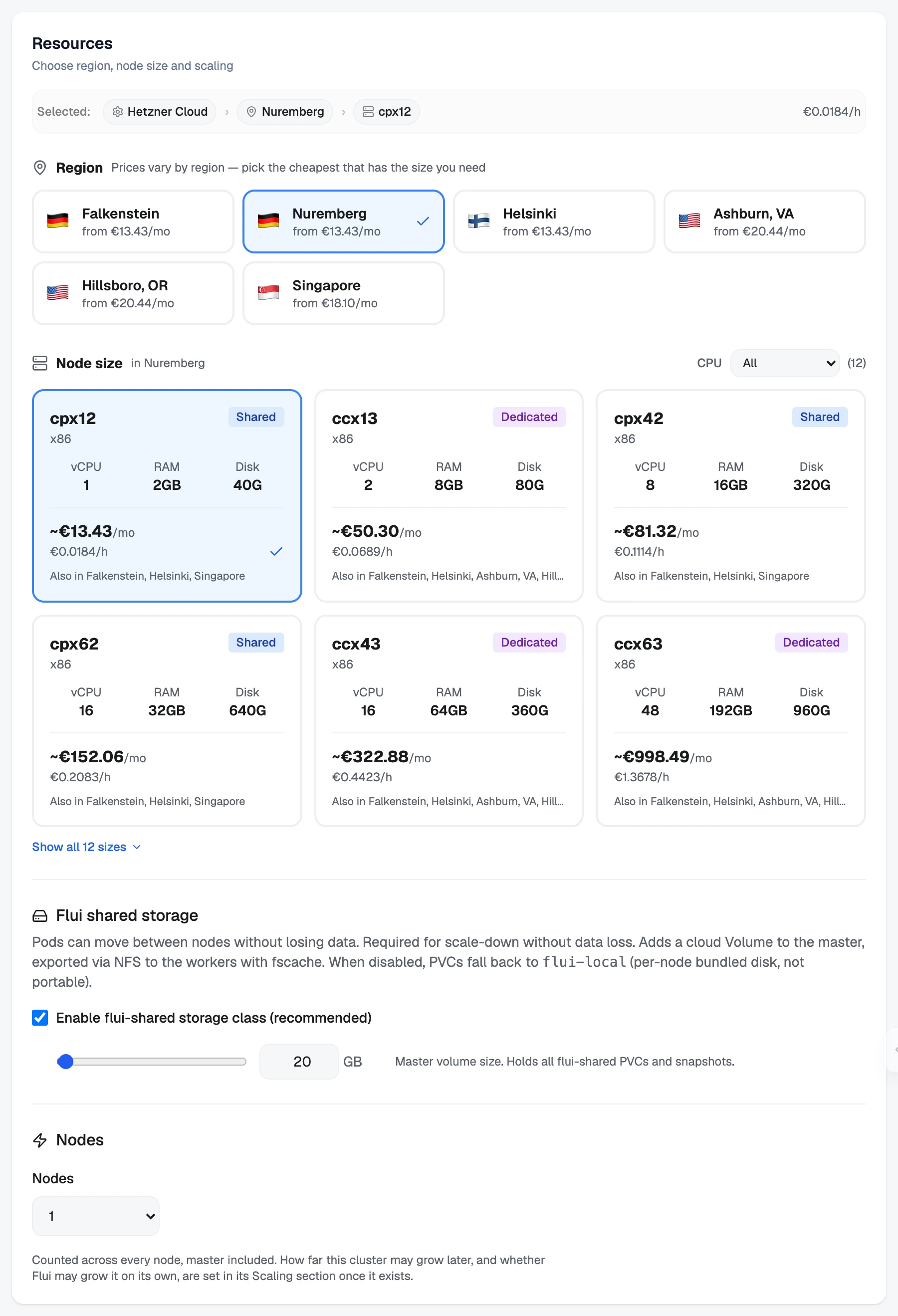
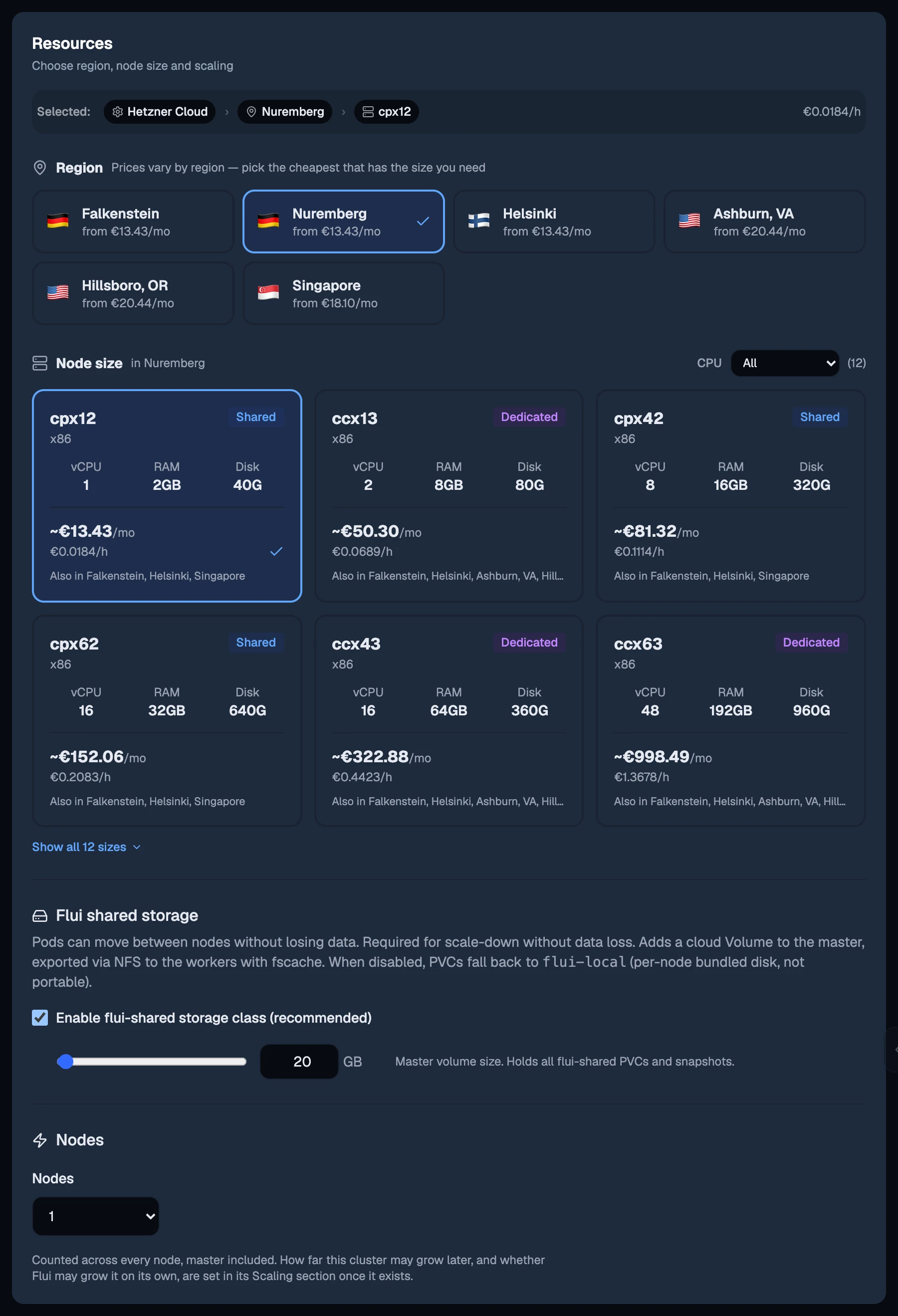
Resources: the region and the server type every node gets, whether the cluster carries shared storage, and how many nodes it starts with. Prices and availability are shown per region. How far it may grow later is set on its Scaling tab once it exists.
-
SSH Keys: optional.
-
Network: on the control cluster’s provider the cluster joins that network and there is nothing to choose. Elsewhere, you pick an existing network or one Flui builds.
-
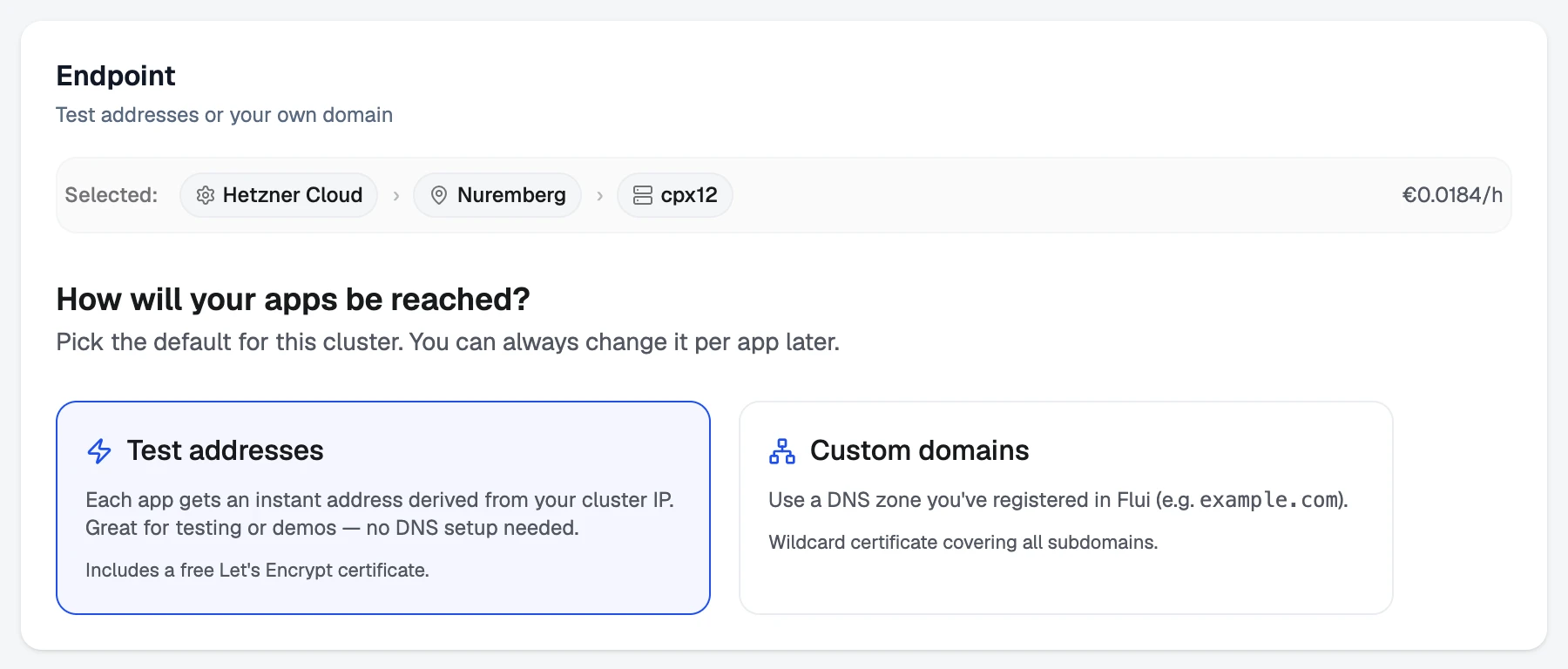
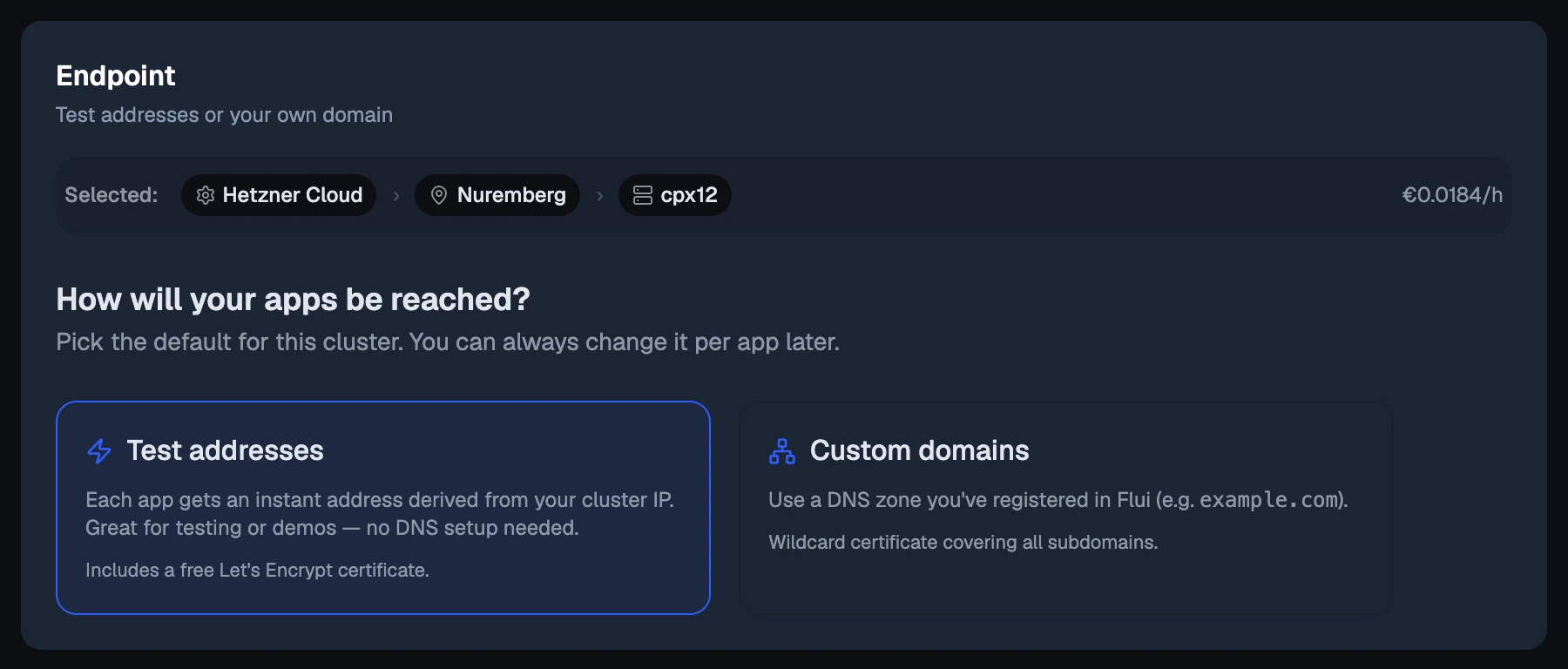
Endpoint: where the cluster’s hostnames come from, either test addresses or a DNS zone you registered.
-
Firewall: optional rules.
-
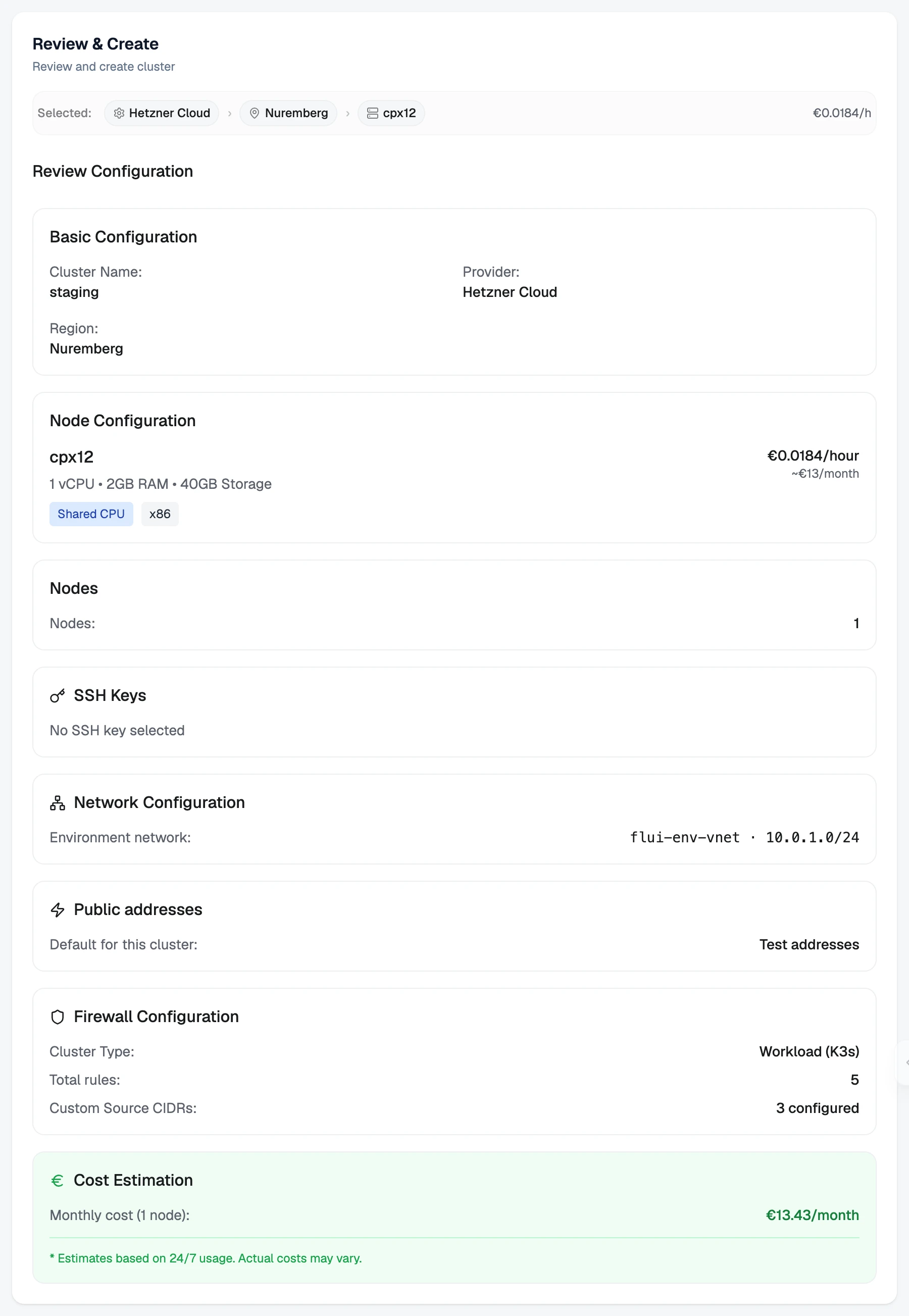
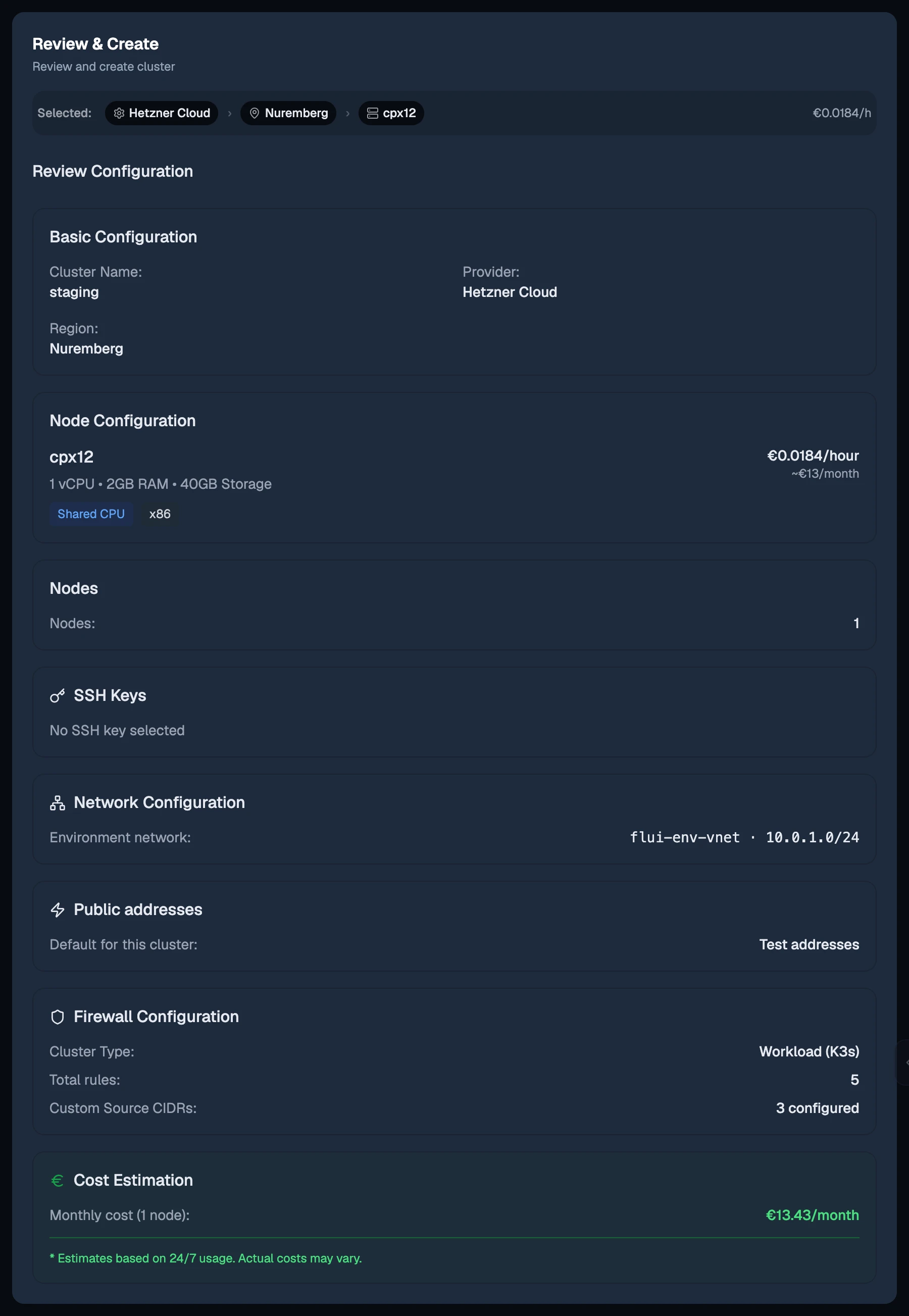
Review & Create: everything you chose, with the monthly estimate.
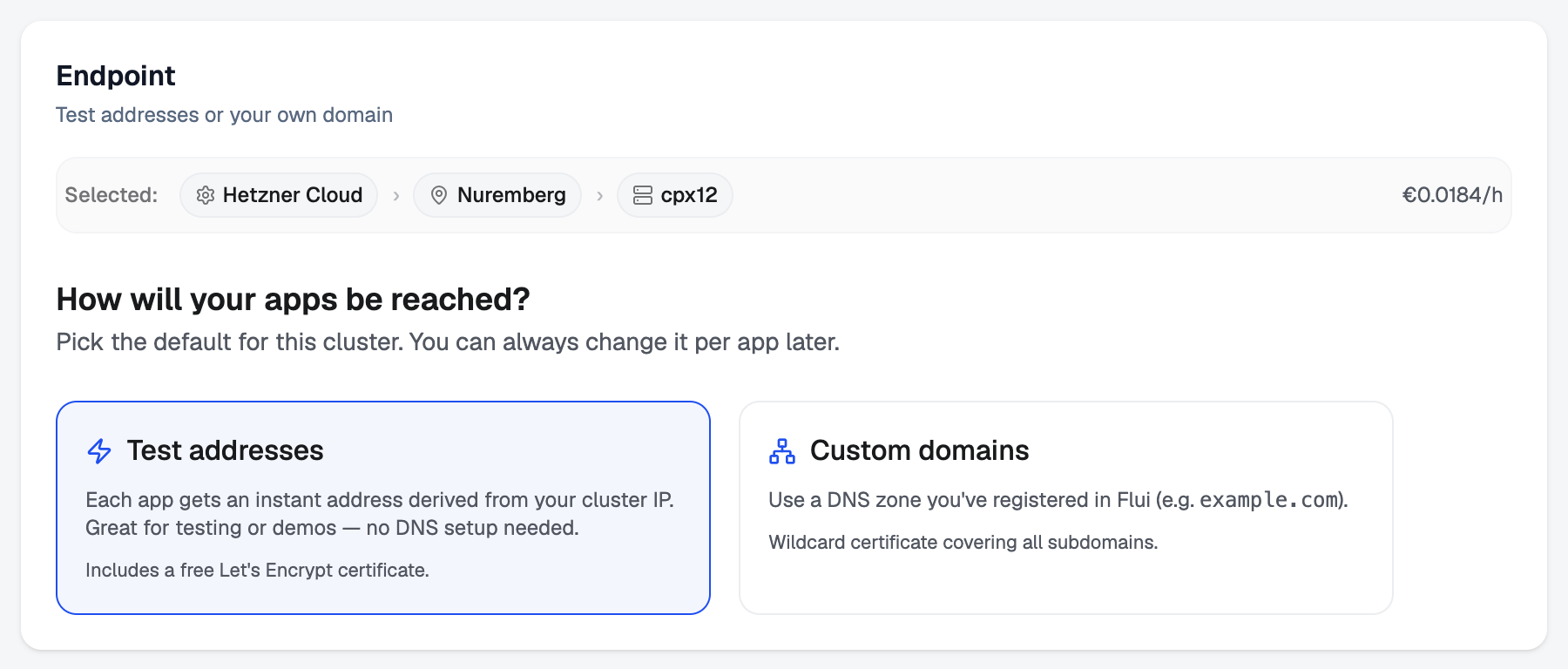
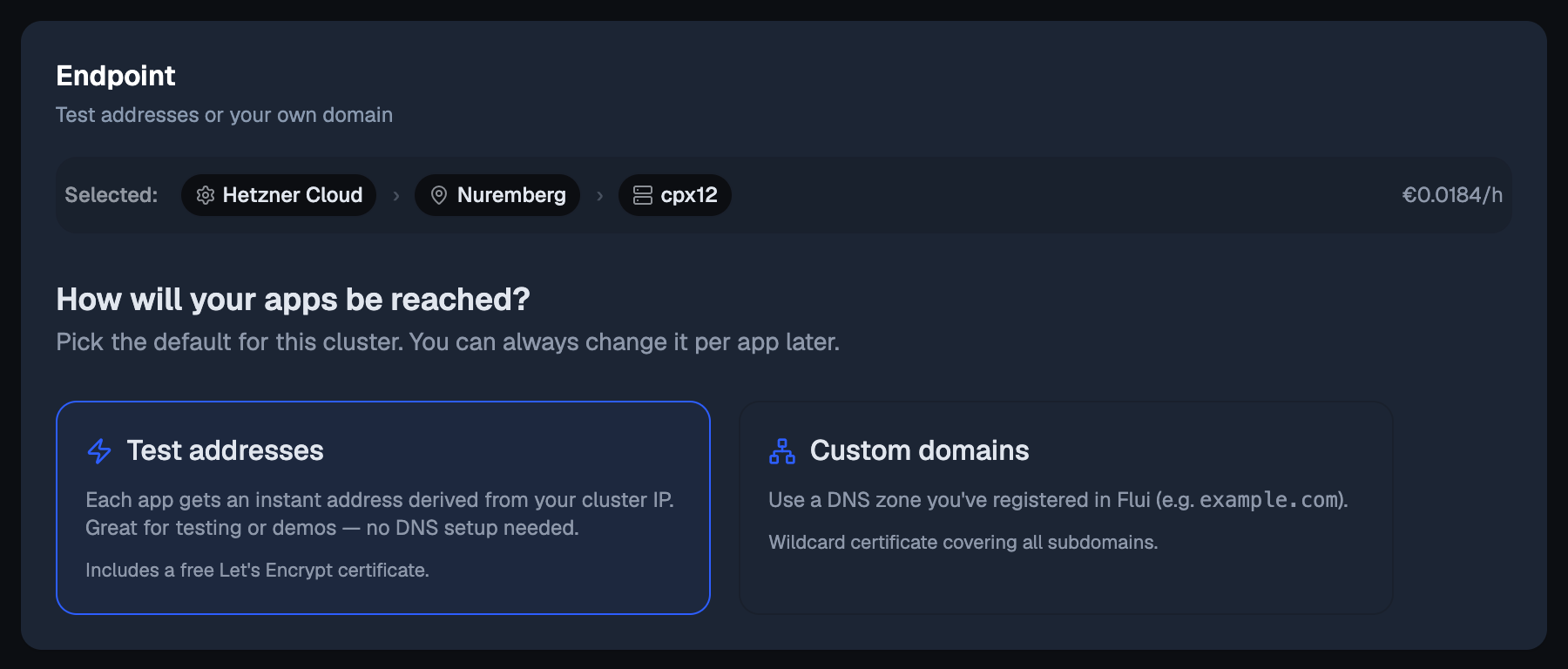
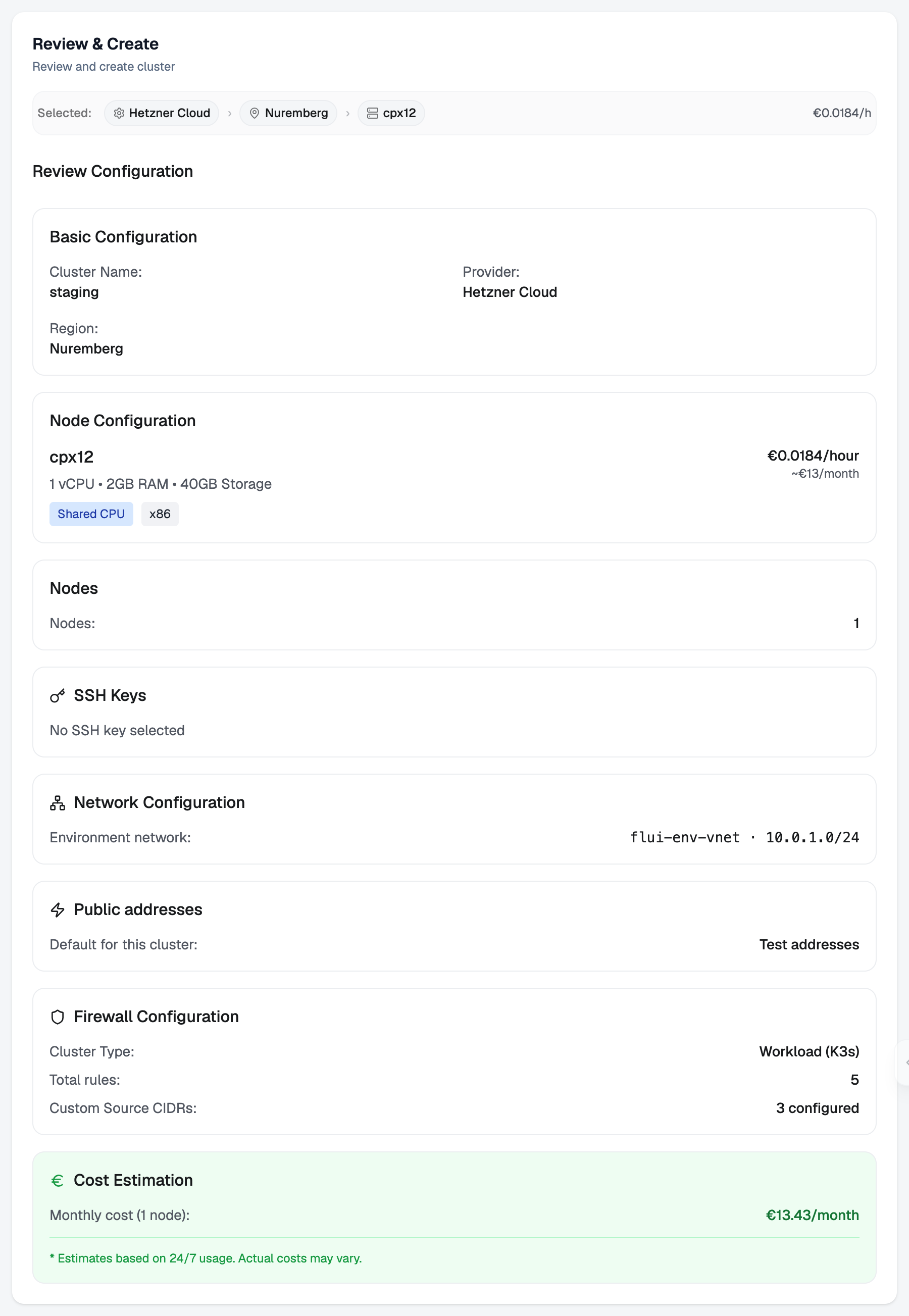
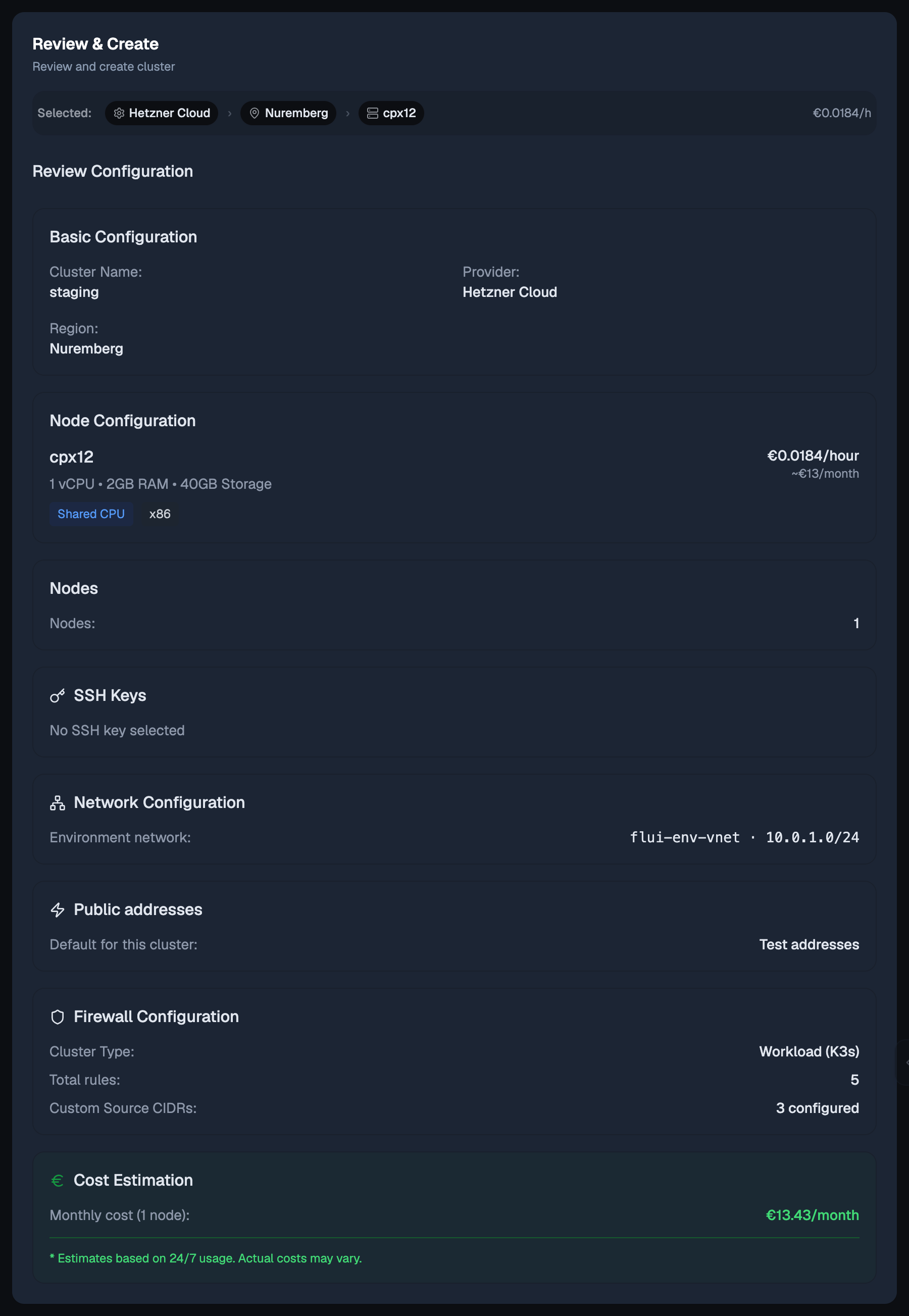
After you create it, a progress page follows the provisioning to the end. When it finishes, the cluster has its own page with tabs for Overview, Monitoring, Network, Storage, Nodes, Scaling, Firewall, DNS, Variables and Pricing.
cluster_create takes a name, a provider, a region, a node
size, and how many workers to build beside the master (0
means master-only). Region and node size are provider codes,
and the tool tells the agent to get them from you rather
than invent them.
The call does not run straight away. It stops, and a person answers it. It is also the one action on this page you can only approve once: there is no “always” for creating a cluster, because a cluster that does not exist yet cannot define the scope a standing permission would cover. A standing permission to create clusters would be a standing permission to spend.
When it runs, it returns an operation handle, not a finished cluster. Provisioning takes 8 to 15 minutes, and nothing polls it on the agent’s behalf.
Read the capacity before you buy
Adding a machine is easy, and it starts costing money immediately, often without anyone noticing until the bill arrives. Every surface here can show you the cost first.
flui env capacityflui env capacity --top 5flui env capacity --direction upgradeThis reports the control cluster’s master: its server type, how much CPU and memory it has, how much is used and free, what it costs per month, and the shared volume behind it. It then lists the server types you could move to, sorted, each with the difference in monthly cost.
Read it before you run flui env scale-master or
flui env scale-node.
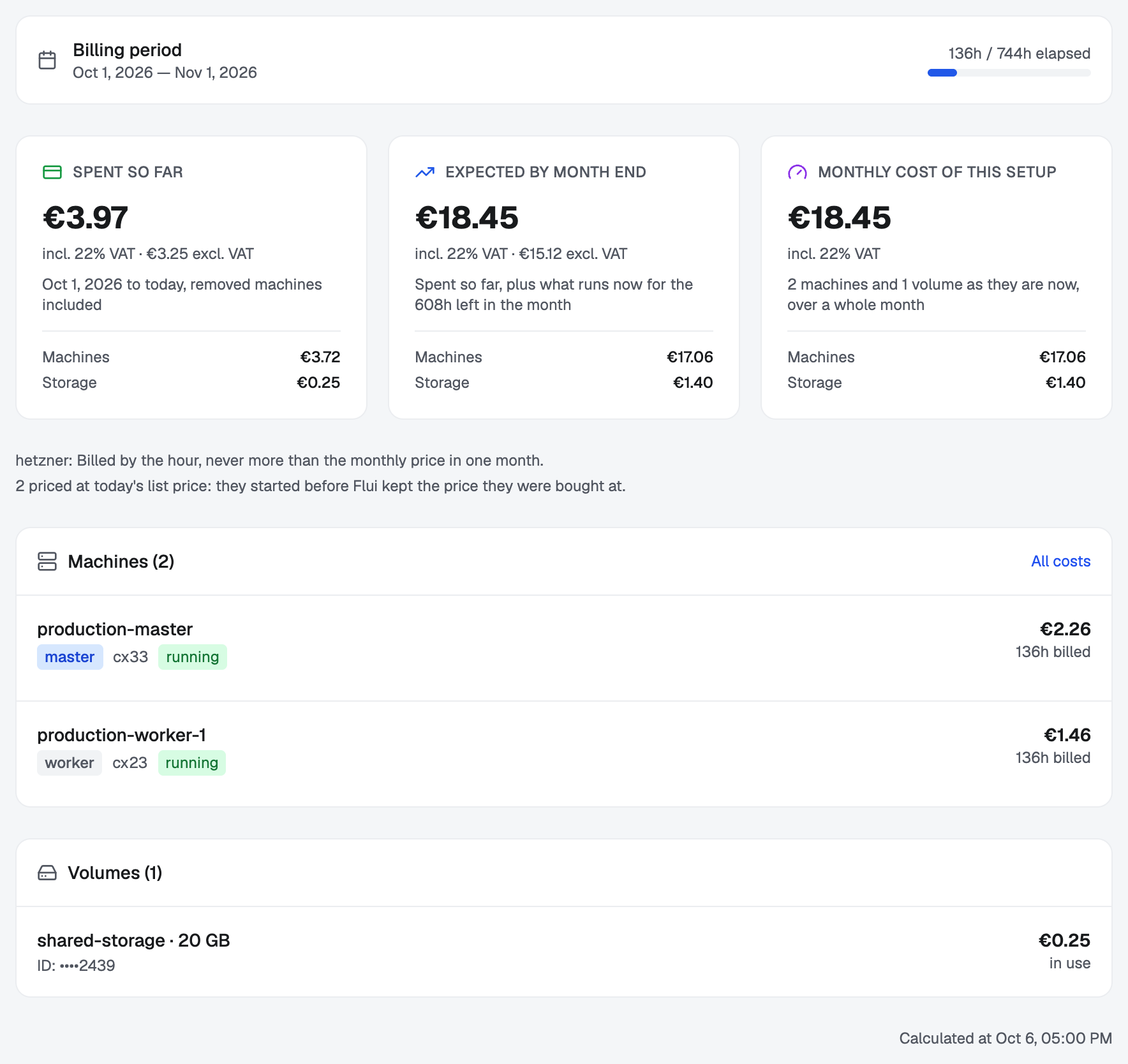
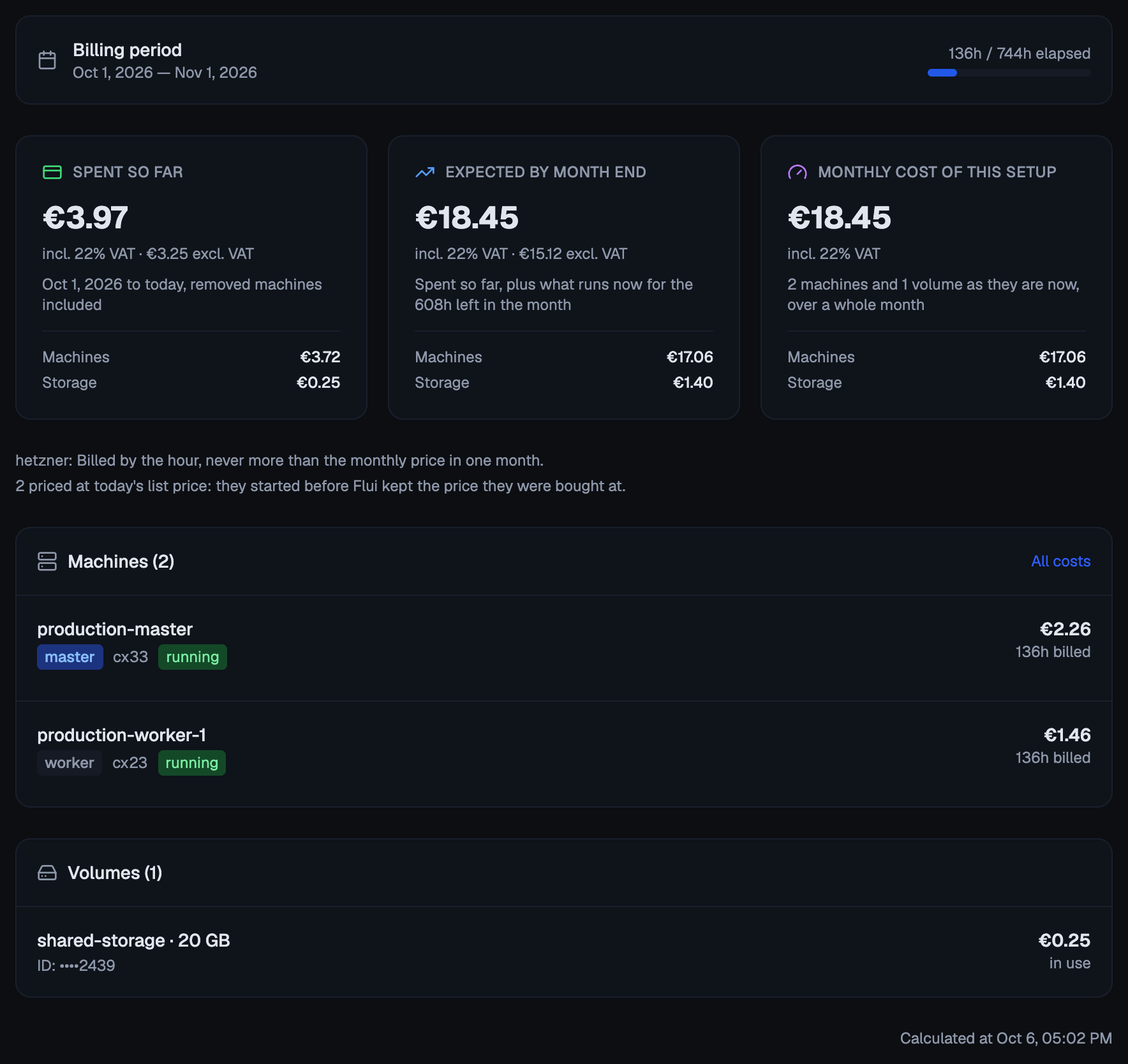
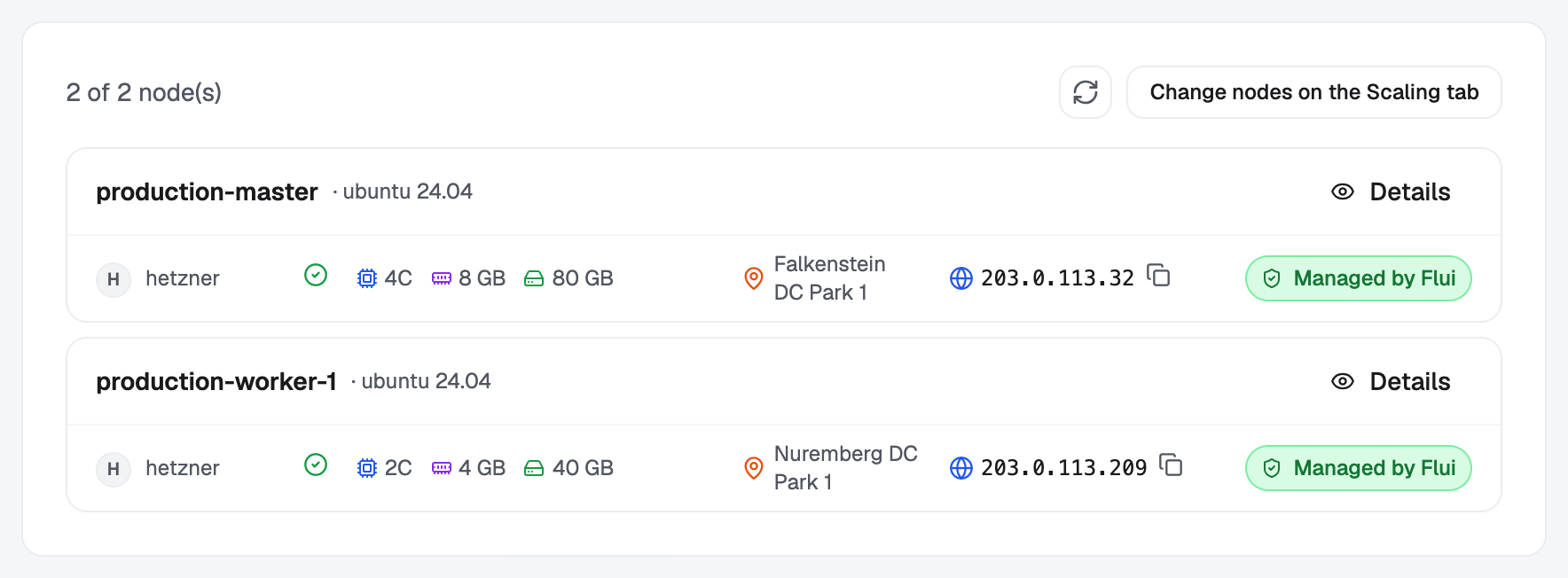
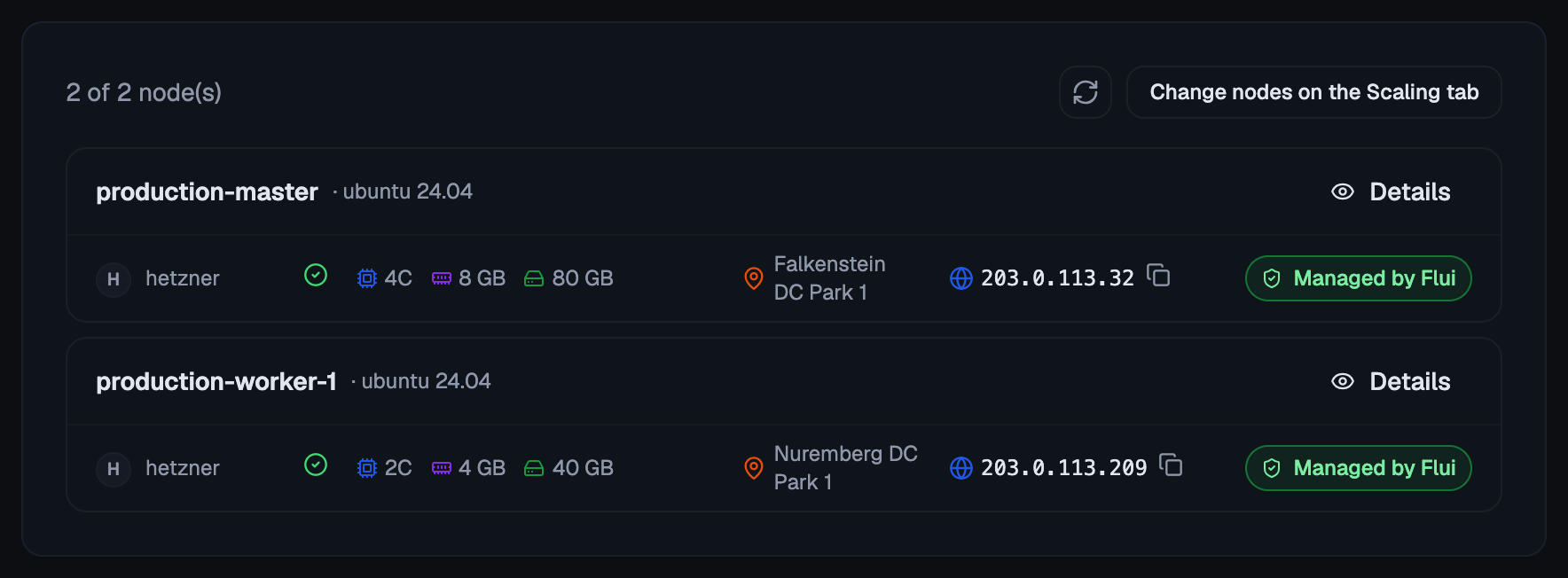
The cluster’s Pricing tab shows what has been spent this month, the projected cost for a full month at the current size, and a line per node and per volume. The Nodes tab shows what is there right now, and how many nodes the cluster expects.
cluster_capacity_plan returns the same capacity and the
same resize candidates with their monthly deltas.
cluster_node_list returns the nodes with their ids.
Both are reads, so neither stops to ask anybody. The tool instructs the agent to read the plan and tell you the monthly difference before asking you to approve adding or removing a node.
Add workers
A cluster’s master can host applications by itself, and a small cluster runs fine that way. You add workers when the work no longer fits.
On the control cluster, adding a worker has a second effect: as soon as its first worker joins, Flui reserves the master for the control plane, so new work lands on the workers. Scale back to a single node and the reservation is lifted automatically.
On a provider Flui buys from, a cluster’s nodes change through its scaling group. Every such cluster has one from the start, set to hold the nodes it has. You add a worker by raising its floor (the fewest nodes it may run, master included) and then approving the machine it proposes. A group allowed to act on its own buys without asking, within its ceiling; see Let a cluster buy its own machines.
flui scaling floor 3flui scaling approveflui scaling approve --yesfloor moves the minimum. approve shows what the group
proposes (the server type, the region, the price per hour)
and buys nothing; --yes buys it. Pass --cluster to reach
a workload cluster.
If your control cluster runs on servers you already own, you join a worker instead of buying one:
flui node connect --host 203.0.113.10It reaches the host over SSH, checks it is a clean Linux
machine with enough memory, and joins it. The host has to be
able to reach the master over the private network the nodes
share. Pass --master-ip when the address the cluster knows
is not the one the new machine can use. On a cluster
whose machines came from a cloud provider the command joins
nothing and points you to flui scaling floor.
On the cluster’s Scaling tab, + next to the node count raises the floor. Confirm it, and a manual group then asks whether to buy the machine it picked (server type, region and price), with Buy or Later. The Nodes tab points you there.
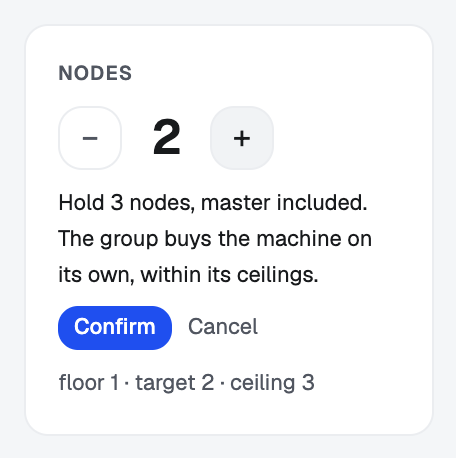
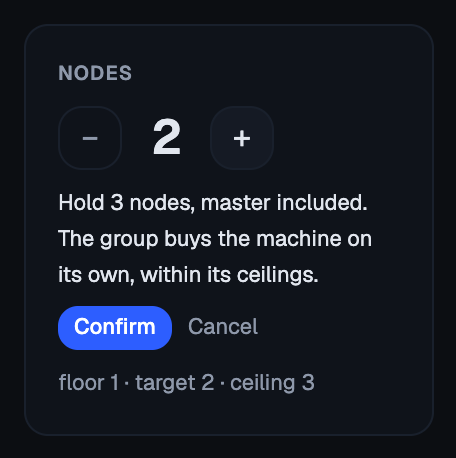
On a cluster built from servers you already own, the Nodes tab has Connect node instead, because there is nothing to buy.
scaling_group_floor moves the floor and
scaling_approve_purchase buys what a manual group
proposes. Both stop and ask you. Every tool that adds a node
does it through the group’s floor; none buys a machine
outside it.
Resize a node
Sometimes you need a bigger machine rather than more of them. Applications that need fast local disk are placed on a specific node and cannot be moved off it, so growing the machine under them is the only way to give them more room.
Treat this as planned maintenance. The machine is powered off, the provider changes its server type, and it comes back and rejoins. This takes roughly three to five minutes, during which everything on that node is down. Storage survives and the node keeps its identity; only CPU and memory change.
flui env scale-node <cluster>-worker-1 --type cx32flui env scale-master --type cx32Both target the control cluster. The node is named as
flui node list shows it. --type is a provider
server-type code; leave it out and the CLI picks the next
size up with the smallest increase in monthly cost.
Before anything happens it prints the plan: the type it is
moving from and to, the monthly cost and the difference,
the expected downtime, and any application pinned to that
node. Then it asks you to type the node’s name back.
--confirm skips that prompt.
On Hetzner, --upgradeDisk also grows the machine’s own
disk. This cannot be reversed: afterwards you can never move
the node back down to a smaller type.
The dashboard does not resize a node. The cluster’s Scaling tab changes how many machines there are; changing the size of one is done from the CLI or through an agent.
cluster_node_resize takes a node id and the server type to
move to. Read cluster_node_scale_preview first: it names
the current type, the downtime and the applications pinned
to that node that go down with it.
The call stops and asks you, and the question you answer states that the node goes down while the resize runs. Growing the machine’s own disk is not offered to an agent at all, because it cannot be undone.
Remove a worker
Removing a machine is the only way to lower the bill. The machine is deleted and you stop paying for it.
In order, the cluster stops sending new work to the node, moves the work already there onto the other nodes, and only then deletes the server. Anything that was sitting on that machine’s own disk rather than on the cluster’s shared storage goes with it.
Moving the work off has a limit of 120 seconds. If something does not move in time, the node is removed anyway and the operation returns a warning. Read that warning: it means something was cut off rather than relocated.
The master is never removed this way. Taking the master out means destroying the whole cluster, which is a different operation.
flui scaling floor 2flui scaling approveflui scaling approve --yesLowering the floor makes a manual group name the node it
would give back. approve shows which one; --yes moves
its work off and deletes it.
A machine you attached yourself goes the other way:
flui node listflui node remove <node-id>flui node remove <node-id> --no-waitThe id comes from flui node list. The CLI checks it
against the cluster’s real nodes before queuing anything, so
a wrong id fails immediately instead of halfway through. If
you point it at the master, it refuses and names the command
you need: flui cluster destroy for a workload cluster,
flui env destroy for the control cluster. It waits up to
five minutes. If the move takes longer, you get control back
with a note that the work is still running.
On the Scaling tab, − lowers the floor. A manual group then names the node it would drain and delete, with Remove or Later.
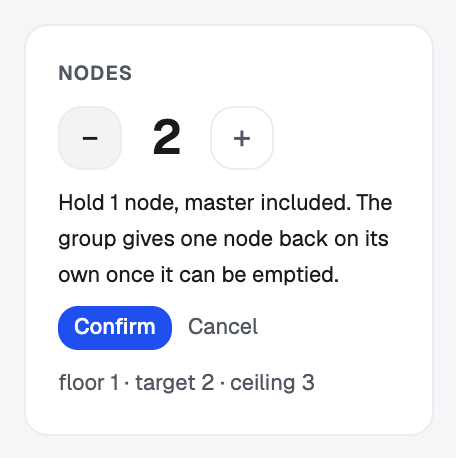
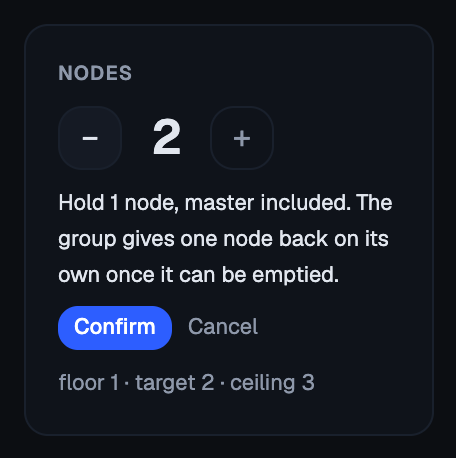
On a cluster built from servers you already own, every worker row on the Nodes tab has a Remove button; the master has none. You are told the removal cannot be undone and asked to type the node’s name back before it starts. The dialog then shows each step as it happens.
scaling_approve_removal gives back the node a manual
group names; cluster_node_remove detaches a machine you
attached yourself. Both need the destroy depth of the
infrastructure permission group, and both sit behind a
second, independent gate: the installation must have
destructive operations switched on. If either gate is
missing, the tool is not offered to the agent, and the agent
should not try to work around that.
When both gates pass, the tools still stop and ask you.
Getting onto a machine yourself
You should rarely need this. Use the higher-level commands for metrics, logs, restarts and deploys. When you do need a shell on a node:
flui ssh masterflui ssh workload-cluster-1/masterflui ssh workload-cluster-1/worker-1A bare node name means the control cluster.
<cluster>/<node> reaches any cluster the CLI can see,
workload clusters included. The node part is master,
worker-N, or the server’s own name.
There is no key to set up. The CLI signs a short-lived certificate for you from the SSH authority your profile manages.
What an agent may never do here
No agent credential can destroy a cluster, not even with your approval. No agent permission group carries that permission, and the source enforces this in two places so it cannot be granted by accident, however the credential is assembled. An agent can create a cluster, grow it, resize it and remove its workers. Destroying the whole cluster is left to a person.
Every other write on this page (create, add, resize, remove) stops and waits for a person. The agent is not notified when you answer. It finds out by making the identical call again, and that retry is what runs the work, so the action is attributed to the agent rather than to your click. A pending request expires after an hour.
The refusal the agent gets does not include the price, even when there is one; you see the price on the page where you decide. The agent is told that a cost exists and that it cannot see it, so it can tell you so instead of calling the action free.
How you answer those requests is When your agent stops to ask you.
Where this goes next
- Nodes and cluster topology: what a node is, and why the master is a special case.
- Creating a cluster from zero: the choices that shape a cluster, and what it hands back.
- Storage classes and dedicated placement: which applications can move between machines and which cannot.
- CLI: Clusters, nodes, and SSH: the flag-by-flag reference for the commands above.