
Deploy an application from your repository
The details of an application (the port it listens on, the
memory it needs, the variables it reads) belong next to its
code. So instead of asking you to type them into a form, Flui
reads a file from your repository, flui.yaml, and deploys
from what it says.
This page takes you from a repository Flui has never seen to an application running on a cluster. What the manifest can express is covered in The flui.yaml manifest, and where the build runs in The build pipeline.
Three ways in
Writing flui.yaml by hand, as the rest of this page does, is
one way to deploy from a repository. There are three, and
Flui’s own tools treat them as equals:
- Write the manifest yourself. This page walks through it.
- Let Flui read the repository for you. Flui maps it
(units, services, blockers, a verdict) and renders a
flui.yamlper unit, which you can inspect before anything is deployed. See step 2 below. - Bring an image you already built. No repository and no
build. In the dashboard: Deploy New → From a Docker image.
Over MCP:
app_deploy_image.
The model behind the second path (what gets read, what never leaves the read as a guess, and the citation and confidence attached to every fact) is in How Flui reads a repository.
1. Connect the repository
Flui builds your code, so it needs to read the repository and push the resulting image. You make that connection once, and every later deploy reuses it.
flui integration connect githubflui repo connect acme/my-appflui repo listflui integration connect github follows the way the
installation connects GitHub. With a personal access token, the
recommended setup, it asks for your classic token (or reads it
from --stdin in a script) and connects it. With a GitHub App
it opens a browser so you can install the App on your account
or organisation; add --headless to print the URL instead,
which is what you want over SSH.
flui repo connect takes owner/repo. Leave the argument off
to get a picker over the repositories that connection can see.
flui repo list shows what is connected; flui repo disconnect
removes one.
Before any of this works, whoever runs the installation has to
set up the GitHub integration once, with
flui integration setup github. A personal access token is the
recommended choice. That step and both of its modes are in
Integrations and repositories.
Open Repositories, in the sidebar under Deploy. GitHub Setup, under Management, is the one-time step for the whole installation and is shown only to administrators. Repositories is where you connect your own account and import individual repositories.
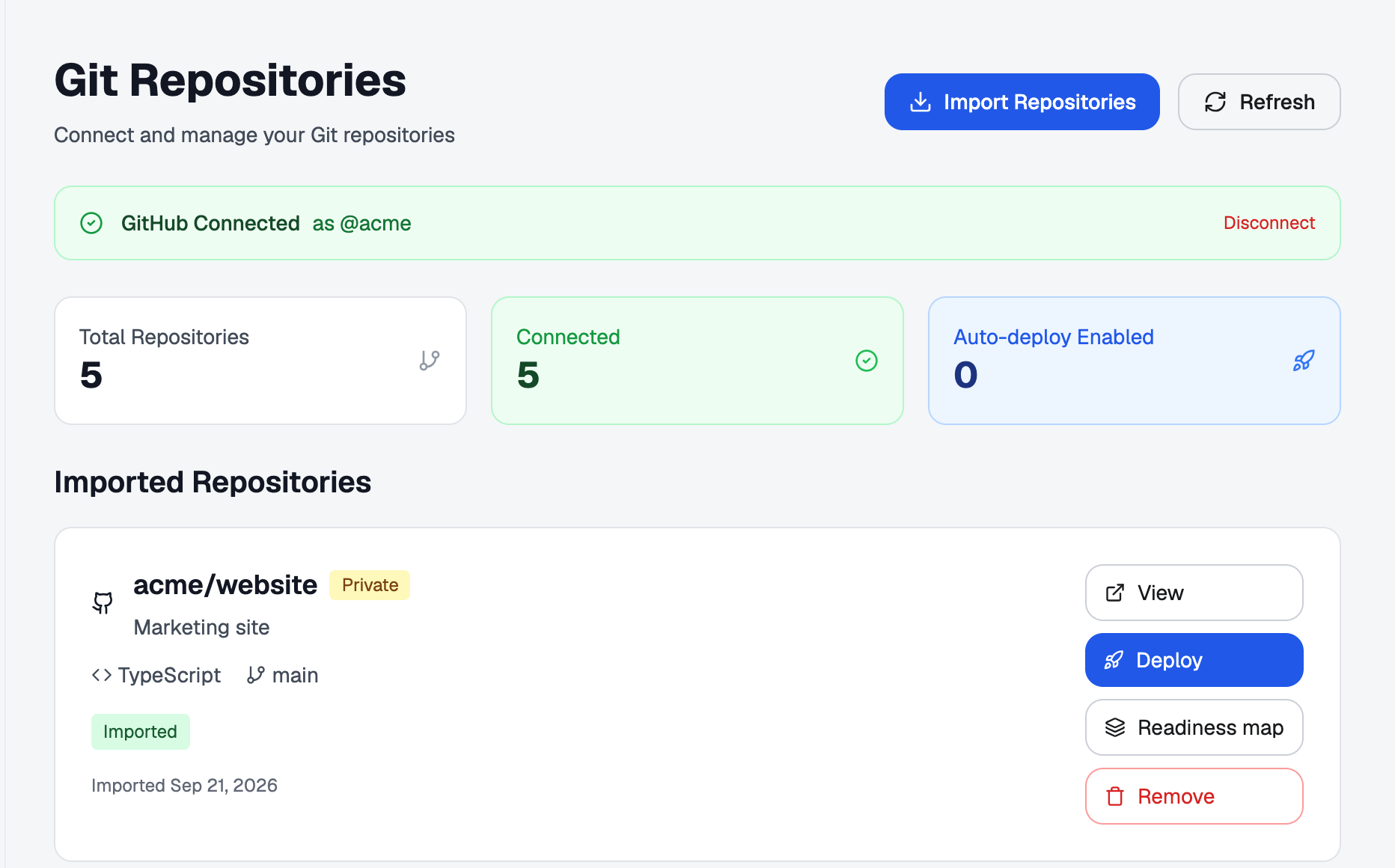
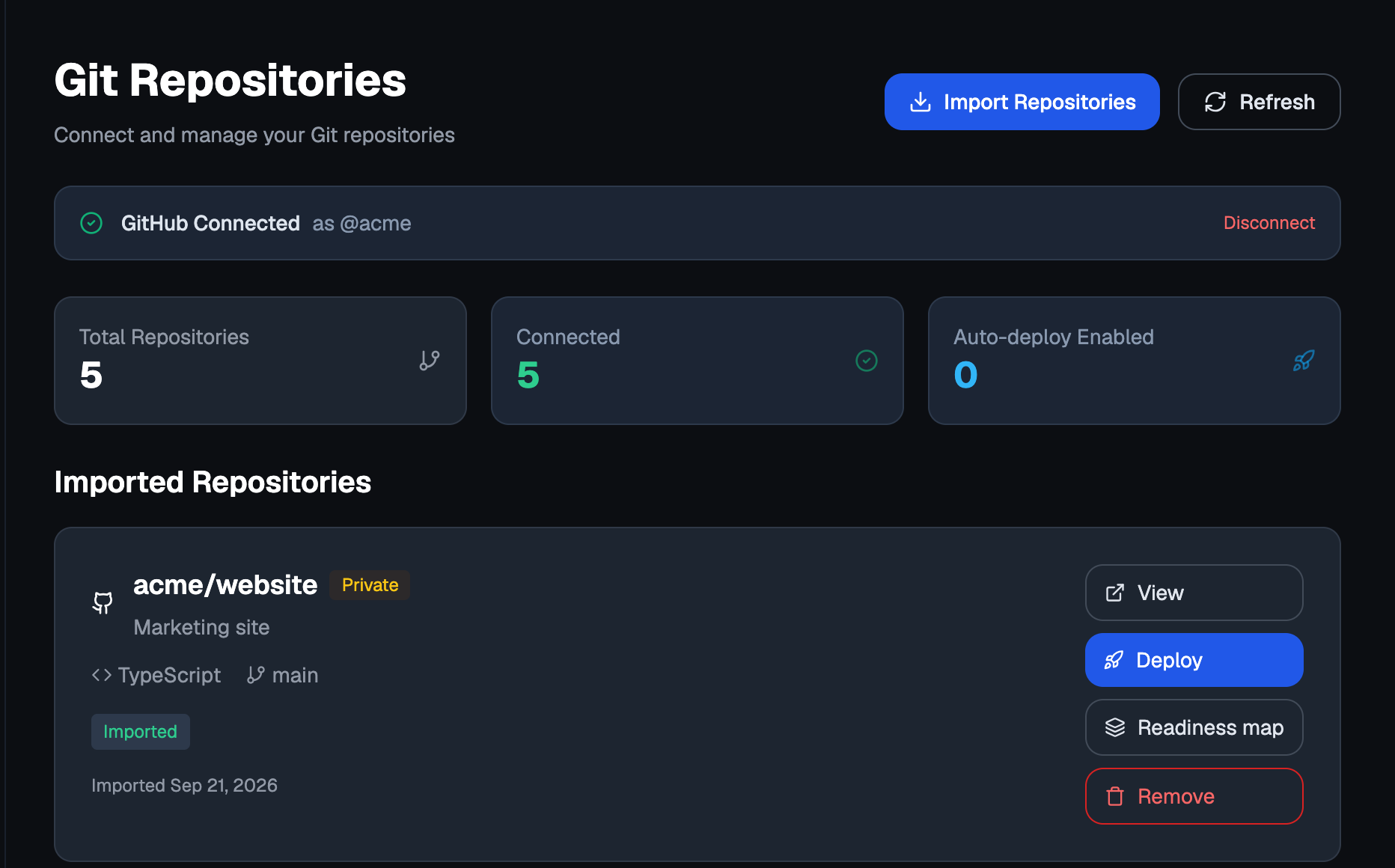
The Deploy New wizard leads here too. With nothing connected, its repository step shows a Connect Repository button instead of a list, and there is an Import them here link under the picker when the repository you want is missing.
Four tools, in the order an agent needs them:
integration_status: whether GitHub is connected at all.github_connect: starts connecting your account. With a personal access token it returns the command or screen where you paste the token; with a GitHub App, a URL for you to open. The agent does not sign in for you and never sees a token.repo_list: the repositories already connected.repo_connect: connects one, byowner/repoor by its full URL.
2. Write or check flui.yaml
The manifest is a small file. It names the application, says how to build the image and how to run it.
kind: ApplicationapiVersion: flui.cloud/v1beta1metadata: name: my-apibuild: strategy: dockerfile dockerfile: ./Dockerfiledeploy: port: 3000 healthcheck: path: /healthz resources: requests: cpu: "250m" memory: "256Mi" limits: cpu: "500m" memory: "512Mi" env: LOG_LEVEL: infoTwo commands help you write it:
flui app init nextjscopies aflui.yamland a production-ready Dockerfile from an official framework template into the current directory.flui app init --listshows the available frameworks and versions.flui app manifestprints the full authoring reference, with every field annotated. It is generated from the published spec, so it always matches what a deploy validates, and it runs offline.
Get two fields right the first time. port must be the port
your code binds. healthcheck.path must be a real route that
answers with a 2xx; a path that does not exist makes every
probe fail without an obvious error.
Build arguments
build.args are passed to the image build. They are baked into
the image, so they are the same in every environment. Use them
for build-time configuration that does not vary:
build: args: NEXT_PUBLIC_API_URL: https://api.example.comAnything that differs between environments, or must not be
compiled into the artifact, belongs in deploy.env instead.
Or: let Flui read the repository for you
Instead of writing the file by hand, you can ask Flui to read
the connected repository and render it for you: units, the
services they want, blockers, a verdict, and one flui.yaml
per deployable unit. Each fact records where it was read and
how confident the engine is. Reading a map deploys nothing; a
separate step acts on it.
flui repo map show acme/shopflui repo map show acme/shop --unit apiflui repo map apply acme/shopshow reads and prints the map. apply is the separate write
step: it creates Flui’s own branch at the commit the map was
read from, commits the rendered manifests and their build
workflows to it, and starts the builds. Your own branch is only
read, never written to. Both commands are in
Integrations and repositories.
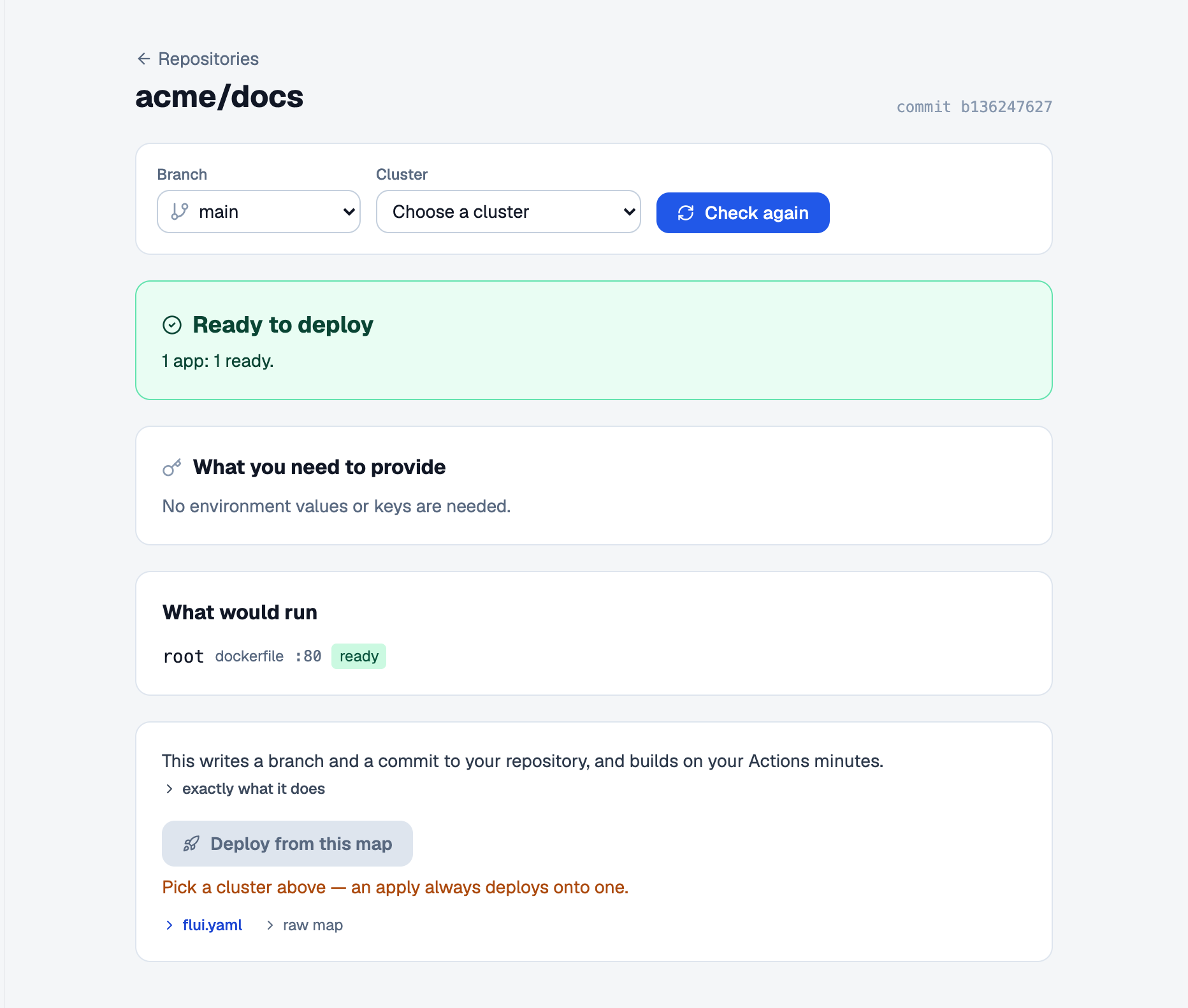
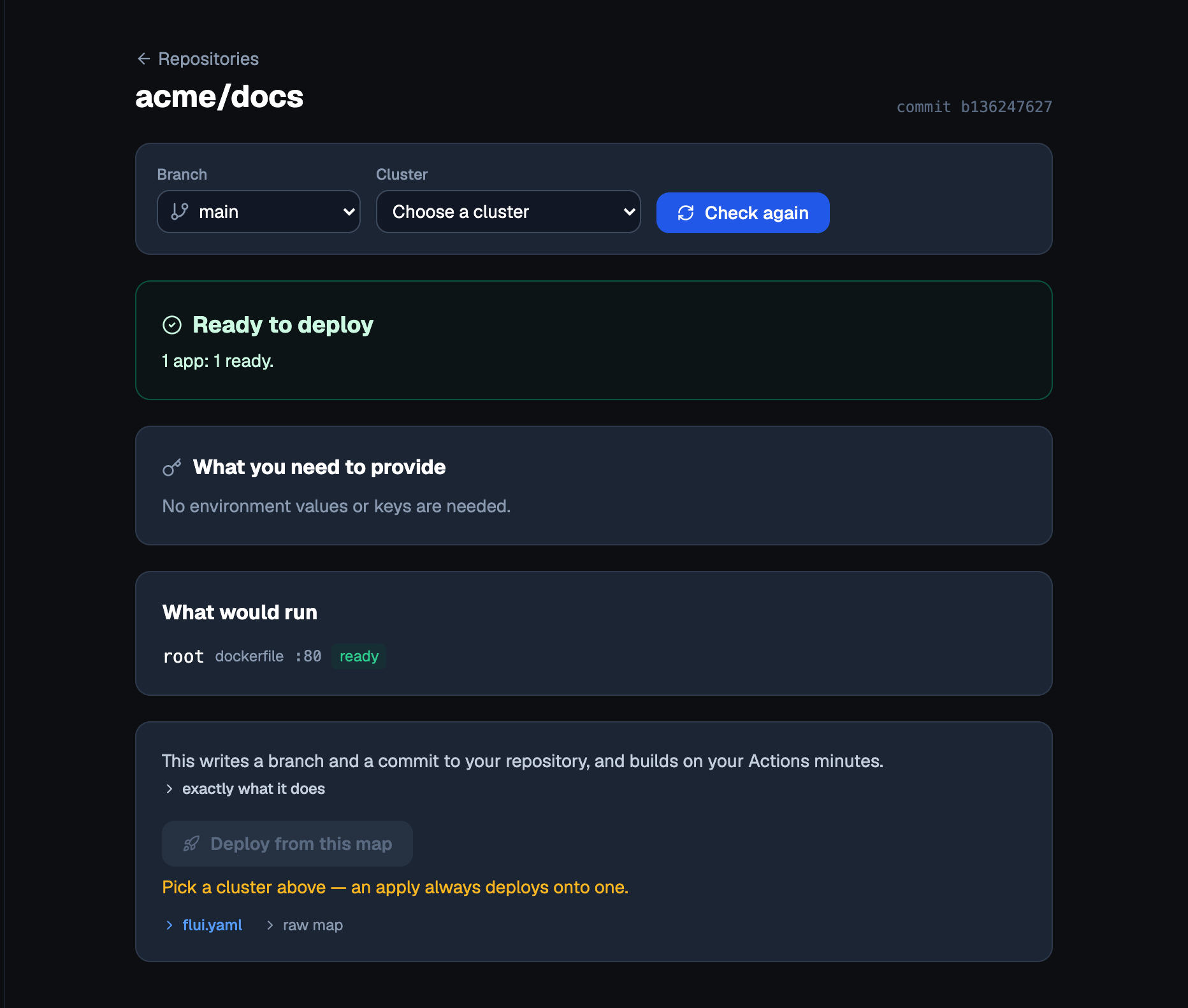
Open Repositories, then Readiness map on the repository you want to read. The page shows the same verdict as the CLI (Ready to deploy, Ready once you fill in the values below, Partly ready, Not deployable yet, Too big for this cluster) and a Deploy from this map button that stays disabled until the verdict allows it.
repo_map reads and repo_map_apply acts. Like every other
write, repo_map_apply stops and asks a person first. The two
are equal alternatives to app_manifest_validate +
app_deploy_from_yaml: picking one pair over the other is a
choice about where the facts come from. Unlike most writes,
repo_map_apply does not return an operation id. It waits, in
the same call, for any database the manifest declares to come
up, which can take longer than the surface’s own timeout. See
The Flui assistant and MCP
for what that means for an agent calling it.
3. Check it before you deploy
A manifest can be well formed and still be wrong for the place you are sending it. So the check answers two questions:
- Does this parse? The schema. This half needs no cluster, no sign-in and no network.
- Would this land here? Only this installation can answer this half.
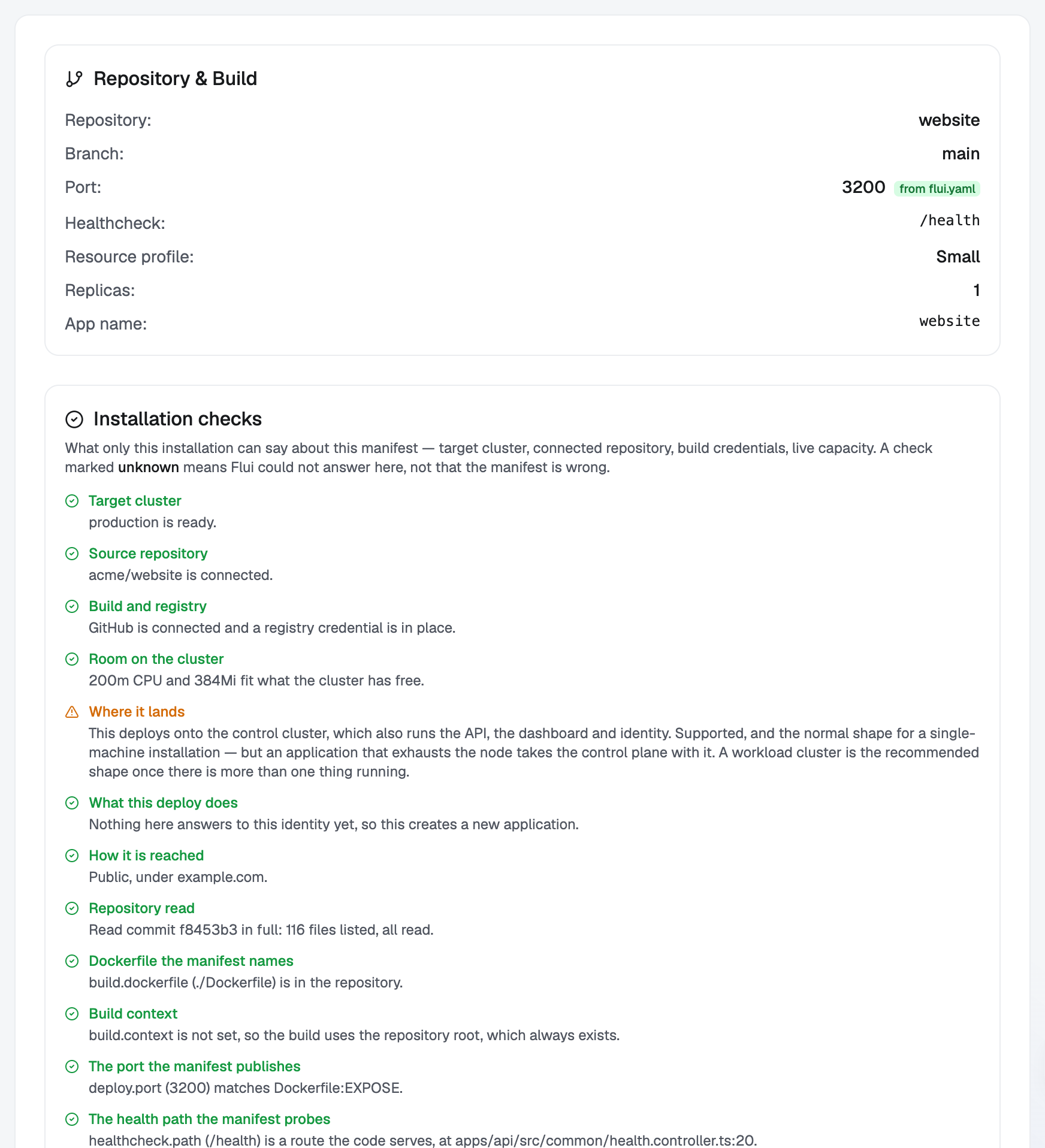
The second half starts with seven checks about this installation:
| Check | What it answers |
|---|---|
| Target cluster | A cluster answers to that id, and it can take a deploy. |
| Source repository | The repository is connected to your account. |
| Build and registry | GitHub is connected and there is a credential to push the image with. |
| Room on the cluster | The CPU and memory the manifest asks for fit what is free right now. |
| Where it lands | A workload cluster, or the control cluster (supported, and stated in the result). |
| What this deploy does | Whether this creates an application or updates one that already exists. |
| How it is reached | Public or internal, and whether a DNS zone is bound to the cluster. |
When the repository can be read, more checks compare the manifest with the code: the Dockerfile it names, the build context, the port, the health path and the environment the code reads. A last check says whether the manifest uses an out-of-date form.
Read each check by its status. fail blocks a deploy. warn
is a consequence to be aware of, not a problem to fix.
unknown means this installation could not answer: a cluster
that could not be read has refused nothing, so an unknown never
blocks and is never a reason to rewrite a manifest.
The check also returns the manifest as it would be applied, after merging the branch’s environment profile and the overrides you send with the check. Overrides already stored on an install are not part of this preview; the deploy itself applies them.
flui deploy --validate-onlyflui deploy --validate-only --cluster my-clusterflui deploy --validate-only --jsonThe schema half always runs. The installation half runs when
you are signed in and a cluster can be resolved; name one with
--cluster when the profile has more than one. When the
installation half does not run, the output says which half ran
and why the other did not, so a missing check is never mistaken
for a pass.
The CLI prints the checks and the verdict. The effective manifest is returned by the API and the agent tool, not by the CLI.
The Deploy New wizard checks the manifest for you, and the whole flow depends on what it finds on the branch you picked:
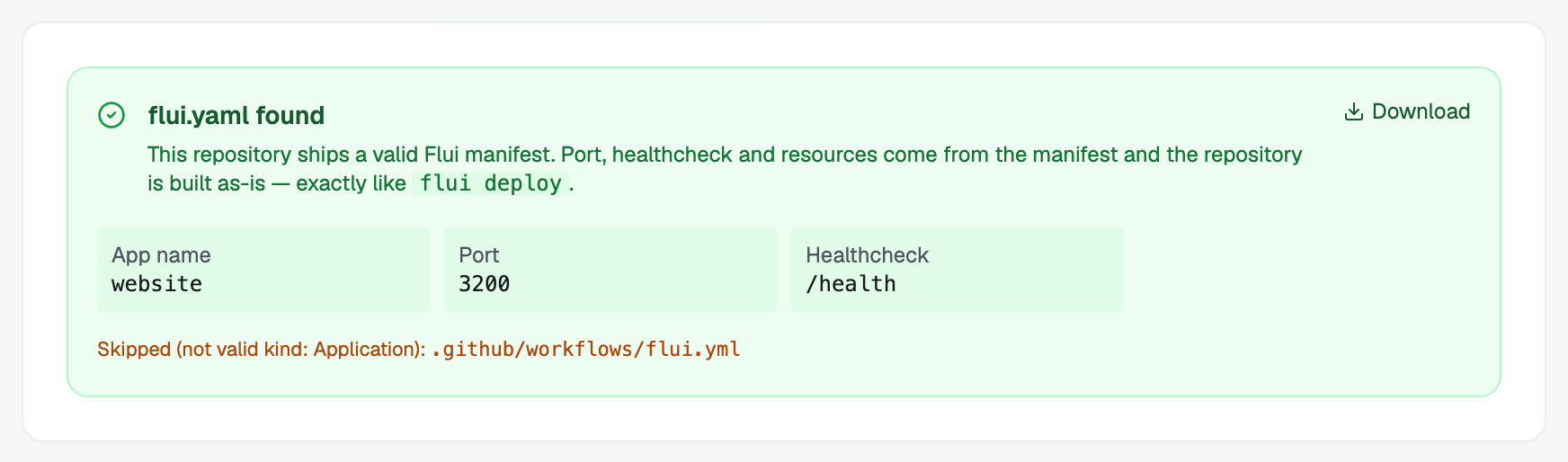
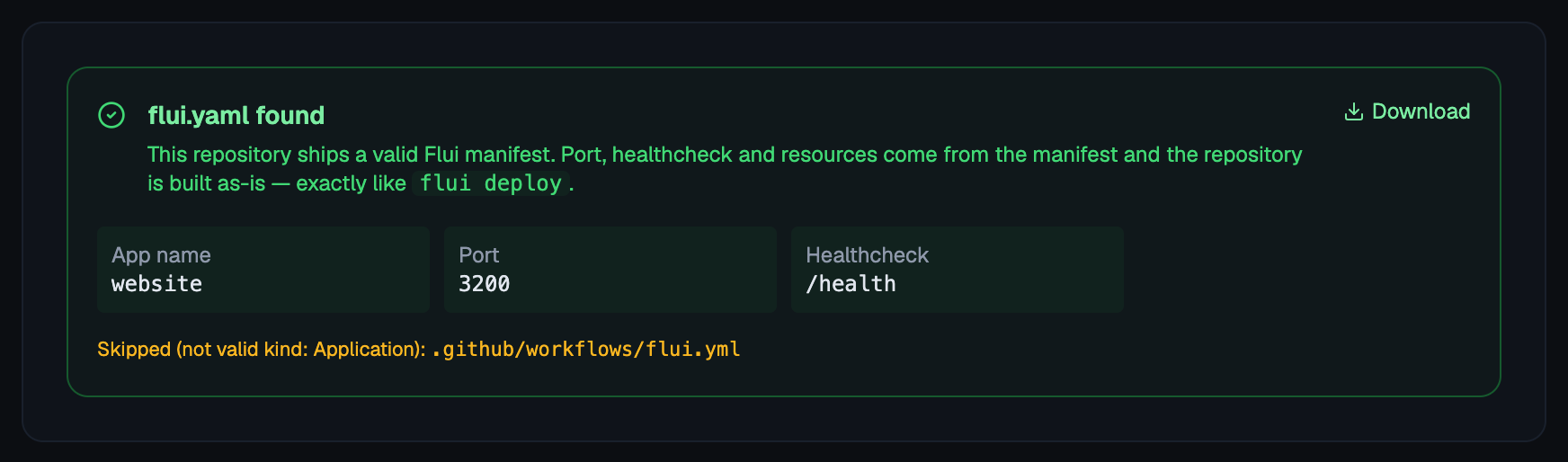
- Found: it shows the manifest and tells you that port, healthcheck and resources come from it and that the repository is built as it is.
- A monorepo: one
flui.yamlper application. You pick the one to deploy; the others are separate runs of the wizard. - Invalid: it names the files it found and stops. Fix the manifest, push it and retry.
- Missing: it stops and offers a way forward instead of guessing a configuration for you.
- Could not read: the repository could not be read just now. Retry; nothing is wrong with the manifest.
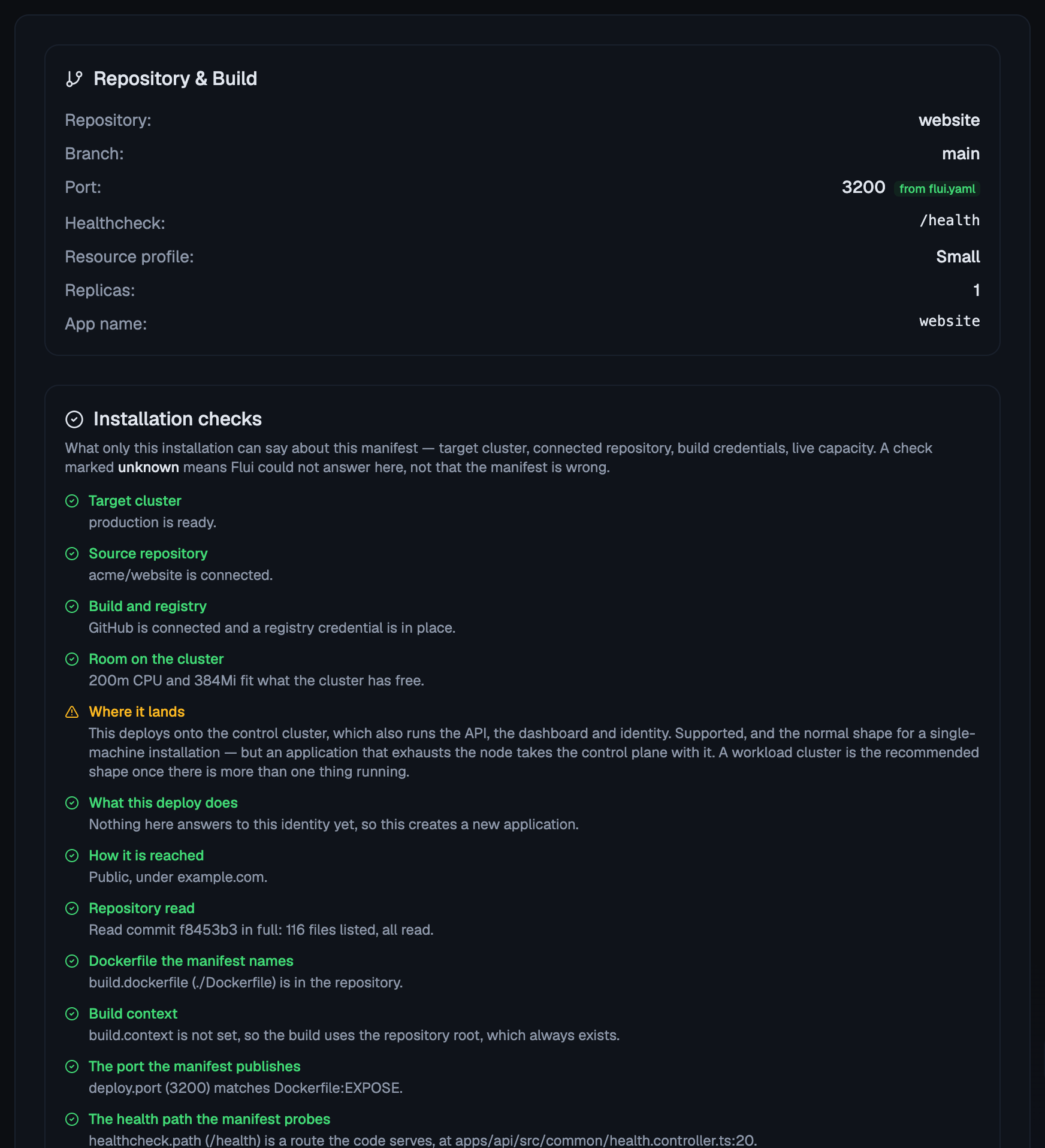
Once you pick a cluster, the Review step shows the installation checks above.
Use app_manifest_validate. It takes the manifest verbatim,
plus an optional clusterId, repoFullName and branch, and
returns the schema result, the checks, wouldDeploy and
effectiveYaml (the manifest as it would be applied).
If you omit repoFullName, the repository check comes back
unanswered, not failed.
spec_validate does something else. It validates the catalog
contract, and a kind: Application manifest comes back from it
as the wrong kind. Use it only for kind: CatalogApp.
4. Deploy
flui deployflui deploy ./apps/api/flui.yamlflui deploy --repo acme/my-app --branch mainflui deploy --detachWith no arguments it reads ./flui.yaml, takes the repository
from git remote origin and the branch you are on, and targets
the only cluster in the active profile. Pass --cluster when
there is more than one.
By default the command waits for the build and the deploy.
--detach returns as soon as the work is queued; follow it
with flui app status <name>.
Two shortcuts for when the image is already right and only the configuration changed:
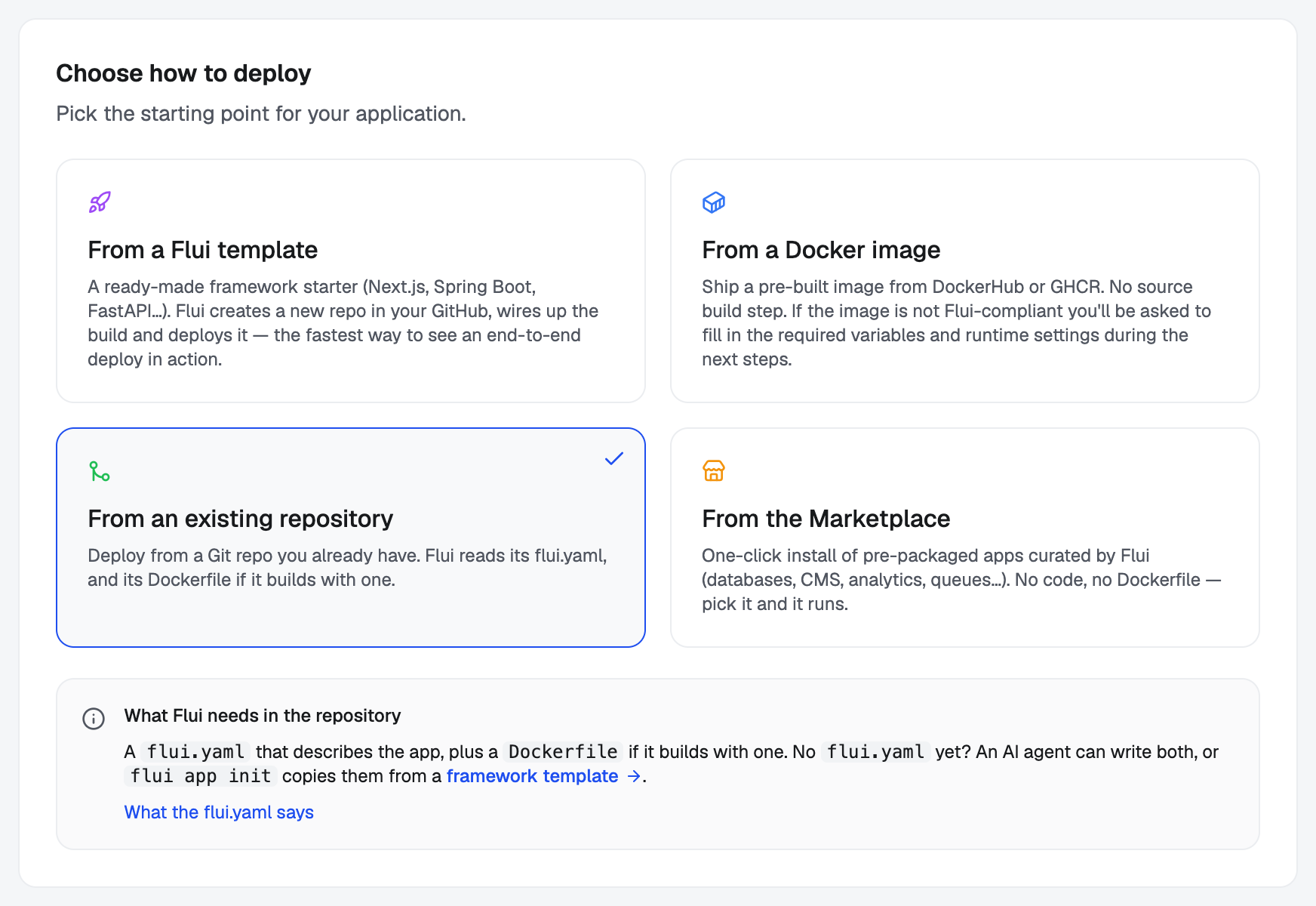
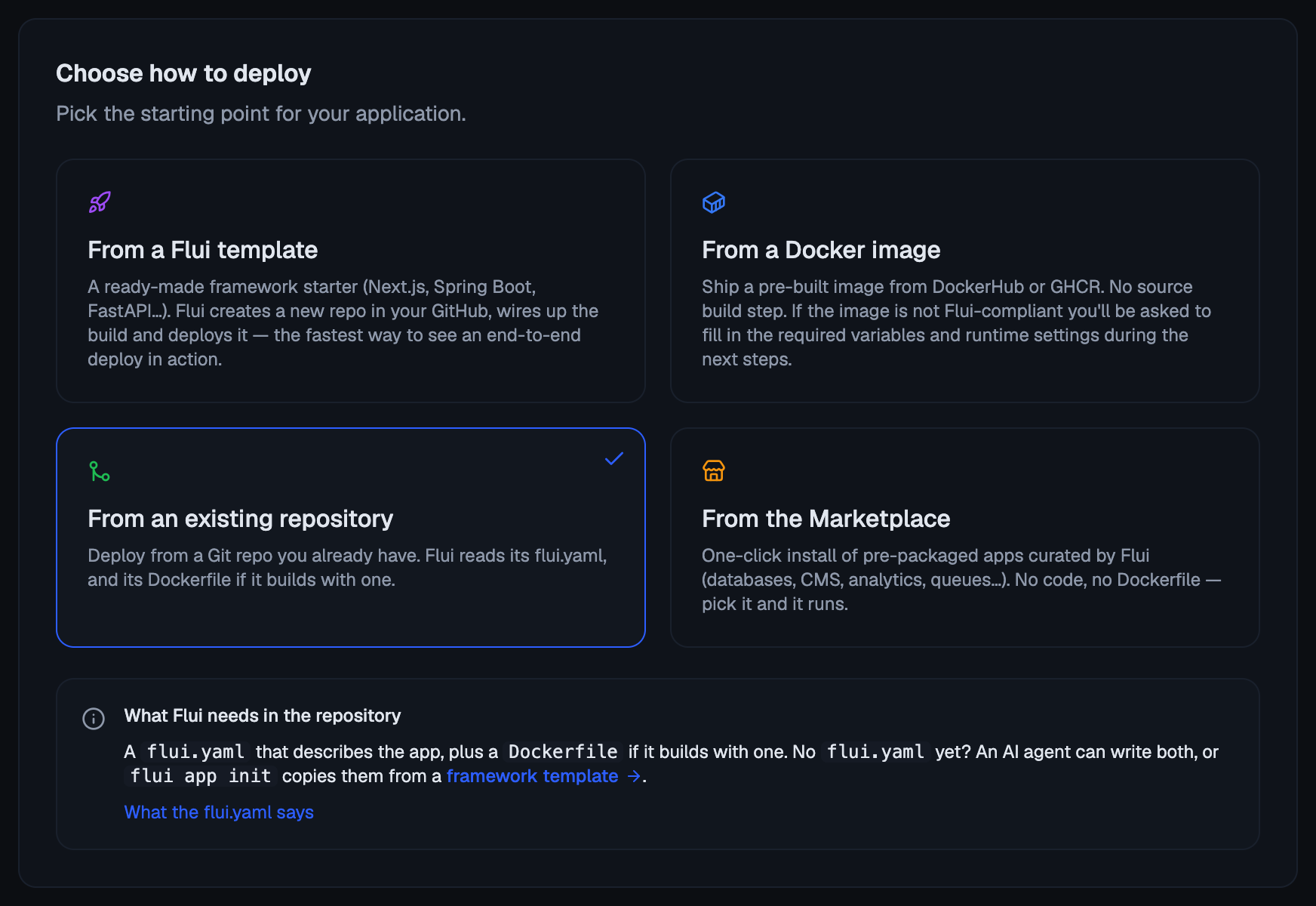
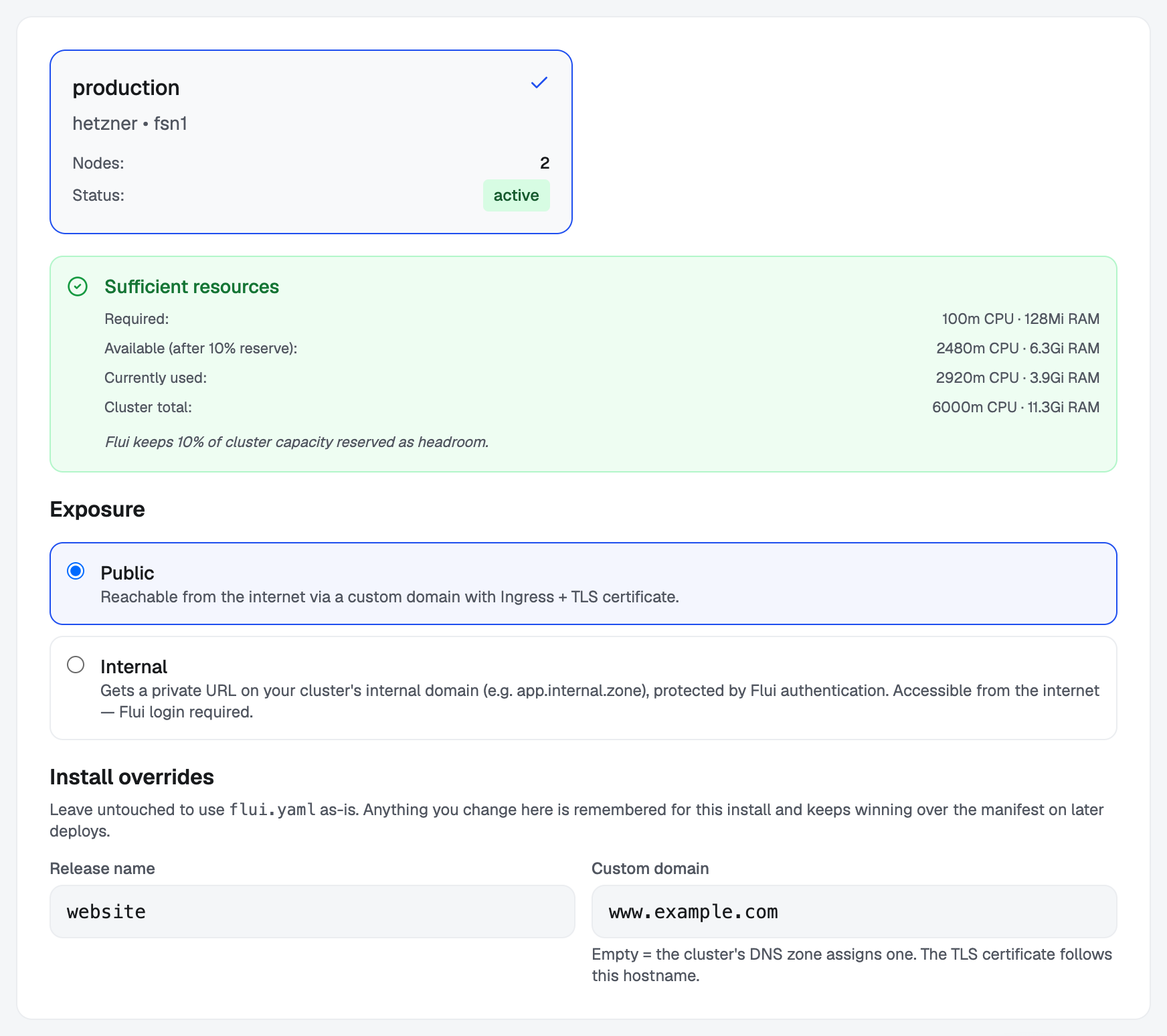
flui deploy --no-buildflui deploy --image ghcr.io/owner/repo:abc123Click Deploy New in the sidebar, then From an existing repository, and pick the repository and its branch. The wizard reads the manifest, shows what it found, and lets you set the install overrides below on its Cluster step.
The deploy runs in the background and shows its progress on screen.
app_deploy_from_yaml creates or updates an application from a
manifest. app_deploy deploys an application that already
exists, from an image, a commit or a build.
An agent needs to know two things:
The work is not finished when the call returns. A deploy
returns the application and, once there is work to follow, an
operation id. A deploy that has to build first comes back
waiting for its build. Nothing polls it for the agent: read
operation_status and the application’s status to learn the
outcome, and do that before telling anyone the deploy worked.
A deploy requested by an agent can stop and ask you. Both deploy routes are part of the action cycle: when the caller is an agent, the call does not run. It is refused with a request id, a plain sentence describing what was asked for, and a link where you answer. Nothing holds the call open while you decide. The agent is told to retry the identical call once you have answered, and that is how it learns your answer. A validate-only call never asks, since checking a manifest should not put a question in front of you about a deploy that is not happening.
5. Name, exposure and domain at install time
Three things belong to the installation, not the code: what this install is called, whether it is reachable from the internet, and on which hostname. The same repository deployed twice needs two different answers, and neither can live in a file both installs share. So you can override all three at deploy time.
| Override | CLI | Agent |
|---|---|---|
| Name | --name | overrides.name |
| Public or internal | --exposure public|internal | overrides.exposure |
| Hostname | --domain app.example.com | overrides.domain.fqdn |
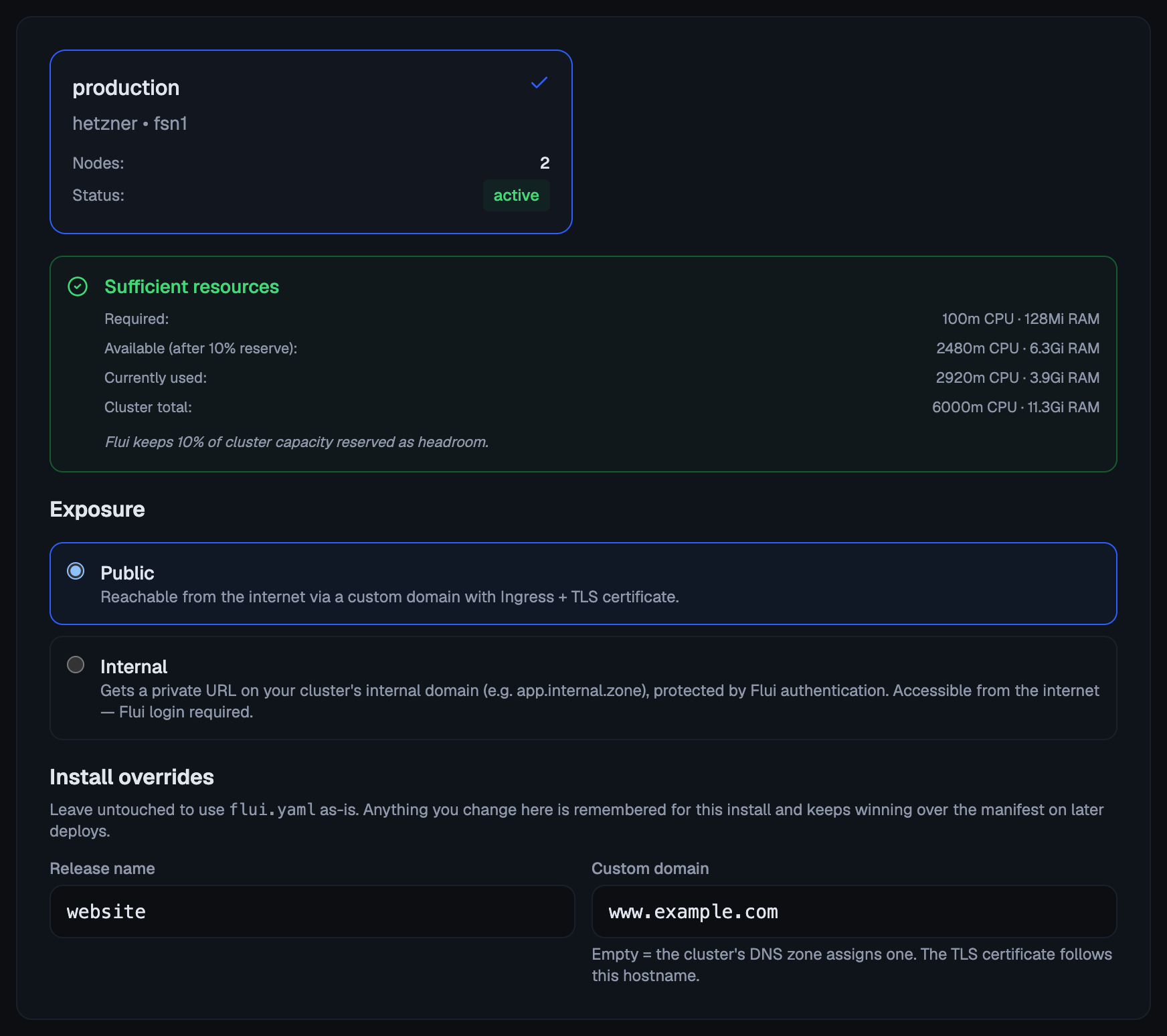
In the dashboard the same three are in the wizard’s Install overrides panel and its public/internal choice.
An application is identified by cluster, repository, branch and name together. Give a deploy a name it has not seen and you install that repository a second time, next to the first, instead of updating it.
This also works the other way, which surprises people: the name
is never read back from storage. Exposure and domain are
remembered on the install and keep overriding the manifest on
later deploys, but the name is not. Pass --name on every
deploy that targets that install. Leave it off once and the
next deploy targets a different application.
The validation check called What this deploy does exists for this case. Before anything runs, it tells you whether you are about to create an application or update one.
6. After the first deploy, a push does not redeploy
The first deploy of an application always goes through. What happens on later pushes is a separate setting, and by default nothing happens.
Auto-deploy on push is opt-in per application, and the setting
is called deployOnPush. While it is off (the default), a
successful build of a new commit is recorded as an available
image and waits. The running version does not change until
someone asks for it.
To deploy a recorded image:
flui app versions my-apiflui app redeploy my-api a1cac27deployOnPush is a setting on the application itself, not a
field in flui.yaml. From the terminal, run
flui app auto-deploy my-api --on (--off turns it off
again). There is no agent tool for it.
Where to go next
- The flui.yaml manifest: everything the file can say, and what it leaves out.
- How Flui reads a repository: the map in depth, including what gets read, what a verdict means, and the limit on sharing one database across a monorepo’s units.
- Deploy and catalog validate: every flag on
flui deploy. - Integrations and repositories: the
one-time GitHub setup, both modes, the registry credential,
and
flui repo map show/apply.