
Open a database from your machine
A database you run on Flui is not on the internet. It has no public address, no port anyone can scan and nothing to point a client at. That is the safe default, since a database exposed to the world is an expensive mistake, but it means you need a way in the first time you want to look at a row.
There are two ways in:
- A tunnel.
flui db tunnelputs the database on your own machine, at127.0.0.1, for as long as the command runs. Your usual tools connect to it:psql, DBeaver,mongosh, your application’s ORM. - The console in the browser. Nothing to install or run, and read-only by default. Good for a quick check.
Neither one opens the database to anybody else. The tunnel is bound to your loopback address and closes with the command. The console runs every request through Flui’s own API, so the browser never talks to the database.
The tunnel, and the console
The application’s name is the only argument:
flui db tunnel my-databaseIt stays in the foreground, so an open tunnel is always visible in a terminal. Press CTRL-C to close it.
While it is open, it prints everything a client needs:
✅ Tunnel up. Connect a client to:
   Host:     127.0.0.1   Port:     55432   Database: appdb   User:     appuser   Password: ...
📝 Connection string:   postgresql://appuser:...@127.0.0.1:55432/appdb
🧪 PostgreSQL client:   PGPASSWORD='...' psql -h 127.0.0.1 -p 55432 -U appuser -d appdb
Copy the connection string into your ORM, or paste the client line into a second terminal. Both match the engine you are running.
If the connection drops, the command reconnects on its own and
prints the coordinates again. Pass --no-retry to turn that off
when you would rather see the failure.
Which port it binds
The local port is chosen per engine and differs from the engine’s
usual port: 55432 instead of 5432, so a tunnel does not clash
with a Postgres already running on your machine. Tunnels to
different kinds of database do not collide either, except Redis and
Valkey, which share one port.
| Engine | Local port |
|---|---|
| PostgreSQL | 55432 |
| MariaDB | 53306 |
| Redis / Valkey | 56379 |
| FerretDB | 57017 |
Pass --local-port <n> to pick another port, for example to run
tunnels to two Postgres databases at the same time.
The tunnel covers only these five engines. For anything else it answers that the database is not supported. For Kafka, an object store or a search engine, use the browser console.
The other flags, and the other commands
-c, --cluster <name|id> picks the cluster. You can
leave it out when your profile has only one.
The rest of the db commands work on the same databases:
| Command | What it does |
|---|---|
flui db credentials <app> | The in-cluster address and credentials, which another app running on Flui uses. The password is hidden unless you pass --show. |
flui db dump <app-id> | A logical SQL dump of a Postgres or MariaDB database, produced by the engine’s own tool. -o <file> to name it, or --s3-destination <id> to send it to a backup destination instead of downloading. |
flui db restore <app-id> <file> | Runs a dump back into the live database. It overwrites existing data and asks before it does; --yes skips the prompt. |
flui db disk <app-id> | How full the storage under the database is. When it is full, the database can no longer write. |
flui db backup-status <app-id> | For Postgres: whether continuous backup is on, how far back you can recover, and the last base backup. --json for machine-readable output. |
flui db pitr-restore <app-id> --name <new> | Rebuilds a Postgres database as of a point in time into a new install. The source is never touched. --at <ISO-8601> sets the moment; without it, the latest. |
tunnel and credentials take a name, a slug or an id;
the others take the application’s id, from
flui app list.
What the tunnel needs from you
If you can run the CLI, you already have both things the tunnel needs.
The first is access to the application, the same access opening its console needs. See Who is allowed to open one below.
The second is a way onto the cluster. There is no key to set up: the CLI signs a short-lived certificate for you from the SSH authority your profile manages, uses it and discards it.
That connection is also why the tunnel can show the password. The API returns only the coordinates (engine, database, user), and the CLI reads the password from the cluster itself, over the connection it already opened. No password crosses the HTTP API on this path, which is the same rule the console follows.
Open the application. Every database, cache or store gets an Access tab, including ones bundled inside a larger install, like the Postgres that came with a catalog app. It shows the in-cluster address and a button that opens the console.
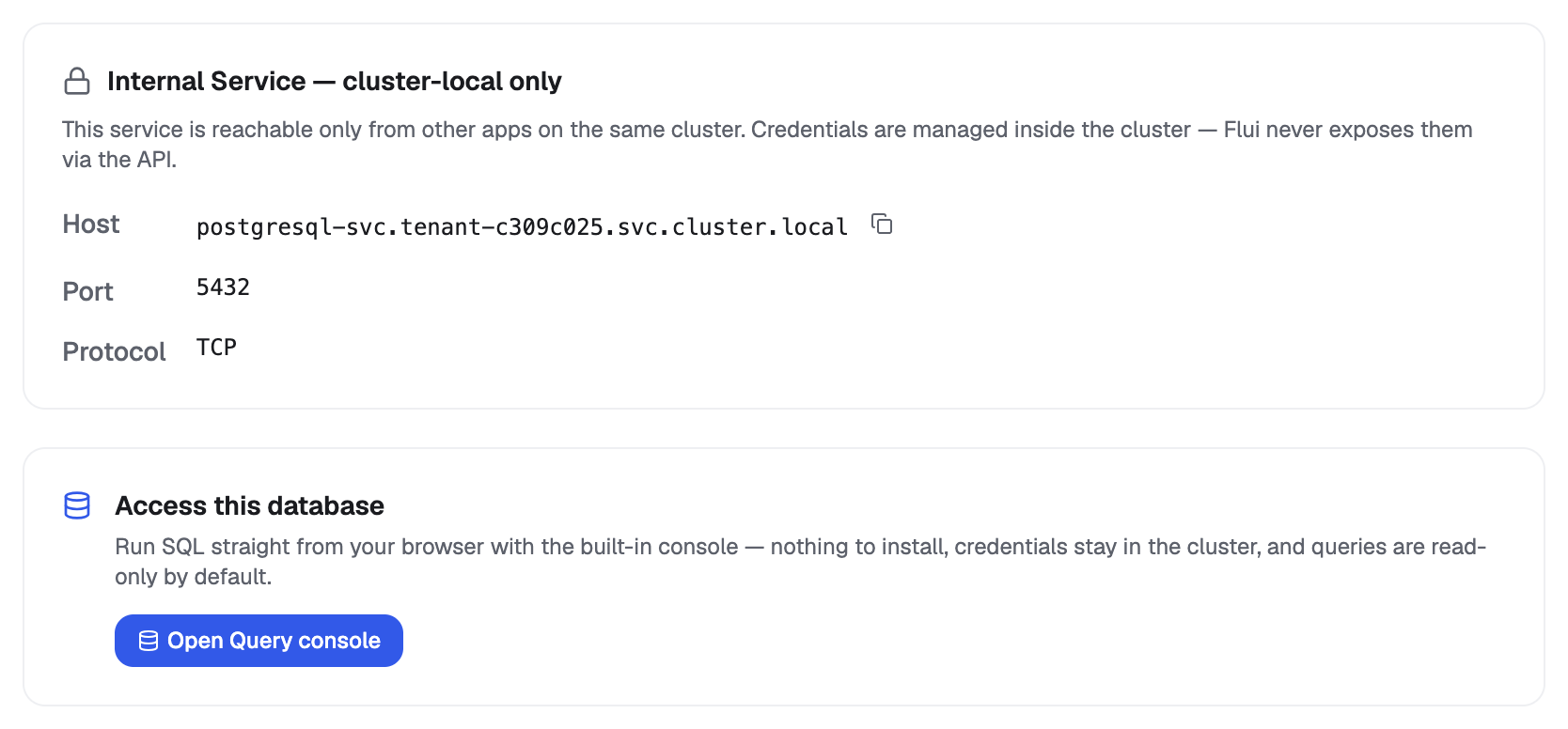
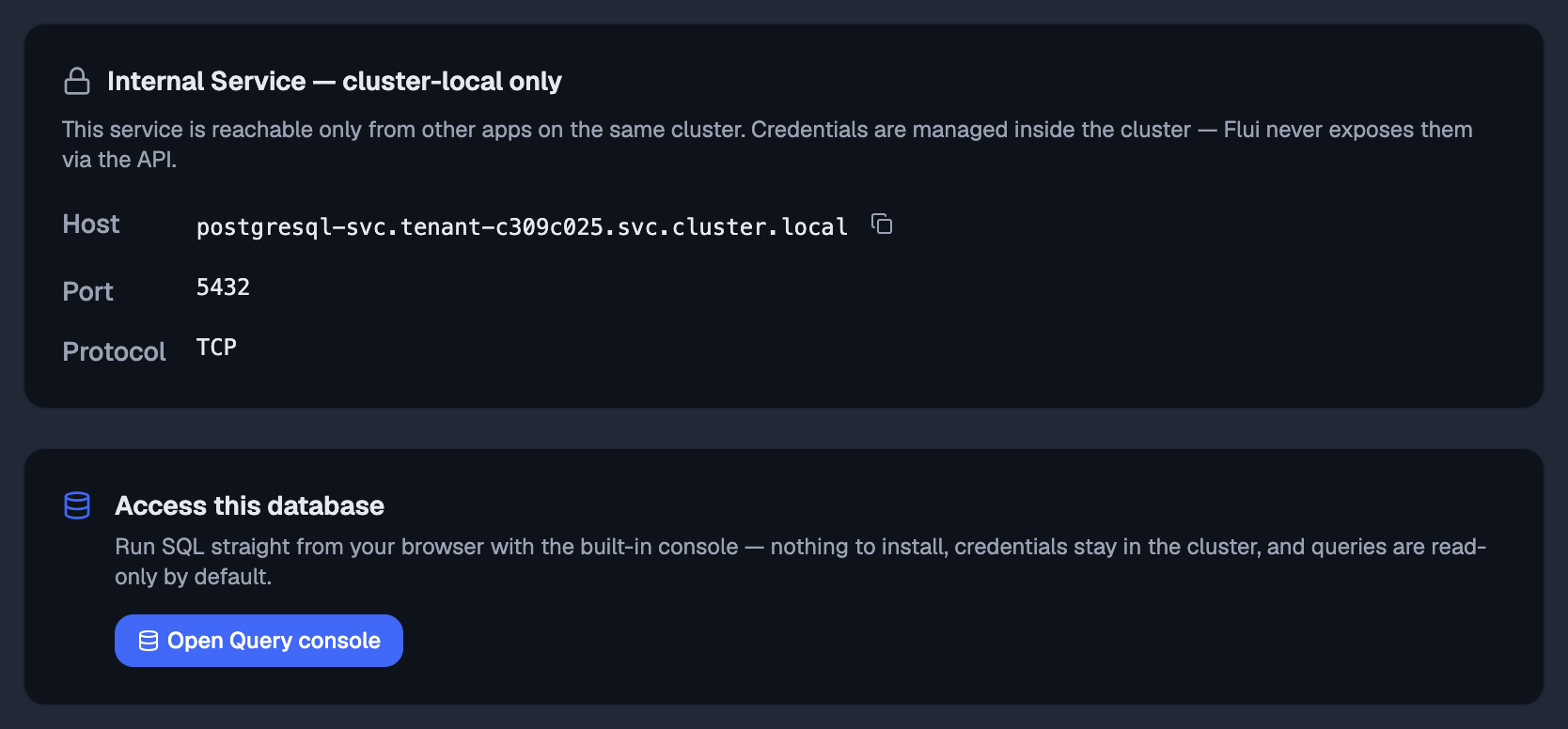
The Overview tab has a console button too (Open SQL Console for a SQL database), with two panels you can open below it:
- External client: the exact
flui db tunnelcommand for this application, ready to copy, with the host, port, database and user you need once it is up. The password is not shown. The command prints it in your terminal, and the dashboard never displays it. - Use from another app: the in-cluster address for wiring this
database into another application’s configuration, with the
flui db credentialscommand that prints the password. No tunnel is involved; applications on the same cluster reach it directly.
Ten kinds of console
Flui picks the console from the engine the application declares:
| Kind | Engines | What you get |
|---|---|---|
| Relational | PostgreSQL, MariaDB | A query editor and a schema browser |
| Key-value | Redis, Valkey | Keyspace overview, key scan, value reader, command runner |
| Cache | Memcached | Hit ratio, items, memory, evictions; look up, set or delete by key |
| Document | FerretDB | Databases, collections, documents, and a shell |
| Full-text | Meilisearch | Indices, search with filters, raw requests |
| Kafka | Apache Kafka | Topics, consumer-group lag, and a command shell |
| Messaging | NATS, RabbitMQ | Server stats, streams and queues, peek and publish |
| Object store | Garage | Buckets and files: browse, upload, download, share |
| Search | OpenSearch | Indices, full-text and query-DSL searches |
| Secrets | OpenBao | The secret path tree, versioned values, history |
Read-only by default
Every console starts read-only. On the SQL side, the query runs inside a transaction the database itself holds read-only, and the transaction is discarded afterwards. A statement that tries to write fails at the engine, and nothing it did is kept. On MariaDB, statements that would commit on their own are also refused before they are sent.
Every query also has two limits: it is stopped after about 30 seconds, and the grid shows 1000 rows (up to 10,000 if you raise the limit) and tells you when it truncated. The console is for looking at data, not exporting it.
The other consoles work the same way. Browsing is read-only by nature. A command runner passes through a gate that allows reads and refuses writes unless the write path is explicitly turned on for that request. Some consoles (the object store, the secrets browser and the messaging console) exist partly to write, and offer writes openly.
The natural-language helper, on the consoles that have one, never sees your data. It gets the shape (the schema or a keyspace summary), your question, and Flui’s own notes on that engine. It writes a query for you to read and run, and does not run anything itself. See the database console for the full reasoning.
Who is allowed to open one
Opening a database is decided by the same access engine as every other route in the product:
- Owning the application is not enough by itself. You need a grant that reaches it (the same grant that lets you operate it anywhere else) and the right to reach an application’s data, which every role carries except Platform operator.
- Revoked access applies here too. A grant revoked, or narrowed to a different set of applications, closes the console and the tunnel along with everything else.
- An agent credential is checked first, before the application is even looked up. A key scoped to reading logs cannot reach an arbitrary query prompt, even when the person who created it owns the database.
- Applications the platform installed for itself open only to someone with authority over the whole installation.
- A refusal does not say “it belongs to somebody else”. It reads as an absence, with the same words every time. Trying ids until one answers differently tells you nothing.
The whole db family shares that gate: the tunnel, the
credentials, the dumps, the disk report and the point-in-time
restore all run the same check before they answer.
Every query the console runs is recorded on the server, whether it succeeded or not.
There is no agent tab on this page
No tool on the agent surface opens a console or a tunnel, by design. A tunnel is a live connection to your data and a console is an arbitrary query prompt; a person opens, watches and closes both. An agent that needs a fact about your data should be asked for a query you run yourself.
The platform’s own two databases
Two names do not belong to any application, and flui db tunnel
handles them itself: platform-postgres and identity-provider.
They are Flui’s own database and the identity provider’s. The
browser console never opens them. The tunnel is the only way in,
and it needs authority over the whole installation.
They have their own page: Reach the platform’s own database.
Where this goes next
- The database console: how the console connects, why the helper never sees your data, and what it will not do.
- The databases CLI: the full flag surface for
flui db tunnelandflui db credentials. - Give a teammate access: the grants that decide whether any of the above opens for someone else.
- Catalog vs application: where the database building blocks come from.