
Install an application from the catalog
Not everything you run is something you wrote. Most installations end up with a photo library, a status page, a wiki or a database: software that already exists and that you want running somewhere you control.
The catalog holds that software, already described. Someone has written the manifest: which image to pull, what it listens on, how much memory it wants, and what it has to ask before it can start. You pick an entry, answer its questions, and Flui installs it on one of your clusters.
The result is an ordinary application. It sits in the same list as the apps you build from your own repositories, and the same commands and screens restart it, read its logs and remove it. The catalog is only where the image comes from.
For what an entry is, read Catalog vs application. For entries that bundle several workloads, read Composed catalog apps.
Before you start
You need a cluster to install onto and the right to create applications on it. The image is already built, so there is no repository to connect and no build to wait for.
Install one
Find something.
flui catalog listflui catalog list --search umamiflui catalog list --category productivityEach row shows a slug, a name, a category and a version. You install with the slug.
--building-blocks lists the databases, caches and queues that
other entries are built on, and --json prints the same rows for a
script.
Install it.
flui catalog install umami --waitWithout --cluster, the cluster is picked automatically when your
profile has only one. --wait polls until the install has
finished, up to --timeout seconds (900 by default). Without
--wait, the command prints the install id and returns. The
install carries on either way.
Answer what the entry asks for.
flui catalog install pocketbase \ --input PB_ADMIN_EMAIL=me@example.com \ --input PB_ADMIN_PASSWORD='choose-one' --wait--input KEY=value is repeatable, one per answer. The related flag
--env KEY=value changes a setting the entry has marked as yours to
change, instead of answering a question it asks.
There is no file form of --input, so an answer given this way
lands in your shell history like any other argument. For a value
you want to keep out of it, leave the flag out: in a terminal, the
command asks for every required answer you did not pass, and a
sensitive one is typed without being shown.
Follow it, then operate it.
flui catalog status <install-id>flui app listflui app status <name-or-slug>Check a manifest you wrote yourself.
flui catalog validate ./flui.yamlThis runs entirely on your machine against the spec, with no
cluster and no login. It takes several files at once and handles
both kind: CatalogApp and kind: Application.
Open App Catalog in the sidebar. Entries are shown as cards; opening one gives you four tabs:
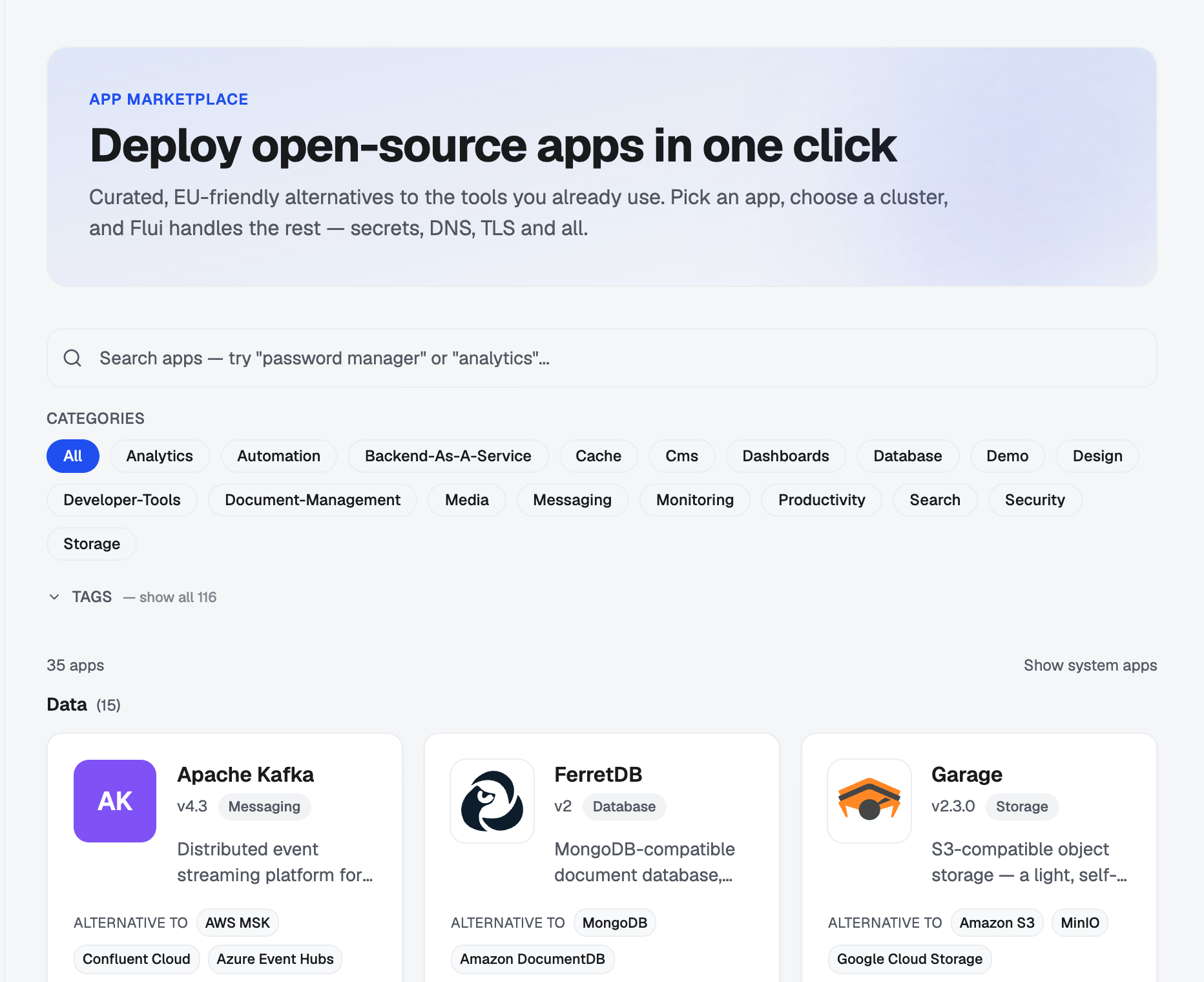
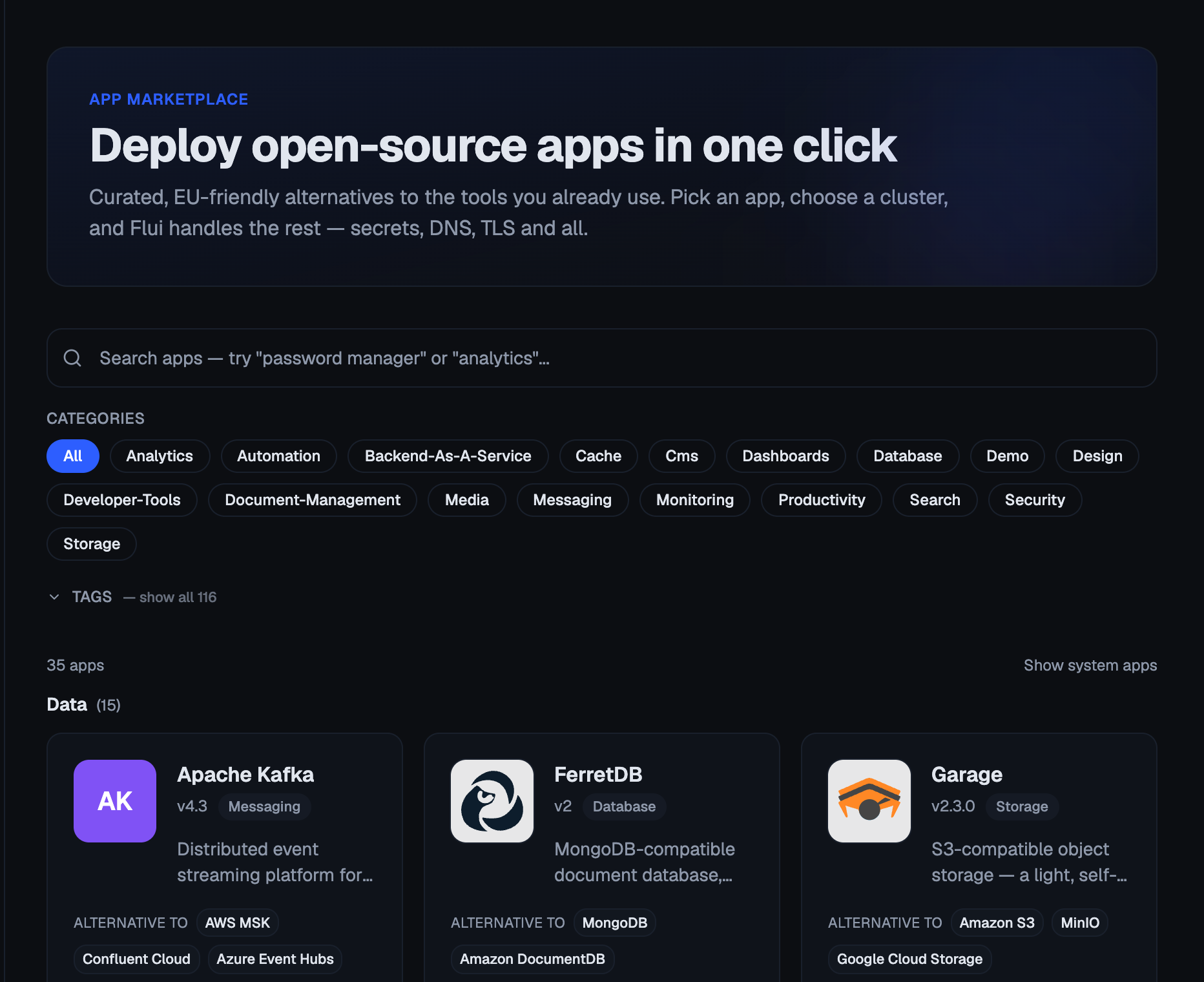
- Description: what the software is, and its tags.
- Configuration: what you will be asked for, and which settings you can change.
- Install: the install button.
- Manifest: the entry’s file exactly as published.
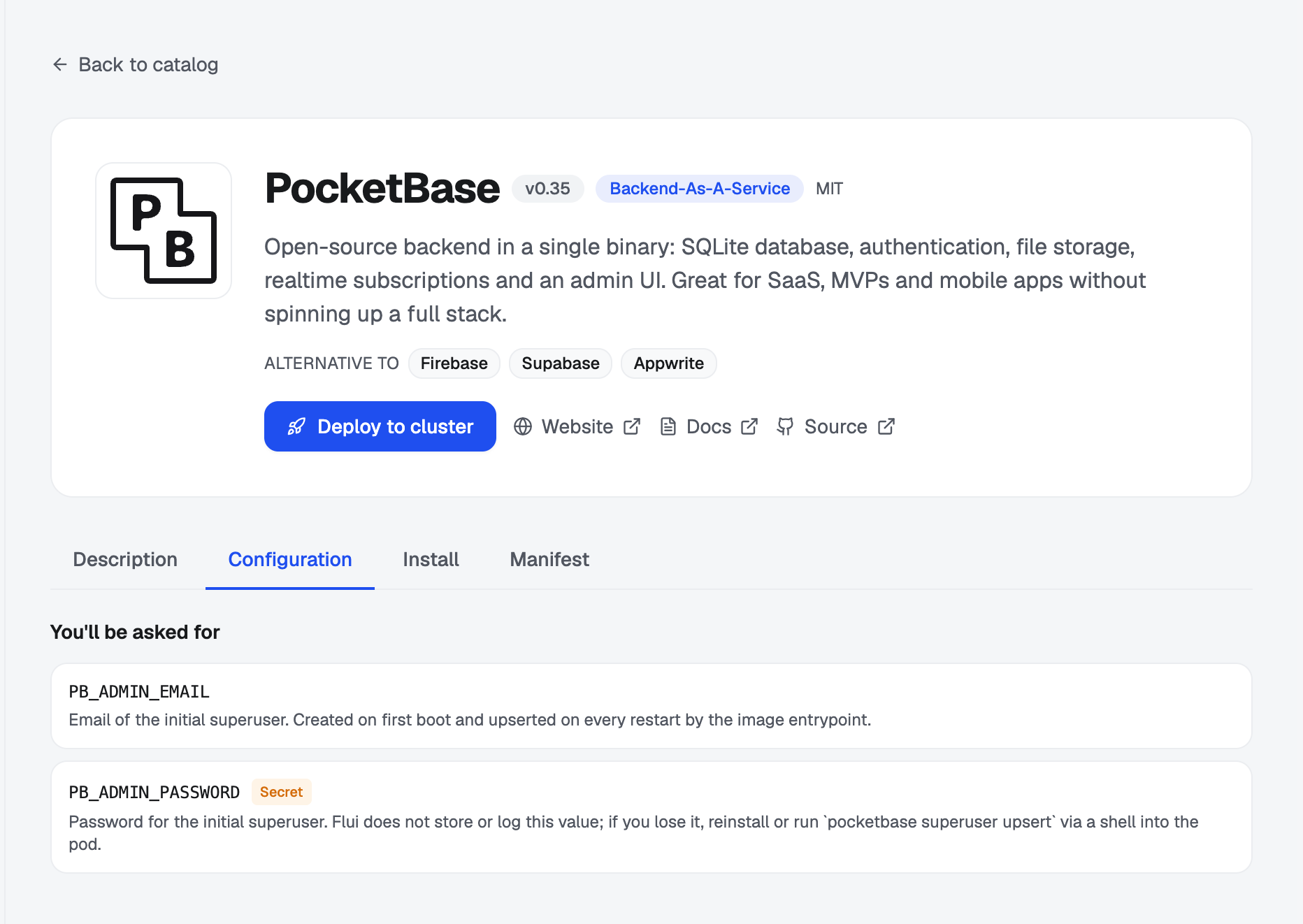
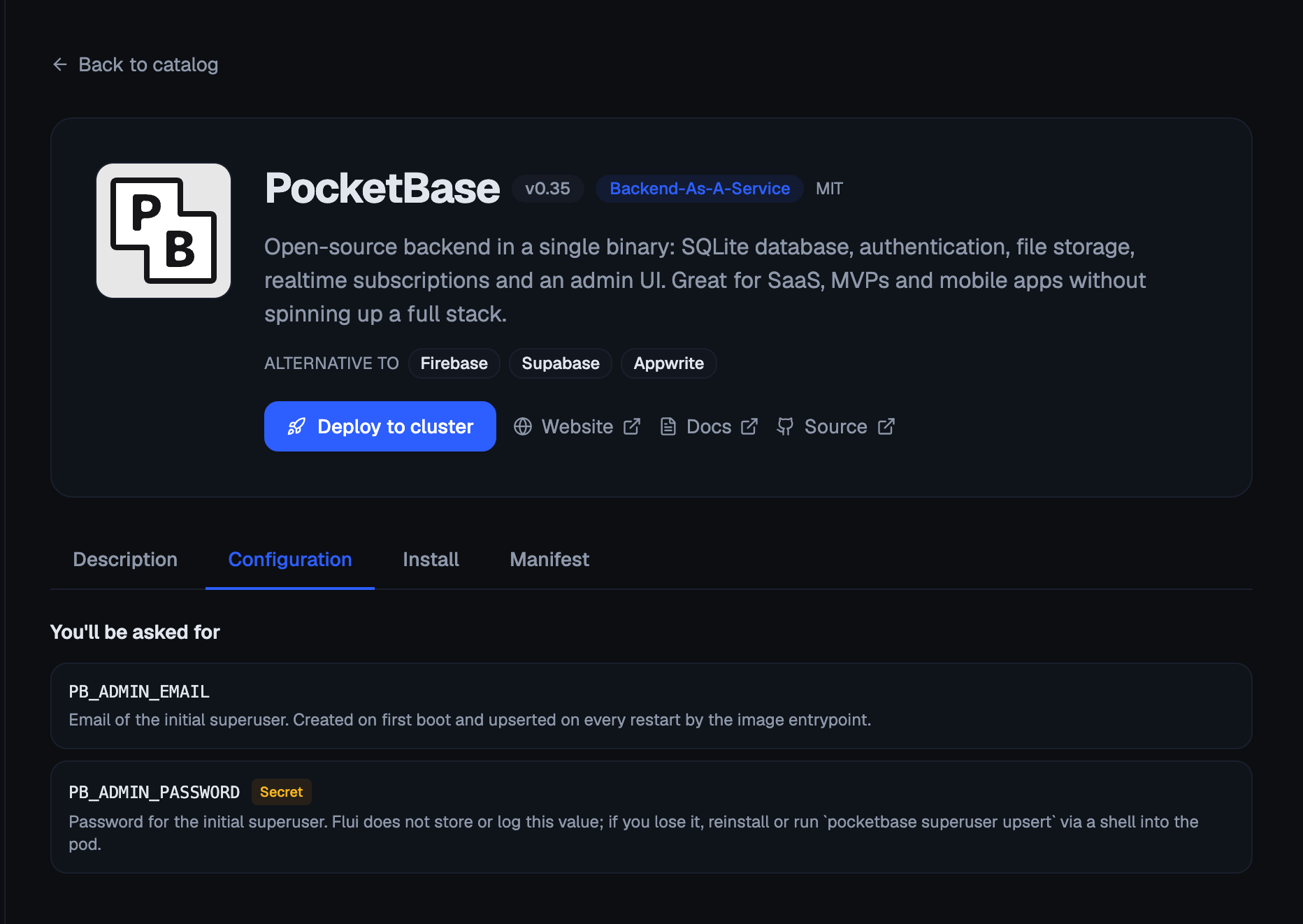
Deploy to cluster takes you to the deploy wizard with the entry already chosen. The steps depend on the entry, and steps that do not apply are not shown:
- Source: the catalog, already chosen.
- App: the name this install will have.
- Configuration: the questions the entry asks.
- Settings: the values it lets you change.
- Features: optional parts you can switch on.
- Cluster: where it goes.
- Dependencies: for an entry that needs a database or a queue, provision a new one or point at one already running.
- Link: for a client of a database or a queue, the running one to connect it to after install. Optional; you can connect it later from the app’s page.
- Domain: the address it answers on.
- Review: what it needs against what the cluster has free.
- Install: the install runs in the background and the screen follows it step by step.
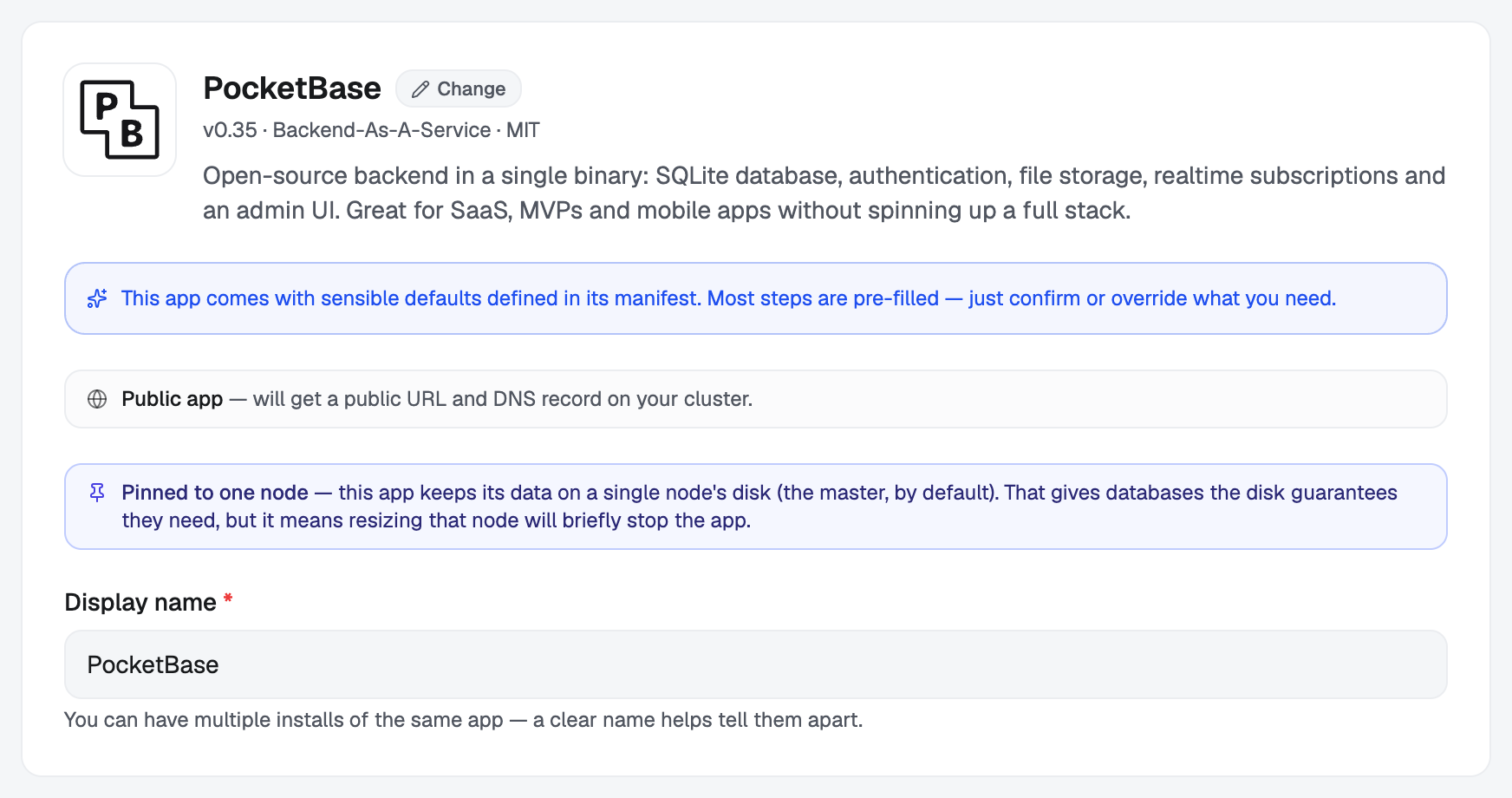
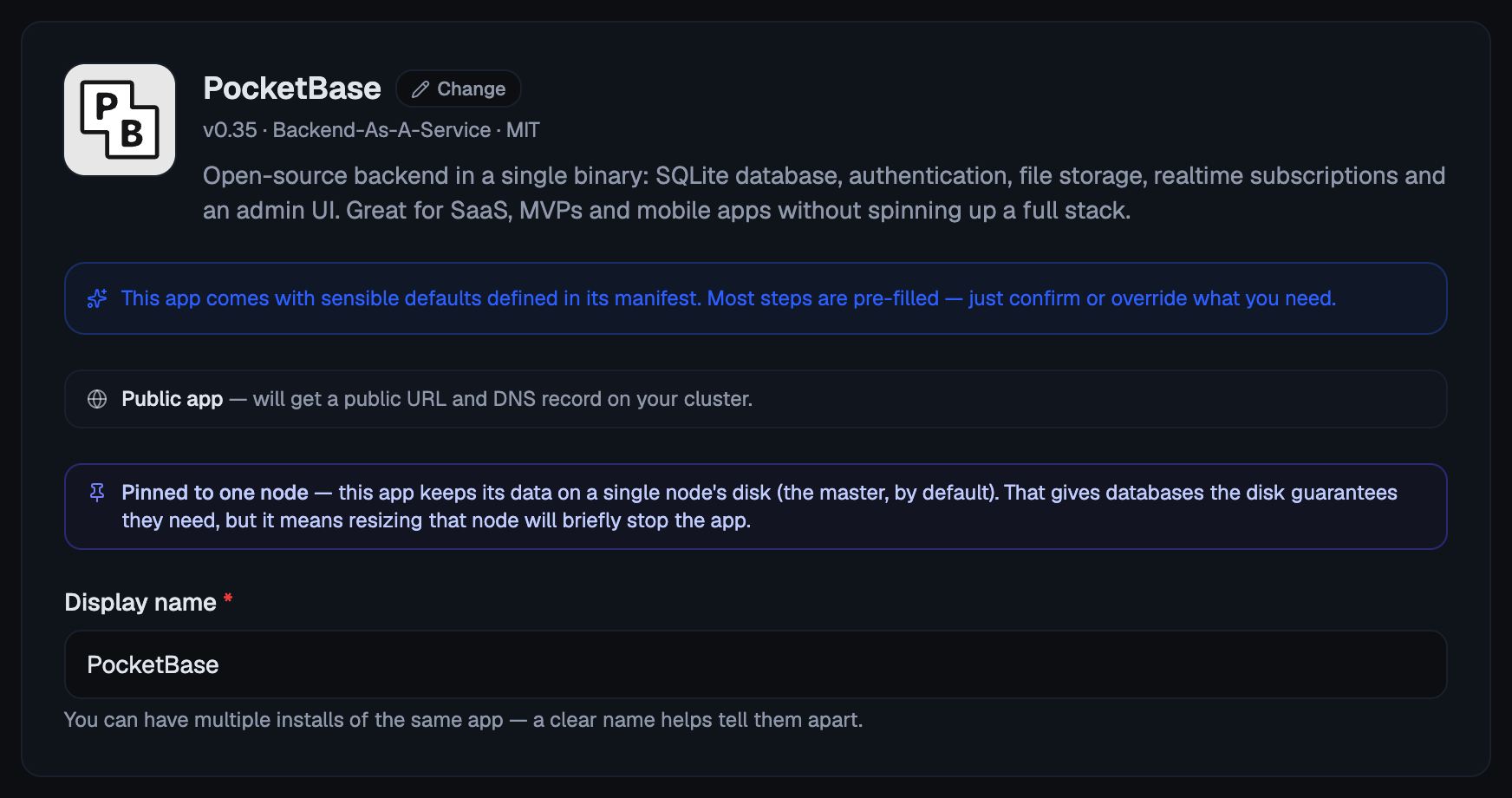
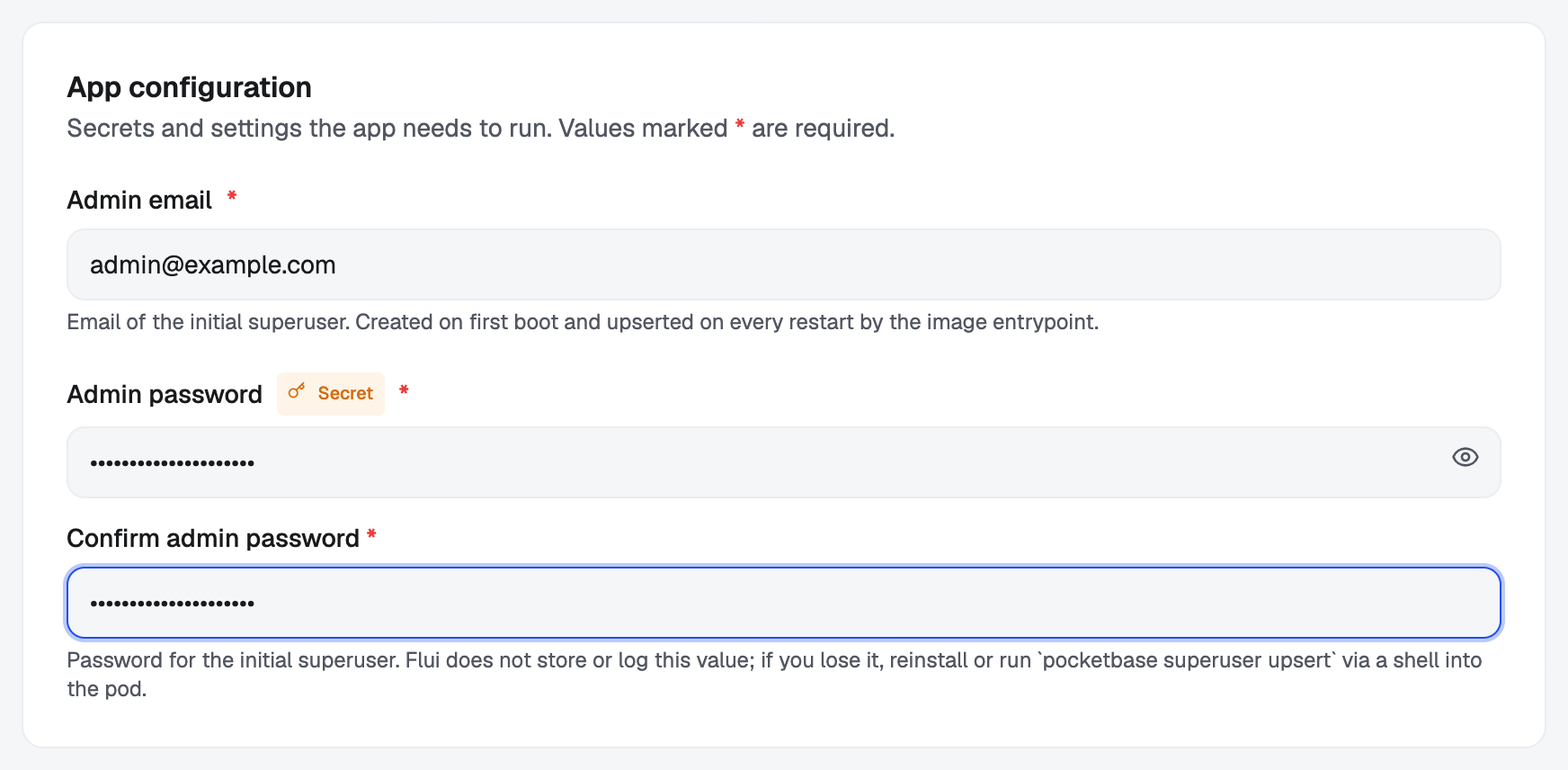
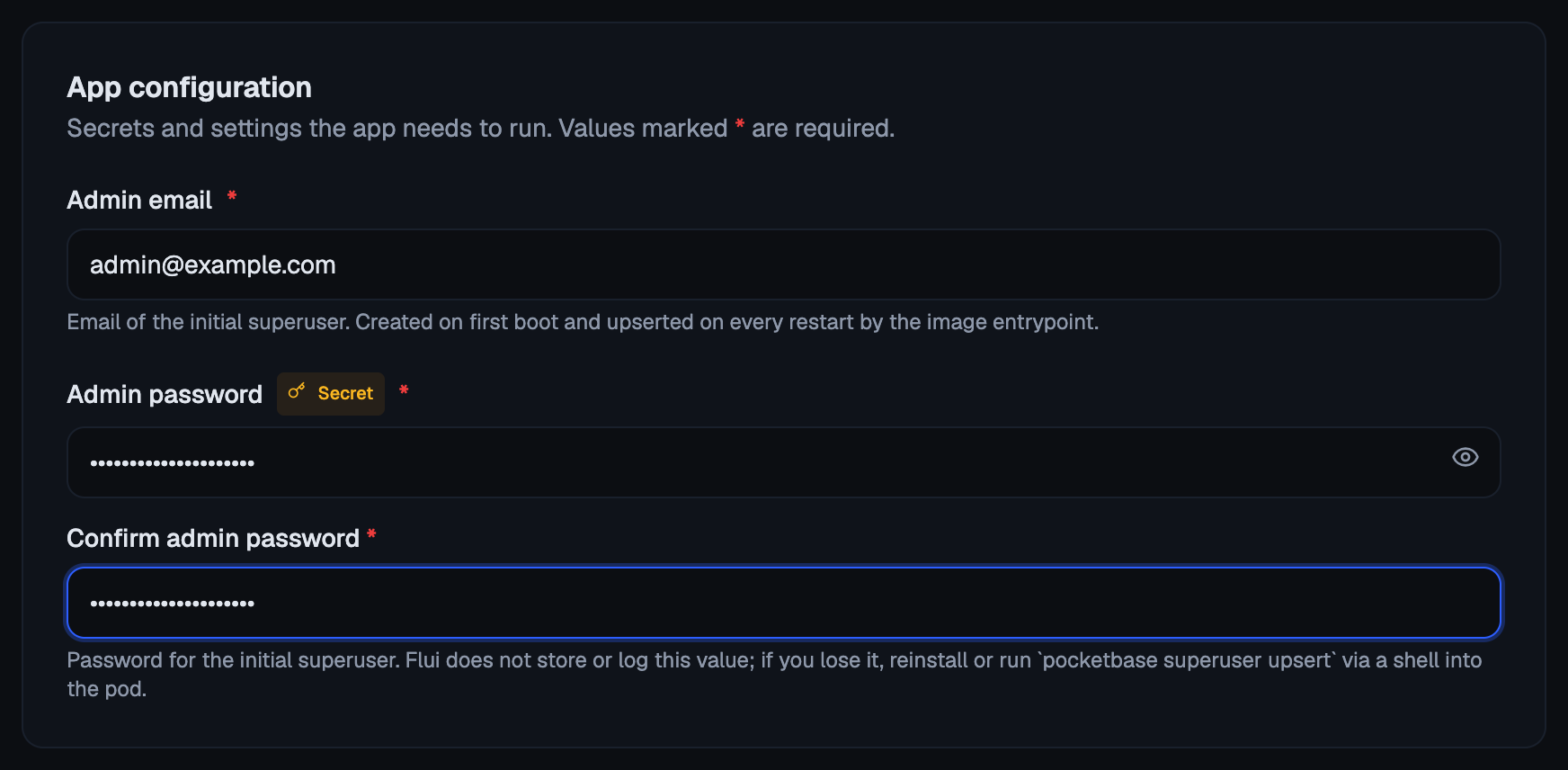
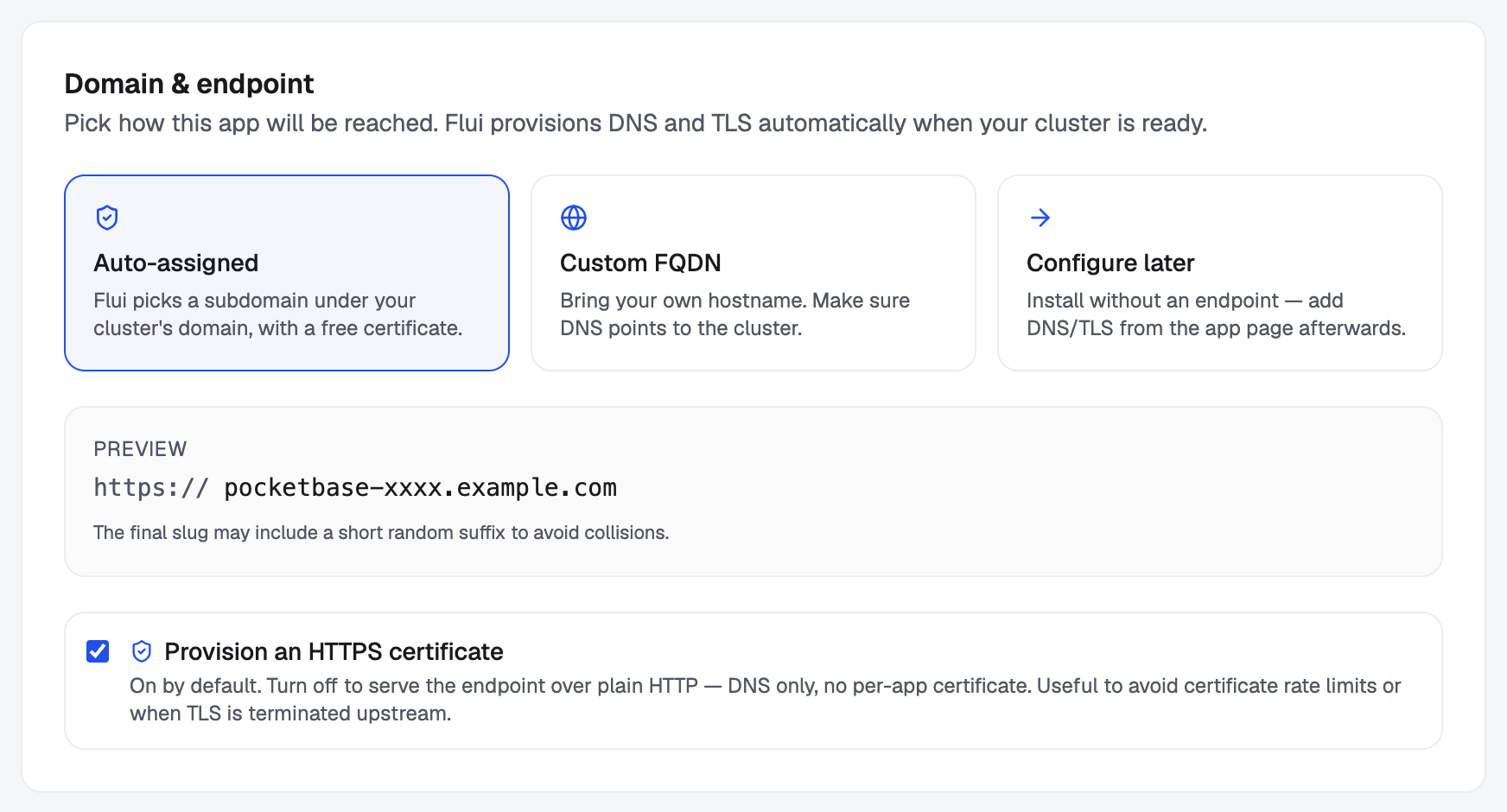
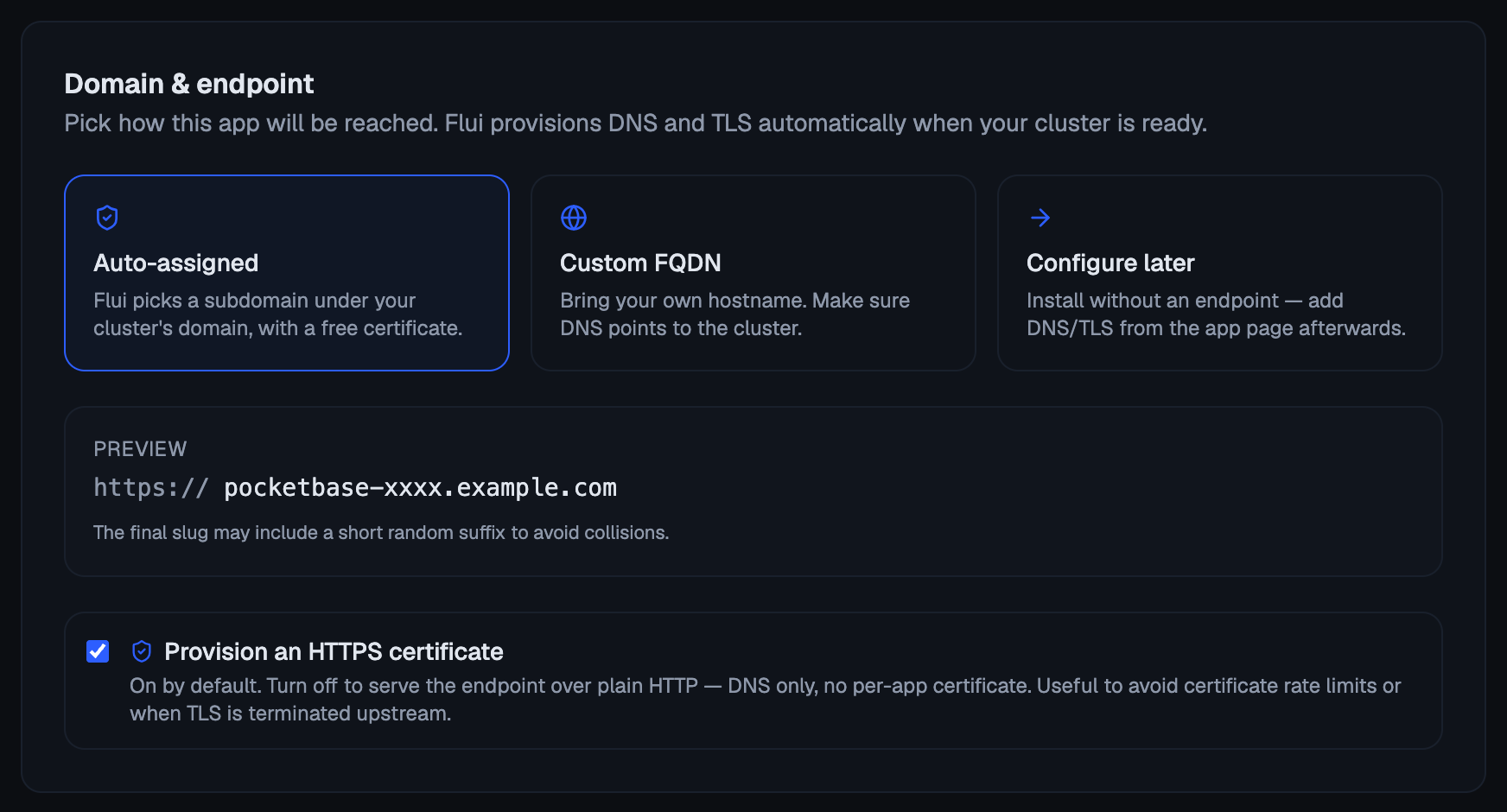
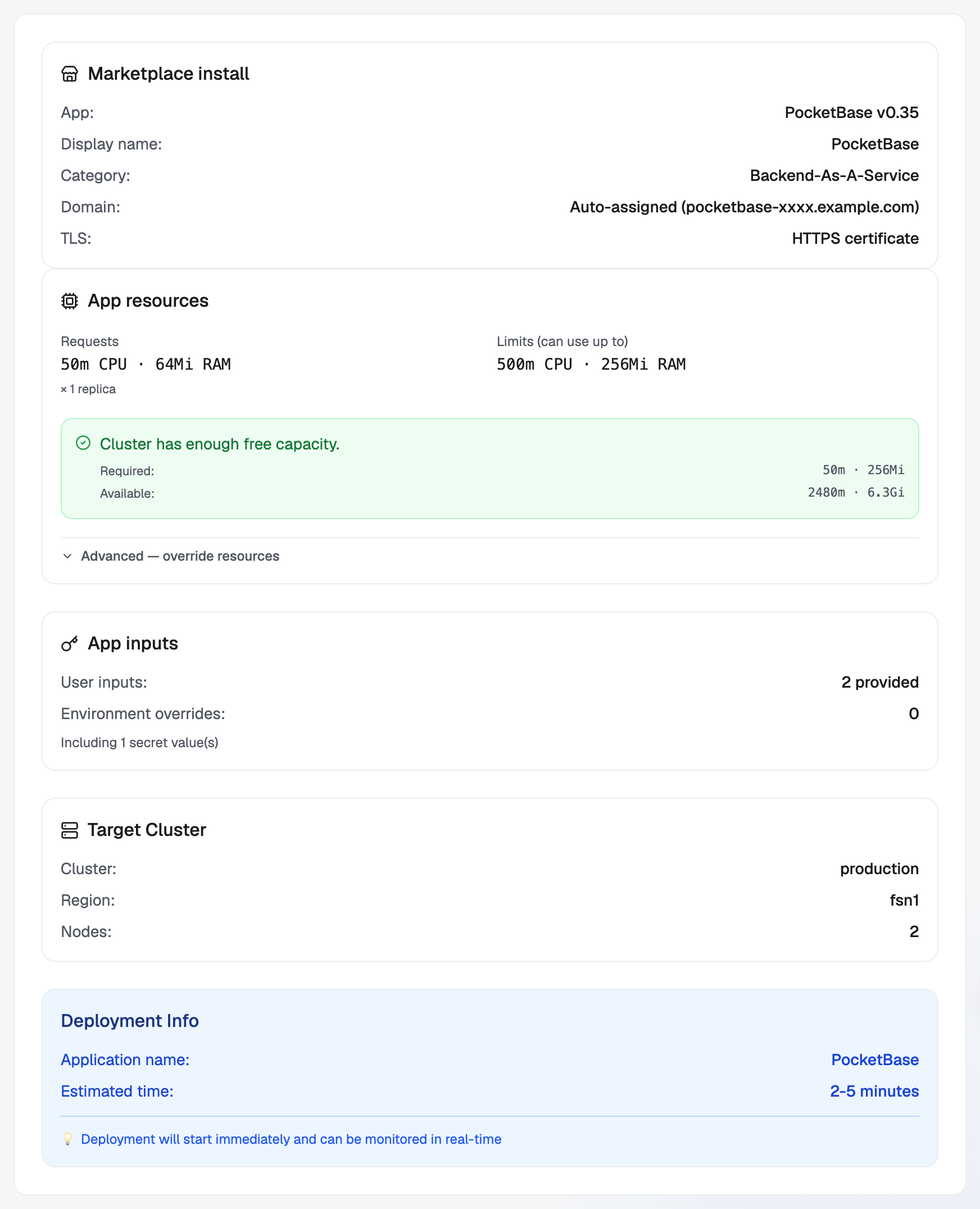
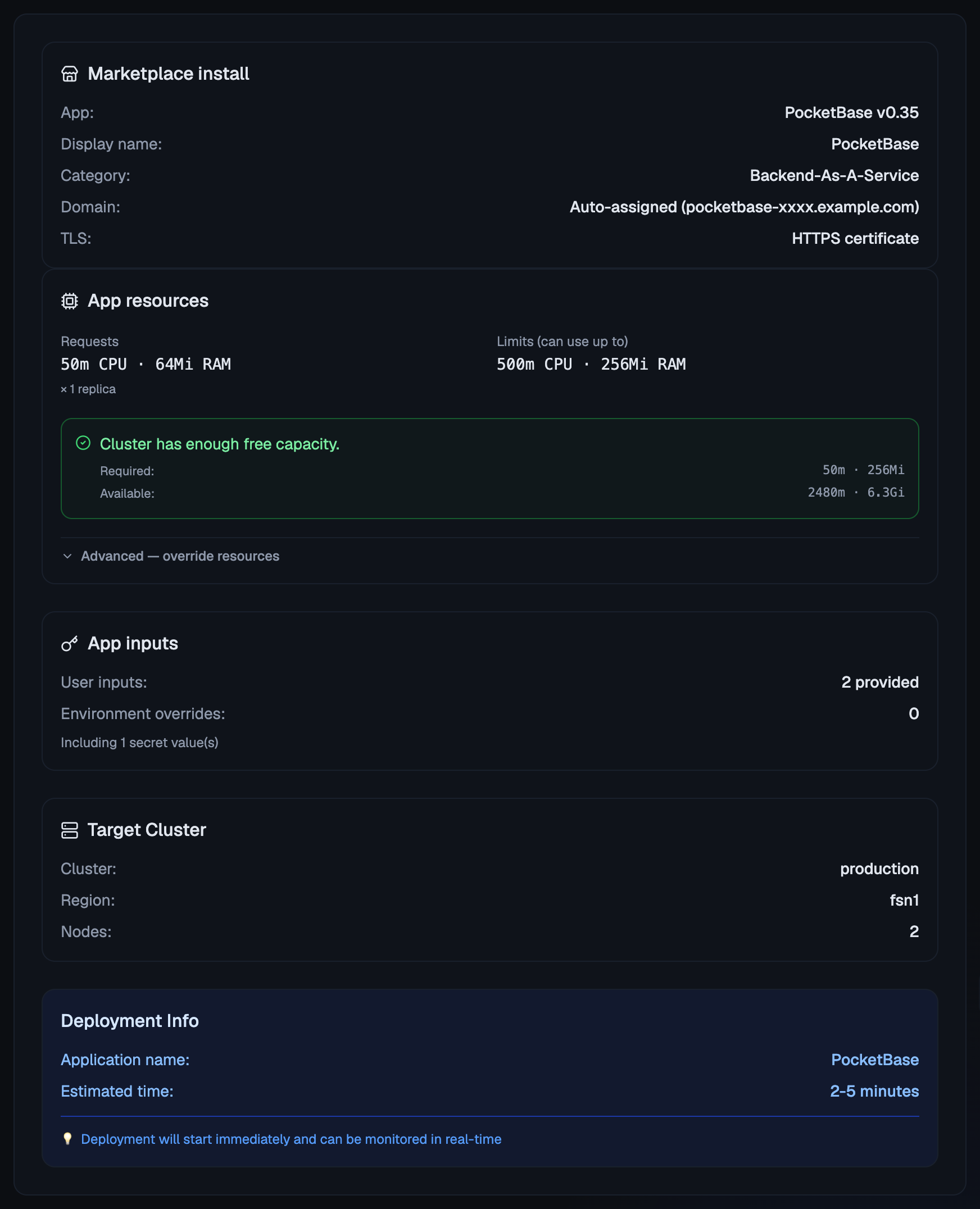
Only the dashboard has the dependency picker, and only the dashboard lets you install despite a capacity warning. The review step shows what the entry needs against what is free, lets you lower what it asks for, and has an Install anyway box you have to tick yourself.
Use three tools, in this order:
catalog_search: free text, by name, category or tags. With no exact hit it falls back to the closest names, so search for the name the person used rather than guessing a slug.catalog_get_app: the full entry, with which inputs are required, what it depends on, how it is reached, andinstallableagainst the target cluster. Wheninstallableis false, say what is missing instead of trying anyway.app_install: takessluganddisplayName, and optionallyclusterId,domain,exposure,authMode,options,userInputsandenvOverrides. Arguments are strict: an unknown argument name is refused, not ignored.
app_install returns an installId and an operationId
immediately. On an external client nothing follows that operation
for you: call operation_status with the id until done is true,
and only then say whether it worked.
Which of these tools an agent can see depends on its permission
groups. See applications carries the two catalog reads;
Deploy and operate applications adds app_install. A tool
outside the key’s groups is not listed at all, so an agent that
cannot install does not see the tool and cannot try.
The answers an entry asks for
An entry can declare that it cannot start until someone gives it a
value, such as an admin email, a site title or a password. Those
questions are part of the manifest, keyed by the variable the value
goes into, which is why you write an answer as
PB_ADMIN_EMAIL=me@example.com and not by position.
- An answer you leave out falls back to the entry’s own default. A question with no default has to be answered, and for a single-workload entry an install missing one is refused before anything is created.
- Answers marked sensitive are stored as secrets. They are
never printed back to you:
flui app env listtells you a sensitive key is set, never its value. - Values the entry generates for itself, such as a database password it creates at install time, are secrets too, and you never have to invent them.
Some entries ship with a built-in account instead of asking you for one. The dashboard shows that login on the configuration step, with the entry’s own note about changing it.
The terminal has no command that only prints an entry’s questions;
flui catalog install asks them as it goes. To read them first,
open the entry’s page in the dashboard, or have an agent call
catalog_get_app.
One entry, several applications
A composed entry is one manifest carrying several workloads (a web tier, a database, a cache) that only make sense together. Installing it creates all of them in dependency order, wired to each other. If the install fails partway, what was already created stays where it is and the install is marked failed. Remove it to clean up.
It still counts as one install:
flui catalog status <install-id>counts the applications the install owns.flui app listshows the bundle as a single row with its component count;flui app list --expandedopens it.- Removing it removes the whole install, every application in it, and the data they all hold.
Composed catalog apps covers the component model in detail.
Name, address and exposure
Three things the entry declares can be overridden at install time, because they belong to this install rather than to the software:
| CLI | Dashboard | Agent | |
|---|---|---|---|
| Name | --name | the App step | displayName |
| Address | --domain | the Domain step | domain |
| Exposure | none | offered when the entry allows it | exposure |
Name is the display name. Installing the same entry twice gives you two separate installs, each with its own generated slug, so a second install never overwrites the first.
Address is a fully qualified domain name. If you leave it out,
a cluster with a DNS zone assigns one, and a cluster without one
gives the app an address built from the cluster’s own IP.
--skip-endpoint installs it with no public address at all. On a
cluster with no worker, --allow-master-placement lets a component
that keeps its data on one machine’s disk run on the control-plane
node; see storage classes.
Exposure is public or internal. Public means a public HTTPS
address. Internal means the app is reachable only through the Flui
dashboard, behind Flui sign-in, and it only works on a cluster set
up to host internal addresses. An entry accepts this override only
if it says it can be private, and flui catalog install has no
flag for it, so an internal install has to come from the dashboard
or an agent.
When an install is refused
These checks run before anything is created:
- The cluster does not have room. Flui adds up what the install needs against what is free, keeps a small safety margin, and says how much of each is short. Free something up, add capacity, lower what the install asks for, or use the dashboard’s Install anyway.
- The cluster cannot host it. An entry that is internal by default needs a cluster with the DNS and certificate setup behind internal addresses. The entry’s page says this before you try.
- A required answer is missing, as above.
- A dependency has not been chosen. An entry that needs a database offers you a new one or an existing one, and that choice can only be made in the dashboard. Neither the CLI nor the agent tool can pass it.
Where to go next
- Catalog vs application: the two kinds of manifest, and how to wrap any image you like in one.
- Composed catalog apps: components, options, and what install time resolves.
- Deploy an application from your repository: the other half of the same job, for code you wrote.
- Set an application’s configuration and secrets: changing a value after the install.
- Watch and operate a running application: logs, metrics and the levers, once it is up.