
Set an application's configuration and secrets
Every application needs values it does not carry in its own
code: a database URL, a log level, an API key. Two places hold
those values. The flui.yaml in your repository says what the
application needs. The platform stores what it was given, deploy
after deploy. This page explains which of the two wins.
The manifest owns the keys it declares
Values pinned by hand are how configuration drifts: the file
says one thing, the running application does another, and
nothing reports the difference. So the manifest reclaims what it
declares. On every deploy, for every key flui.yaml names, the
value in the file is the value that lands.
From lowest to highest priority:
- A stored value on a key the manifest does not declare. Kept. This is the only place a hand-set value survives.
flui.yaml. Authoritative for every key it declares, on every deploy, including a key someone had pinned by hand.--env/--env-fileat deploy time. Passed by a person on this deploy, and wins over both.
So a value you set by hand outlives the next deploy only if the manifest says nothing about that key. To use a different value on a key the manifest declares, pass it at deploy time.
There is one exception, which prevents a credential from leaking. A key linked to another building block’s secret, such as a database password Flui wired in for you, is never overwritten by a plain value from the manifest. The link stays a link.
Declared keys without a value
A manifest can name a key without carrying its value. It might declare a value someone supplies later, or point at a sibling application that cannot be found right now.
A key like that keeps whatever is already stored. Declaring it tells the platform that the variable exists and its value comes from elsewhere. It does not tell the platform to blank it.
Only a key the manifest stops declaring altogether is removed. That rule is what lets an application keep its API key across a redeploy.
A deploy-time value is plain text unless you say so
--env DATABASE_URL=… stores exactly what you typed, in plain
text, and it stays that way. That is fine for a log level and bad
for a password.
Name the key with --secret to change that:
flui deploy --env-file .env \ --secret DATABASE_URL --secret API_KEY--secret is repeatable, and each name must be a key you are
passing on this deploy. Naming one you are not passing fails the
command, so you never believe a credential was protected when it
was not. A key marked this way is stored encrypted, delivered to
the application as a secret, and never printed back by
flui app env list or by flui app status -o json.
Use --env-file for anything sensitive. Values in a file never
appear on the command line, so they are not written to your shell
history and are not visible to other processes while the deploy
runs.
Flui also warns you. If a key looks like a credential (its name
contains SECRET, PASSWORD, TOKEN, PRIVATE or _KEY) and
you did not mark it, the deploy prints a warning that it is about
to be stored and shown in plain text. The deploy still goes
ahead, since you may have a reason.
Keys awaiting a value
A sensitive variable can exist without a value. The manifest declares a key as a secret and carries no value for it, or an agent asks a person to supply one. Either way the key is recorded, by name, as awaiting a value.
Every surface lists that state beside the others. It is a distinct state, not a blank, a missing key or an error. Asking for the variables of an application that is still waiting for one is a successful request.
A key still awaiting a value is not delivered to the running application at all until a person supplies it.
Setting and reading them
flui app env list shows everything for one application: plain
variables with their values, which sensitive keys are
configured, and which are still waiting.
flui app env list my-apiSensitive values are not shown, because none is available to
show. A configured secret reads as set, and a waiting one reads
as awaiting a value.
To deliver a sensitive value:
flui app env set my-api STRIPE_SECRET_KEYThere is no --value flag; the command prompts you instead. An
argument would land in your shell history and be visible to
every other process on the machine while it ran. When an agent
composes the command, it would also pass through the model. For
a script, pipe it in:
printf '%s' "$KEY" | flui app env set my-api STRIPE_SECRET_KEY --stdinThe value is not read back afterwards. The command tells you the key is configured, and nothing on this path can tell you more.
Both commands accept -c, --cluster <name|id>; it is detected
for you when the profile has only one cluster.
Open the application and go to its Configuration tab.
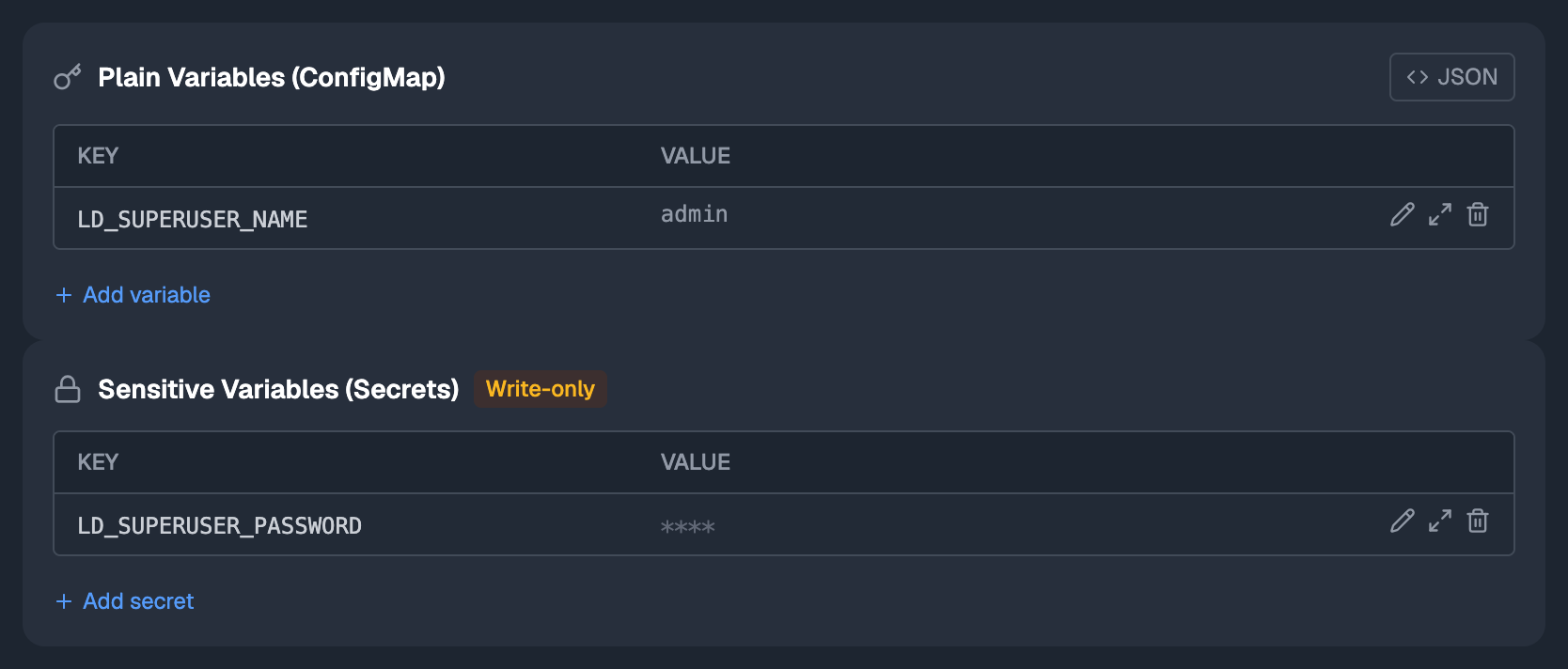
There are two lists. One holds plain variables: names and values, both visible and editable. The other holds sensitive ones and is write-only: you see which keys exist, never what they hold. You can replace a masked value at any time, but you can never read it back.
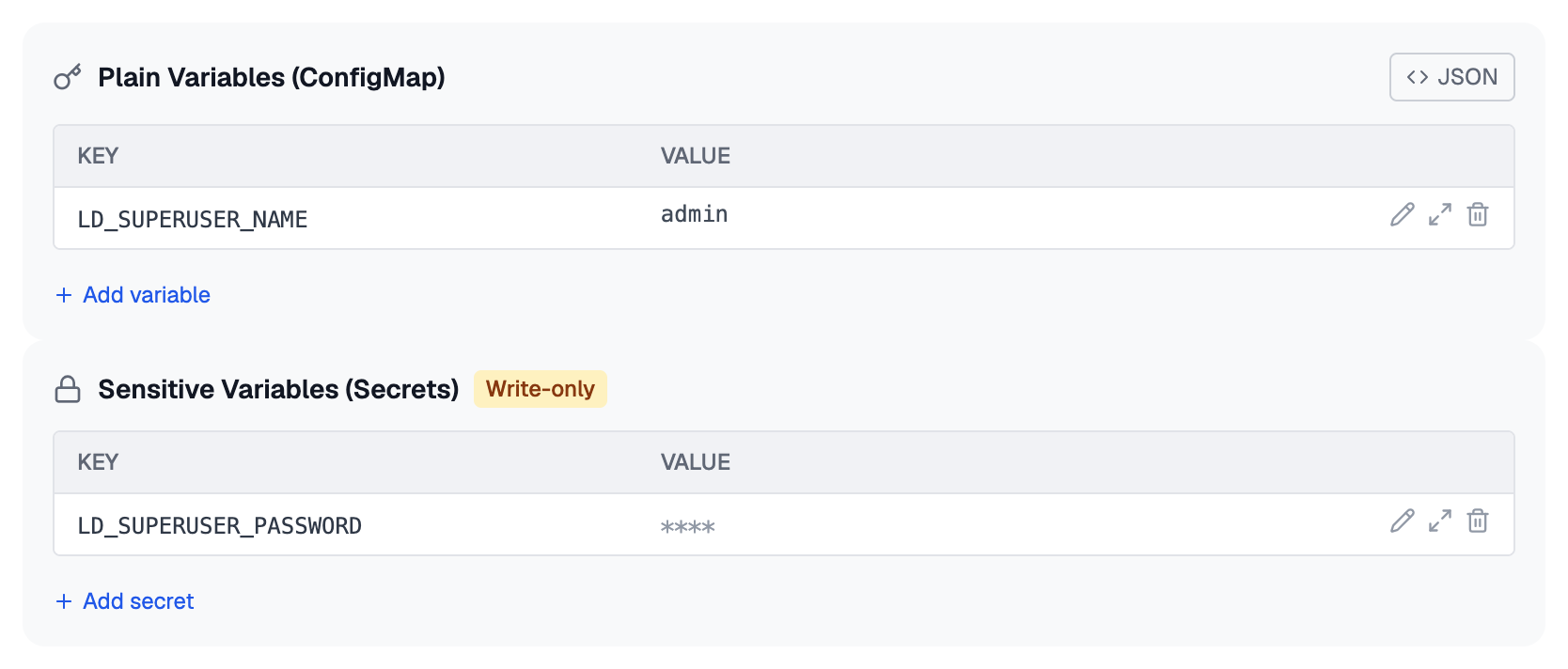
A key still awaiting a value appears in the second list with
awaiting a value where the mask would be. Type a value into it
and save, and the key becomes configured.
Keep in mind:
- A value you type in this tab is a pin. If the manifest declares that key, the next deploy reclaims it. For a value that should survive, change the manifest or pass it at deploy time.
- Saving stores the value. It does not restart the application; see below.
There are three tools. An agent may read the shape of the configuration and write the non-secret part, but never holds a secret.
app_variablesreads. It returns plain variables with their values, the sensitive keys that are configured, and the keys still awaiting one. A sensitive value is never returned, to anyone. Asking again does not help, and an agent must never invent a value to fill the gap.app_variable_setwrites non-secret configuration: a hostname, a log level, a feature flag. Keys it does not name are left alone. It refuses a key the application already holds as sensitive, and it refuses a value shaped like a credential. When it refuses, it writes nothing at all, not even the acceptable keys in the same call, so an agent is never left guessing which part landed.app_variable_requestasks a person for a sensitive value. It has novalueargument. The tool records the key as awaiting a value and returns the command for a person to run in their own terminal, so the value goes from that terminal straight to encrypted storage without passing through the agent.
That last call comes back as input required. This is a state, not a failure: the agent should relay the command and stop, not retry the call unchanged.
Reading needs a credential that may look at applications; both writes need one that may change them.
When the new value reaches the application
Writing a variable updates what Flui stores immediately. The running application picks up the new value the next time it starts: on its next deploy, or on a restart.
flui app restart my-apiThis is why delivering a secret is usually followed by a redeploy or restart, and why reading the variables back right after setting one shows it as configured while the application still runs with the old value.
Where this goes next
- The flui.yaml manifest: the
deploy.envblock these rules are about, and what else a manifest can and cannot say. - The app concept: what an application is, and where its configuration sits among everything else it carries.
flui deploy: the full flag surface, including the install-time overrides that work the same way for a name and a domain.- The Flui Assistant and MCP: the surface the three tools above belong to.