
When your agent stops to ask you
An agent that can read your installation is useful. Letting it change the installation is a bigger step, so Flui asks a person at the moment it matters.
On more than sixty write routes, an agent’s call does not run. It is refused, and the refusal becomes a request addressed to you. This page is for the person who receives that request.
What actually happened
Nothing has happened yet, and this is the part most easily misread.
The call was stopped before it did anything. No application was deployed, no machine was bought, nothing was deleted and nothing failed. What exists now is a question waiting for your answer.
The refusal your agent received carries three things:
- a request id, so the same question can be referred to from a chat, a log or a link;
- a plain sentence describing what was asked for, naming the action and the resource (adding nodes to one named cluster, say) rather than just “infrastructure”;
- a link to the page where a person answers.
You answer it in one of three ways:
- Allow once: let this exact call through, and remember nothing;
- Allow always: let it through and record a standing permission, so the same thing does not stop again;
- Deny: refuse it.
Your agent is not told
Nobody sends the agent a message when you answer. It finds out by making the identical call again.
This means nothing has to hold a connection open while
you decide: you can answer in ten seconds or in half an
hour and the mechanism is the same. It also works for an
agent that is not using a client built for this. An
agent driving Flui with plain curl gets the same
request id and the same sentence, and gets through the
same way, without any special support.
Who counts as an agent
Two things make a caller an agent, and a caller cannot claim either of them for itself:
- its credential carries agent scopes: the key you minted for it;
- the call arrived through the in-product assistant.
The second one surprises people. The assistant in the dashboard is gated too, on your own browser session, while you are watching it. What matters is who wrote the arguments of the call. A model wrote them, so you confirm them before they run.
A person filling in a form, or typing a flui command,
is not paused. There, you are the approver as well as
the one asking, and confirming what you just asked for
would add nothing.
An agent can never answer its own request. An agent key is issued as you, so every permission check on the answer route would pass. The refusal is therefore based on what the caller is, not on permissions. An agent that tries to approve itself is told to stop and ask you.
An hour, and a price it cannot see
A request stays answerable for one hour.
A request carries an estimate of what the action will cost, and a price agreed on Tuesday against a quote taken on Monday may no longer be true. When the hour is up the request can no longer be decided, and the agent’s next attempt reopens the same request with a fresh hour, priced again when you open it.
The agent never sees the figure. It is told that a price exists and is not being shown to it, along with an instruction: tell the user, do not describe the action as free, and do not invent a number. An agent that reports “I asked to add a node, and it costs something I could not read” is describing its position accurately while it waits.
You see the figure, because the page you answer on reads it with your own session.
”Always” is narrower than it sounds
“Allow always” sounds broader than it is. What gets recorded is:
- one specific action: the route shape, not a category;
- on one specific resource: “add nodes to this cluster”. Against another cluster it does not match and the agent asks again;
- for that one credential. A different key, even one you minted yourself for the same agent an hour later, starts from requests again.
In some cases “always” is not offered at all. If a request cannot name the resource it acts on, or has no credential of its own behind it, it can only be allowed once. A standing permission with an unclear boundary would be a wider grant than anyone agreed to, so the page does not offer one, and says why.
A standing permission grants nothing
Allowing something always does not give your agent a permission. It removes a pause on something your own access already allowed. By the time the question reached you, Flui had already decided the action was one this installation permits and one you may perform. All that was left to decide was whether a person had to be asked.
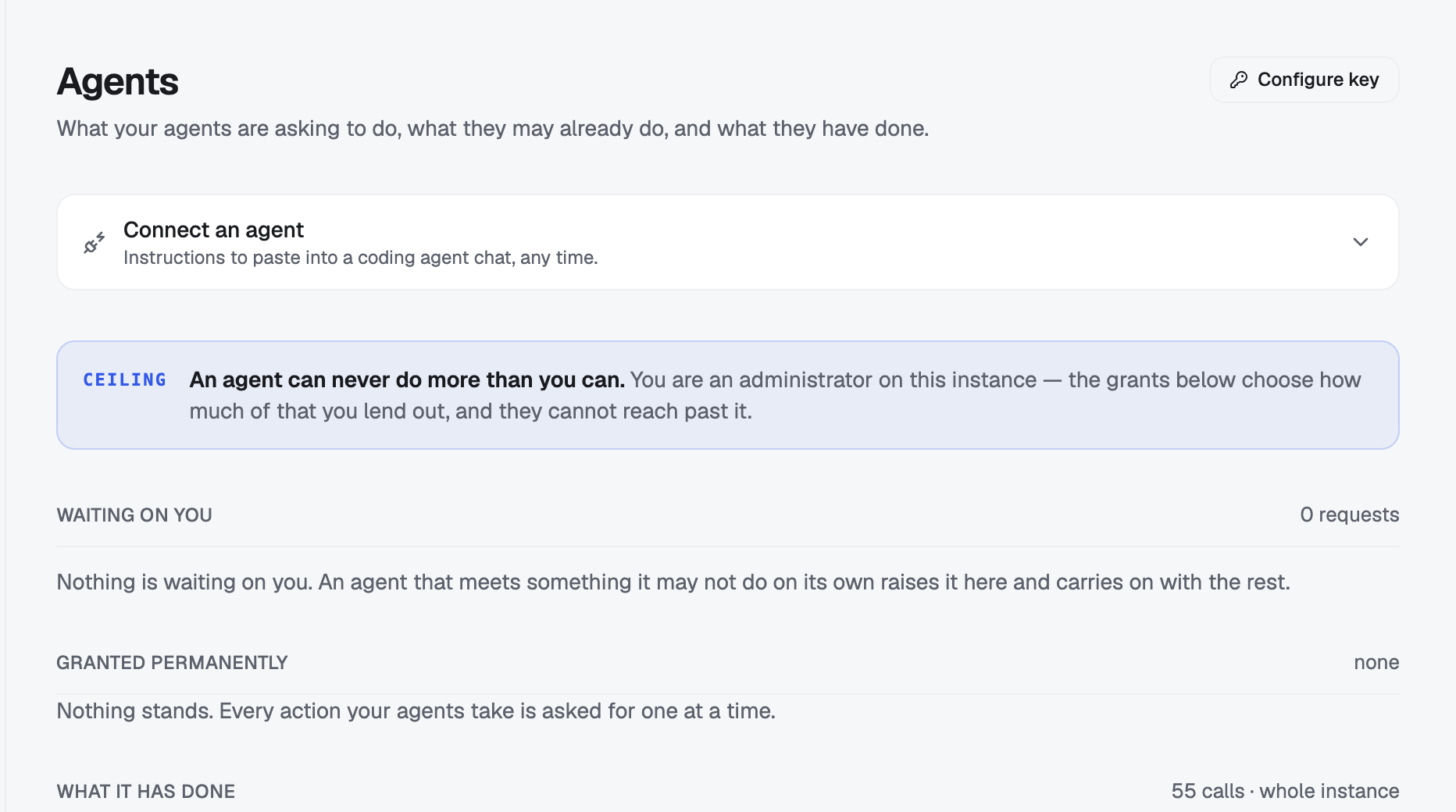
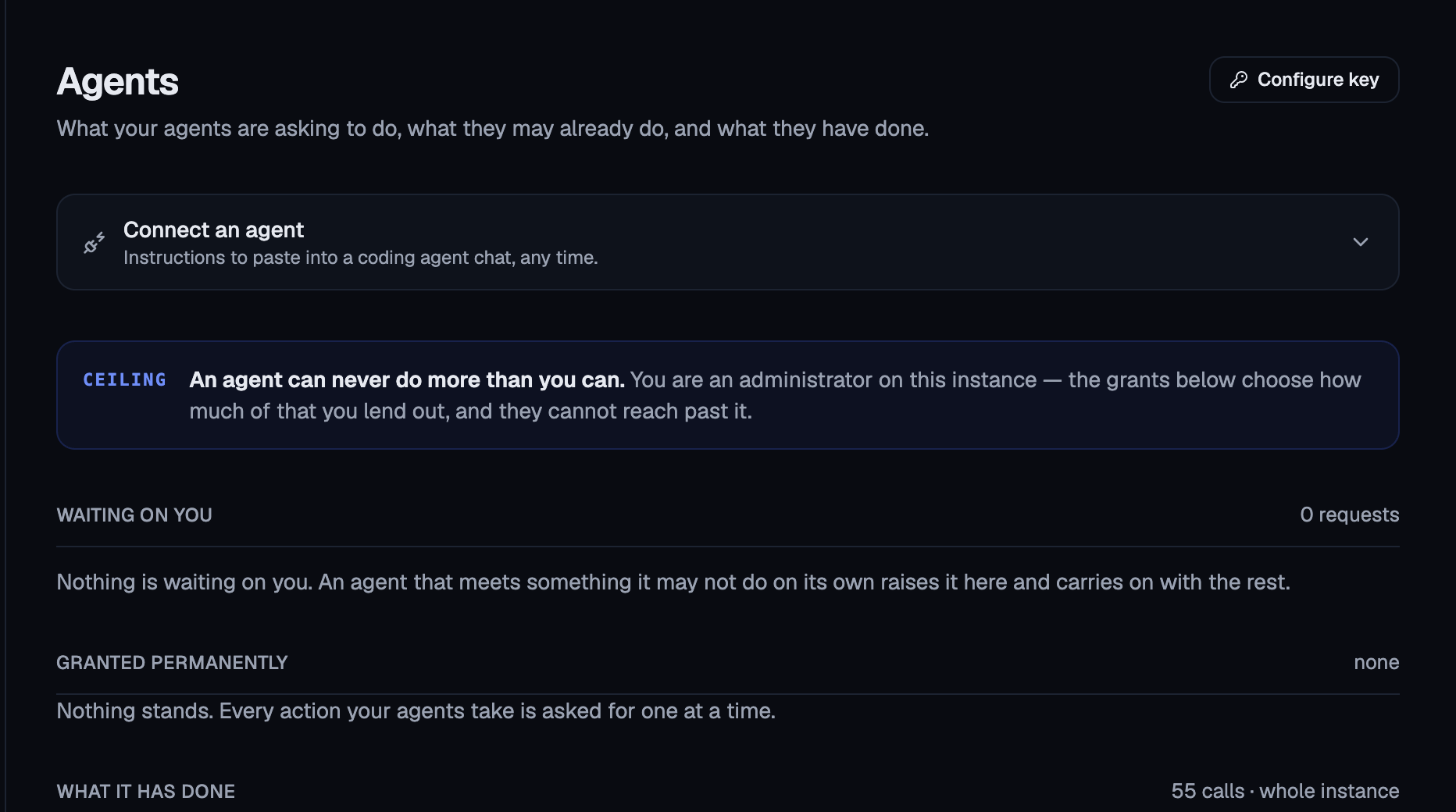
So a standing permission can never widen what anyone may do, and revoking one never takes anything away from you. The dashboard says this at the top of the page: “an agent can never do more than you can.”
Where you answer
In the dashboard, under Agents. The path is
/agents, and /agents/requests is the same page. A
link in a refusal points at
/agents/requests/<request-id>, which opens the page on
that request.
When the request comes from the assistant inside the dashboard, it also appears in the chat, as a card with the same sentence. Saying yes there allows it once, never always.
The page has three sections, in the order you need them.
Waiting on you
Each request is a card with the plain sentence as its headline. Under it, when the route declares one, is a line beginning “If you allow it:”, which says what the action will do. That can differ from what was asked for.
Then the facts: which of your credentials is asking, the action, the route, and each resource the request names. Where a price or an impact estimate exists, its numbers appear beside them, with money highlighted; See full estimate opens the whole estimate.
The buttons are Allow once, Allow always and Deny. Allow always appears only when the request could state its own boundary. When it does, a line above the buttons quotes the exact sentence it would grant, and says: no other action, no other resource.
If you followed a link to a request someone already answered, the page tells you so.
The count beside the heading also tells you how many requests expired without an answer. Keep an eye on it: an expired request was not refused, nobody answered it in time.
Granted permanently
Everything your agents may now do without asking, one row each: what it can do, on what, when it was granted, and when it was last used, or Never used.
Every row has Revoke.
What it has done
The activity register, described further down this page.
Taking a permission back
Revoke opens a dialog before anything happens, because revoking does less than people often assume. The dialog tells you two things.
First, what you are taking back, quoted in the words you originally agreed to rather than re-derived from a route.
Second, what is still running under it. Revoking takes effect immediately for anything that has not started: the permission is checked on every call, so from the moment you confirm, nothing new starts under it. It does not stop work already in flight. If three provisionings started under this permission, they carry on.
So the dialog lists them and offers a checkbox: also ask them to stop. That stop is a request, honoured at the next safe point in the work and never in the middle of a step. A ten-step provisioning cut in half leaves paid-for resources behind, which is worse than the outcome you wanted to avoid.
If nothing is running, the dialog says so too, and the revoke is clean.
Three behaviours that save you trouble
Repeated attempts collapse into one request. An agent that retries the same call with the same arguments finds the existing request and gets the same id back, so your page does not fill up with copies of one question.
A dry run does not ask. Some routes have a mode that checks without changing anything, such as validating a manifest. Those do not stop, because the question would describe a deploy that is not happening.
A settled “no” stays settled. When an agent retries something you refused, it does not get a generic access error. It gets a distinct answer saying that the person it acts for decided this and the answer stands: do not retry it, do not reword the arguments to get around it, tell the user what was refused and offer a different course of action. An ordinary permission error would send a coding agent off asking you to grant it something, which is exactly what you just declined.
What your agent did
Alongside the requests sits the register: every call made through an agent credential, newest first, recorded by the call itself rather than by anything reporting on it.
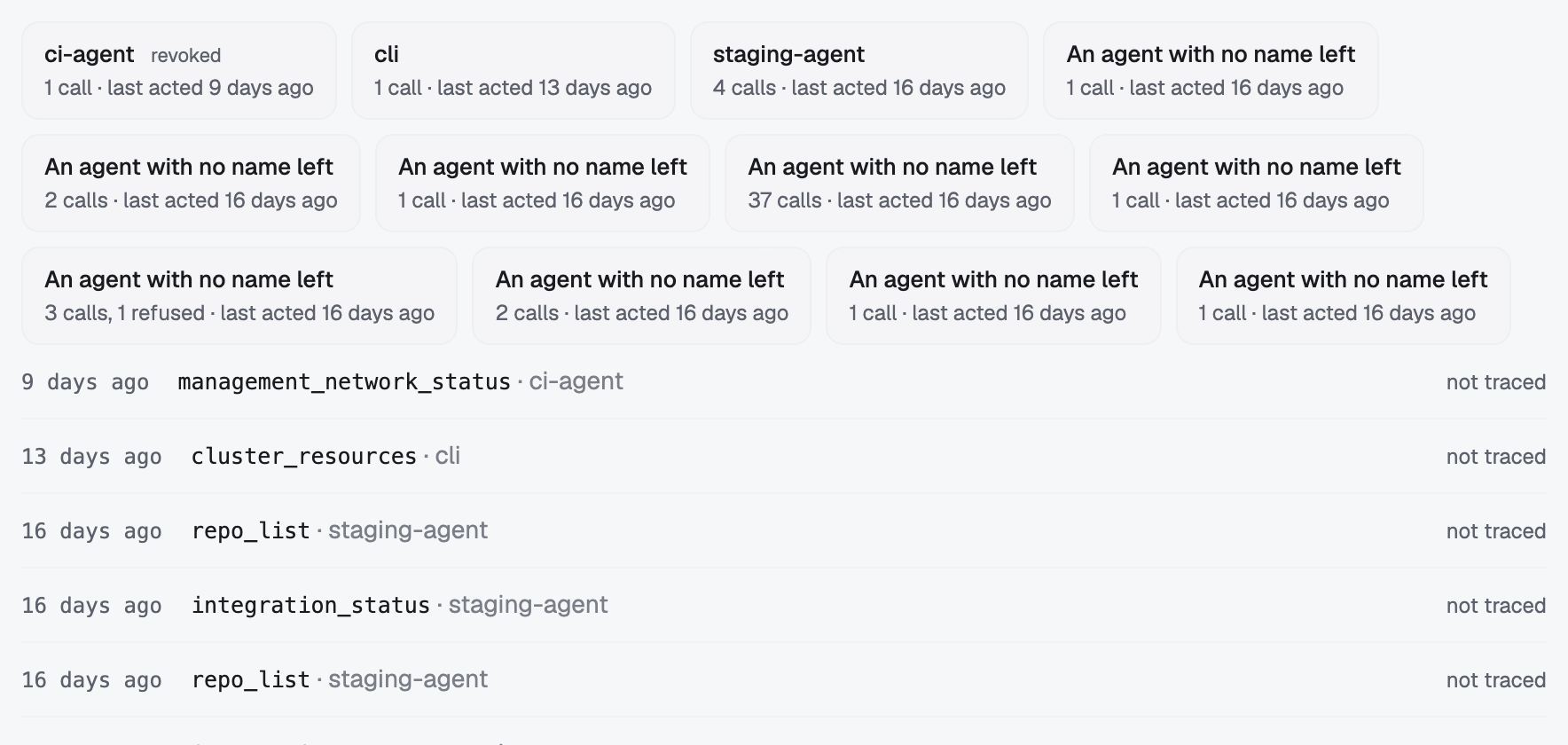
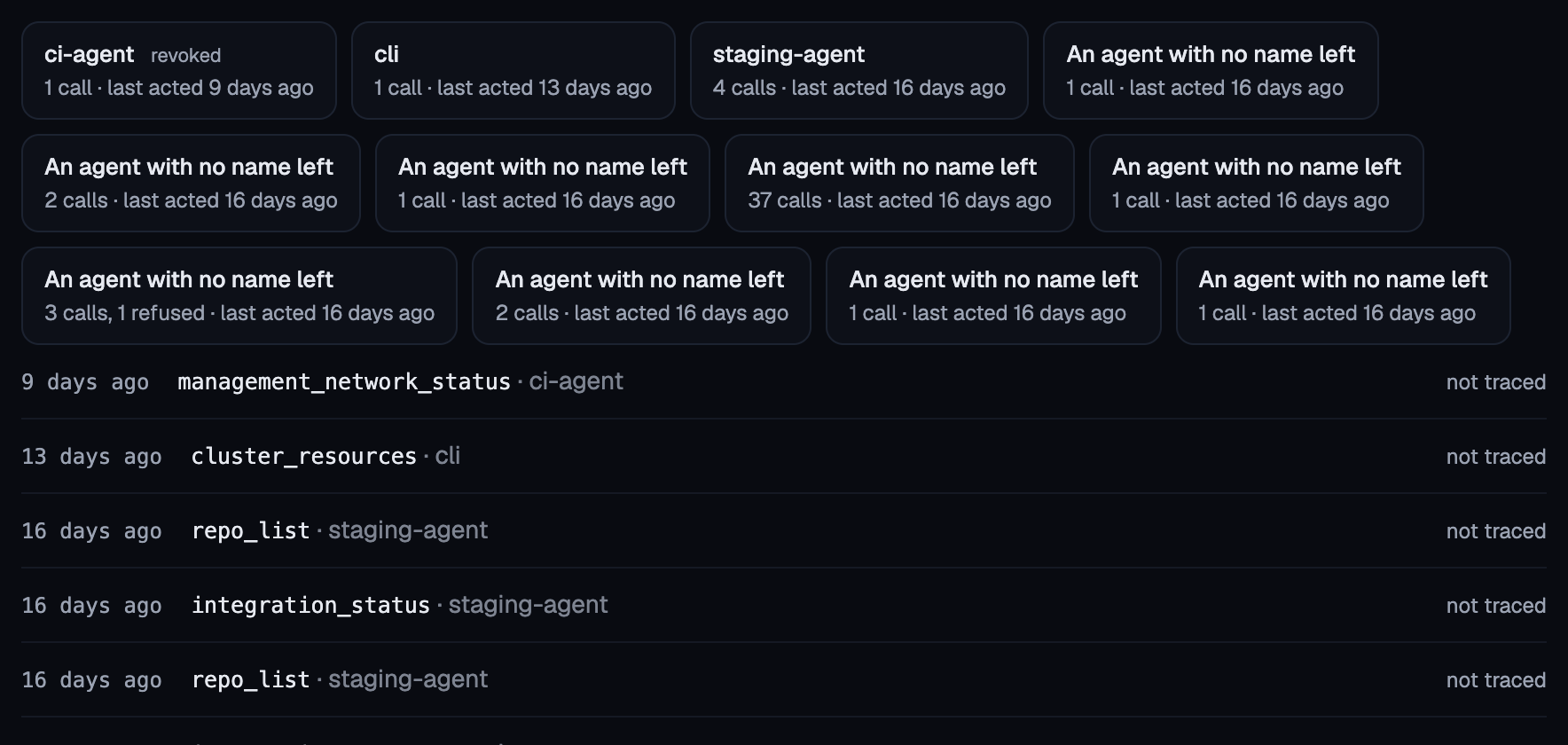
Each row shows when, which tool or action, what it touched (where the platform recorded that itself), and, on the right, what let it through:
- standing grant, with the sentence you agreed to;
- allowed once: you answered that one and the answer was used on it;
- stopped to ask you: the agent was paused there;
- refused, with the refusal message available to read.
You can read your own register without any management access, because deciding whether to disconnect an agent should not require being an administrator. Someone who administers access on the installation sees every agent on it instead, and the page says which of the two views you are looking at.
Other people’s rows are absent, not forbidden. A register that answered “you may not see that” would confirm the call it was hiding, so another person’s request or row reads as not found.
The register also covers calls a credential made
straight at the API (an agent using curl, with no tool
surface in front of it) on the routes that stop and ask.
The least supervised case is recorded like every other.
There is no command, and no tool
This is the one job in this section that only the dashboard does.
No flui command lists, answers or revokes any of this:
there is no flui agent proposals, and nothing under
another name. No agent tool can answer a request either,
on any surface, for the reason above: the agent that
asks cannot also be the one that approves.
You answer in the dashboard, or through the API underneath it with your own credential.
Where this goes next
- Connect an agent: minting the credential that raises these requests, and what it may touch.
- Choose what your agent may do: the permission groups, and why “operate the infrastructure” states that everything behind it stops to ask.
- Give a teammate access: the access an agent’s key is a ceiling on, and never a grant of.
- The Flui Assistant and MCP: the surface these calls arrive on.